Brochures
Unfold your services, menus and ideas in full color.
Shop NowPrefer we handle it? Ask our team to do it for you
Popular Fold Options
Compare four ways to arrange your message across folded panels.
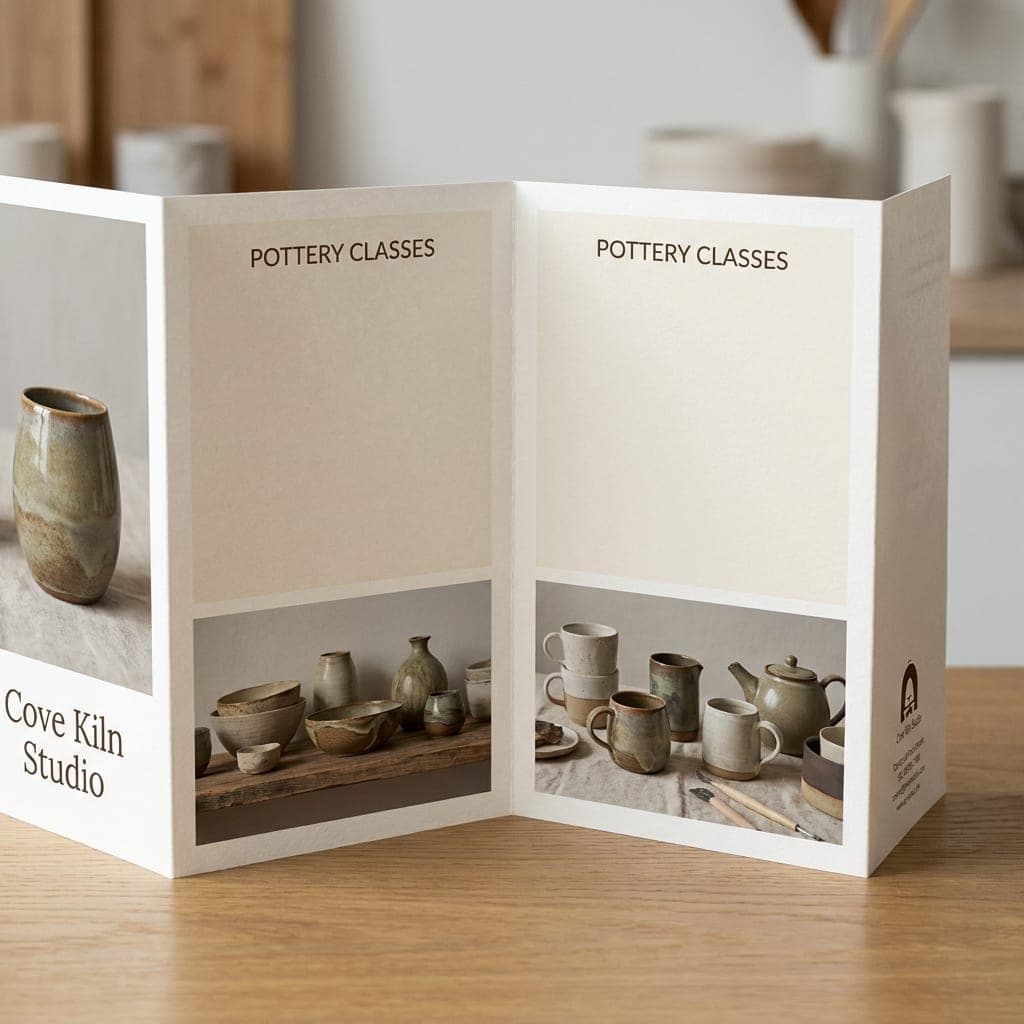
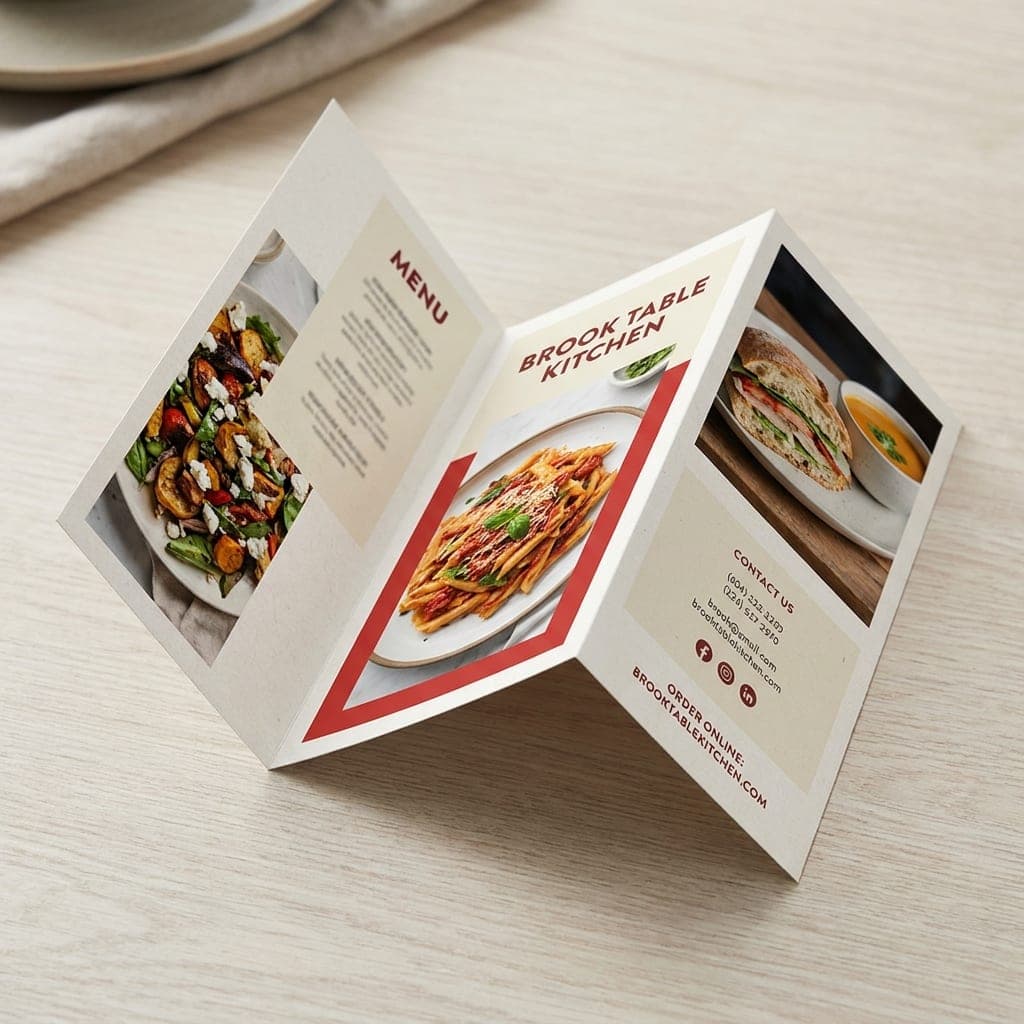
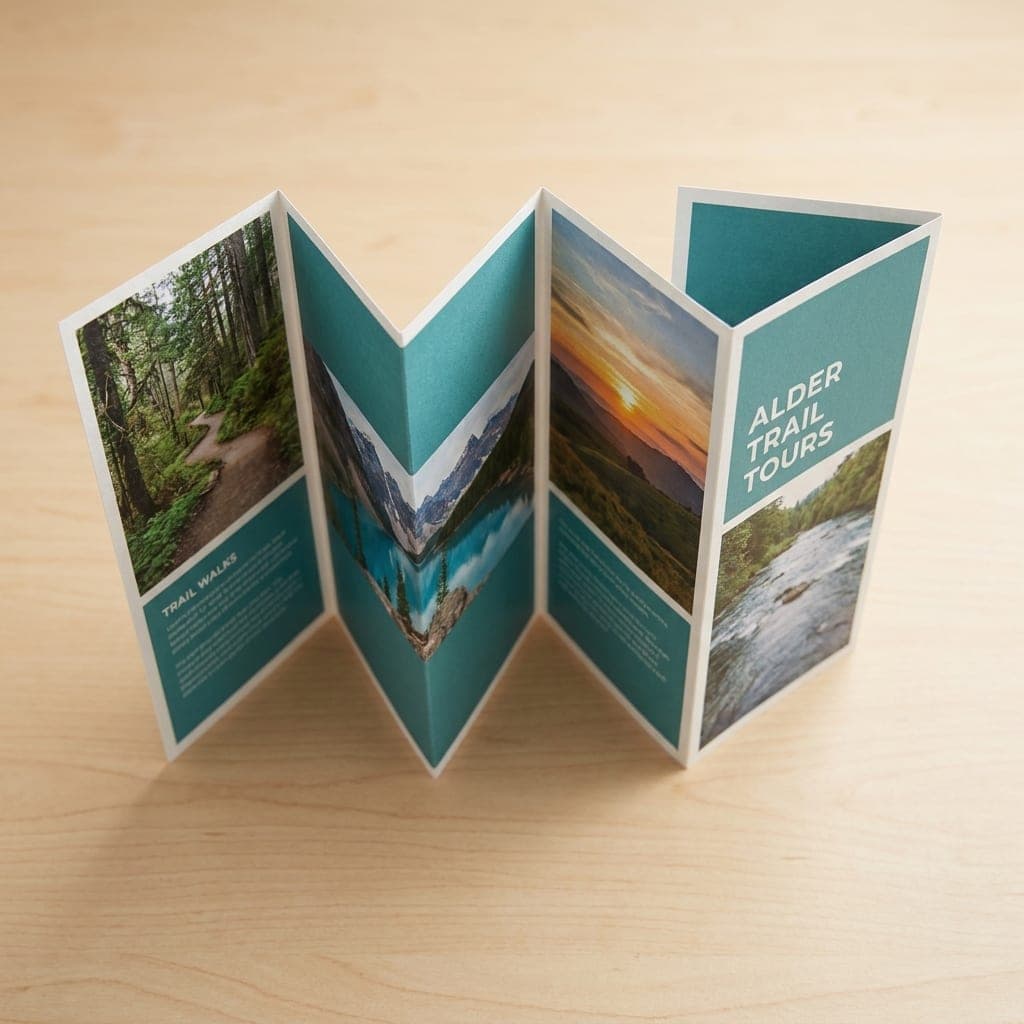
See How Each Fold Works
Pick a fold and watch the panels close, or step through it yourself to see which panel ends up on the cover.
Shop by Brochure Size
Choose your flat sheet size, then plan the panels around your fold.
 6" x 9" BrochuresStarting at $62.46Shop Now
 8.5" x 11" BrochuresStarting at $100.96Shop Now
 7" x 14" BrochuresStarting at $109.12Shop Now
 9" x 12" BrochuresStarting at $118.84Shop Now
 8.5" x 14" BrochuresStarting at $138.10Shop Now
 9" x 16" BrochuresStarting at $164.20Shop Now
 11" x 17" BrochuresStarting at $209.09Shop Now
 12" x 18" BrochuresStarting at $350.82Shop Now
 11" x 25.5" BrochuresStarting at $339.62Shop Now
 Design ServicesOur in-house designers create it for youGet Design Help
 Upload My DesignUpload now, or send your files after you orderUpload Print Files
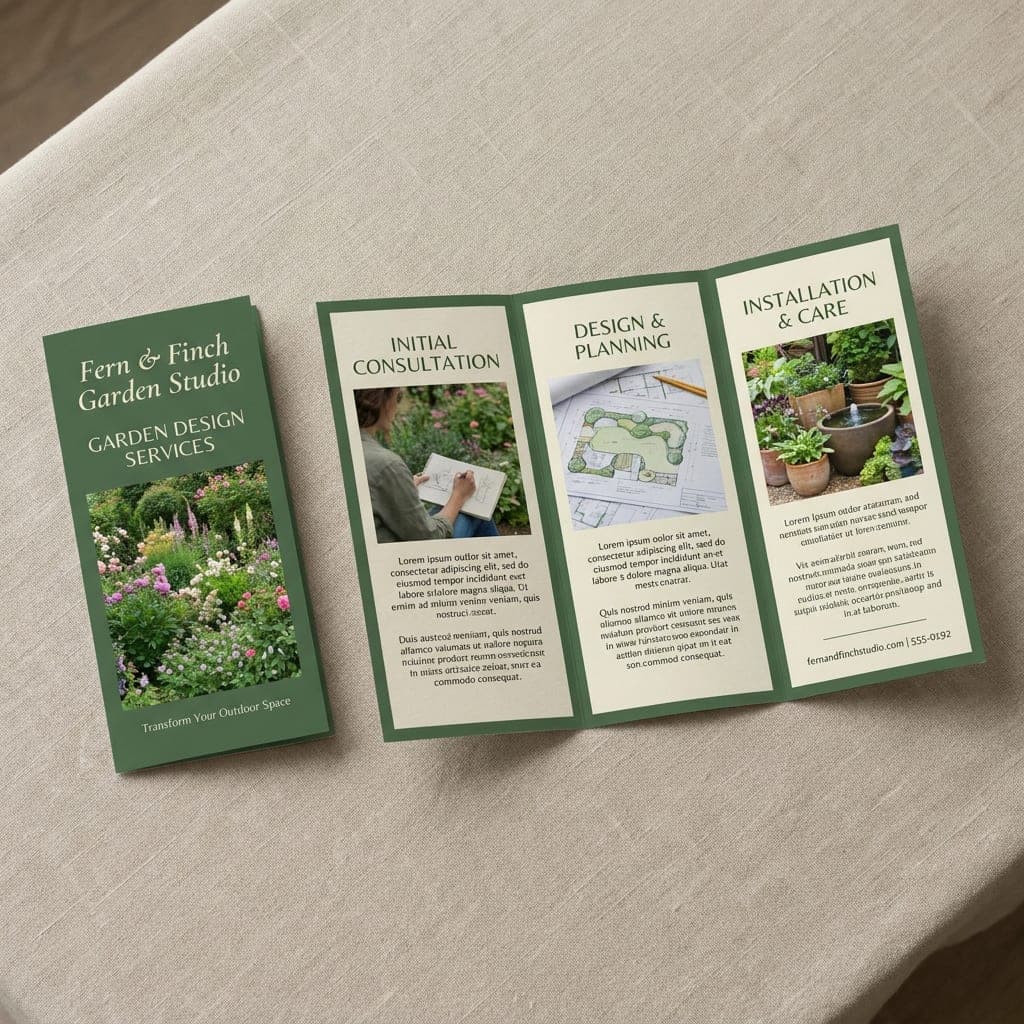
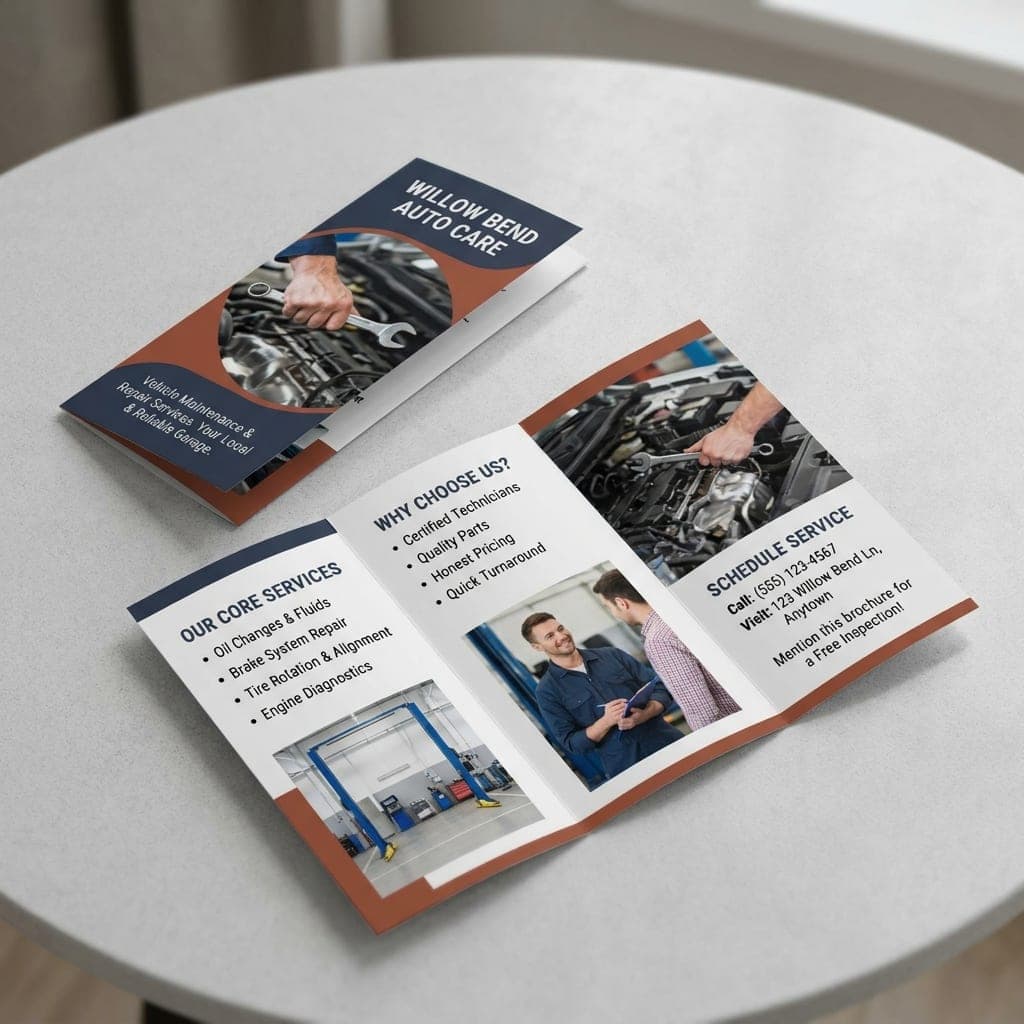
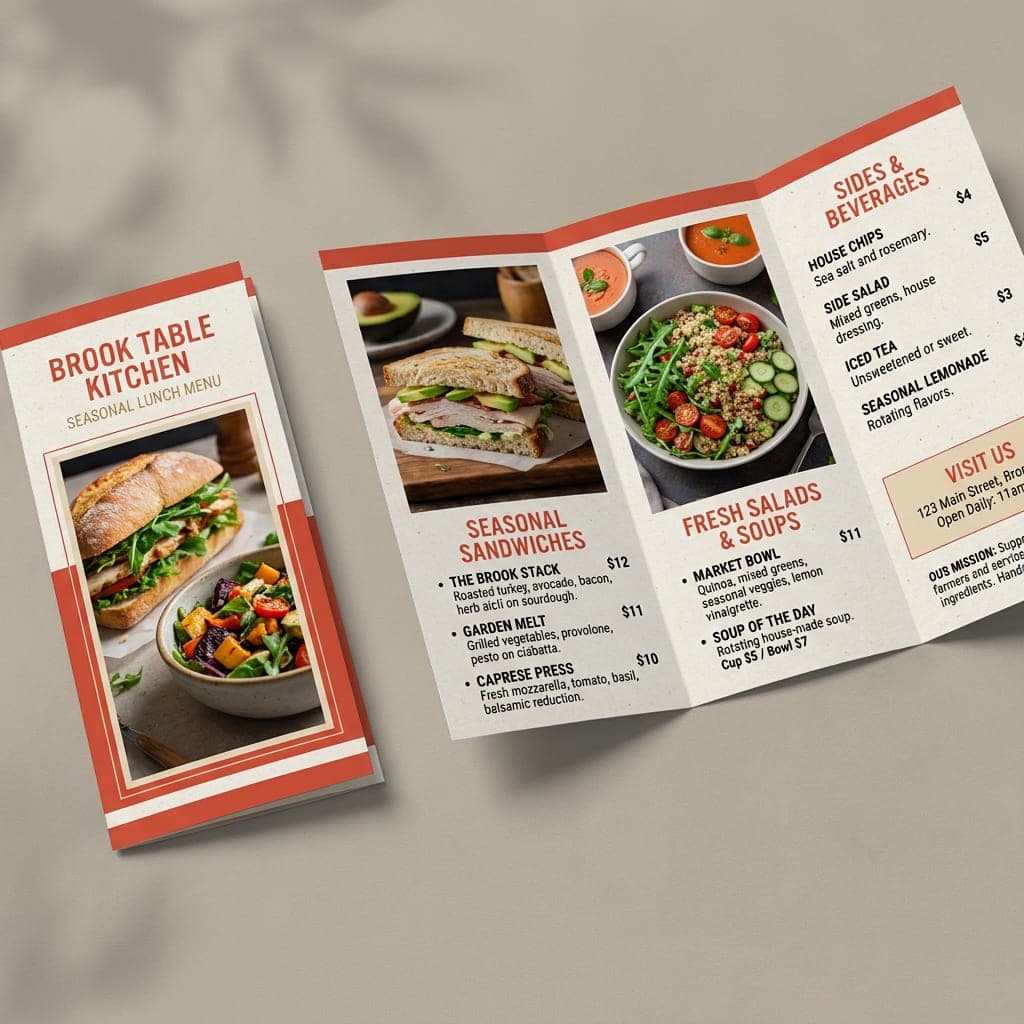
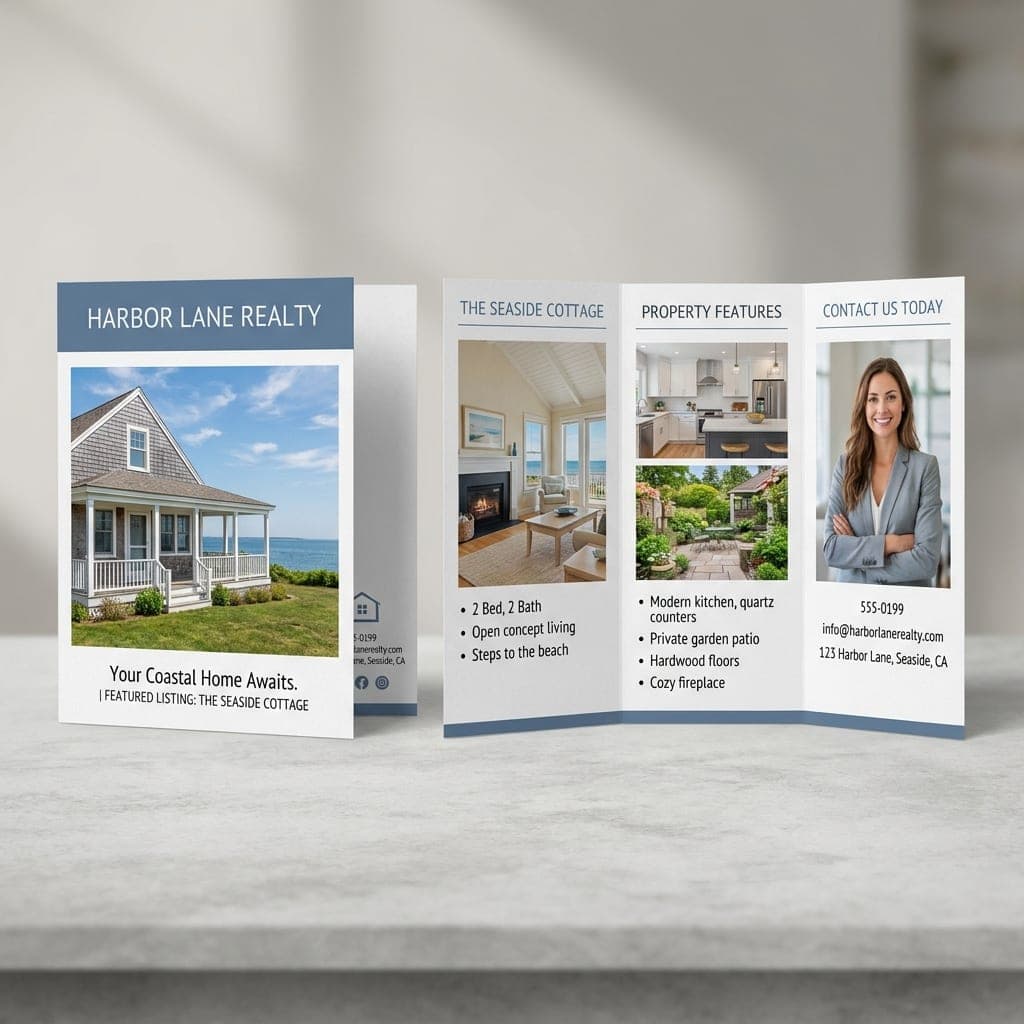
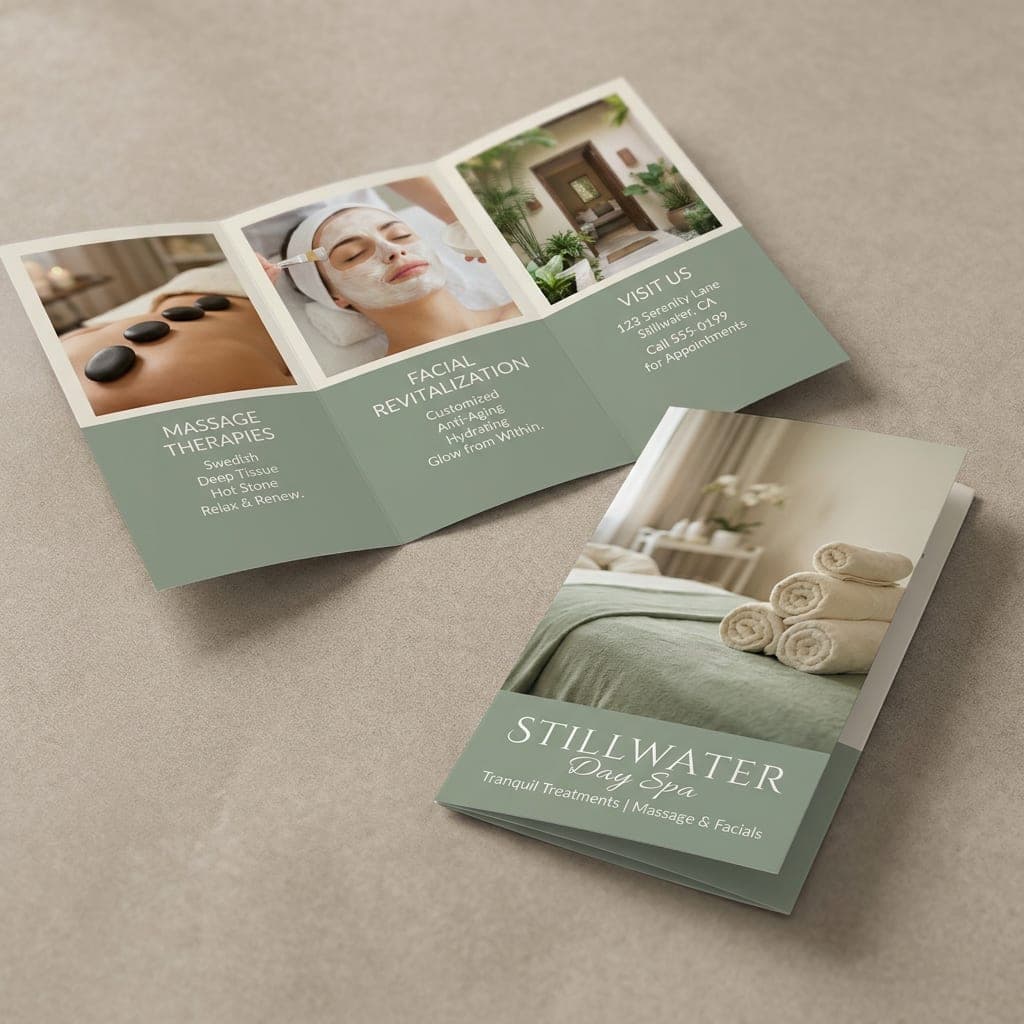
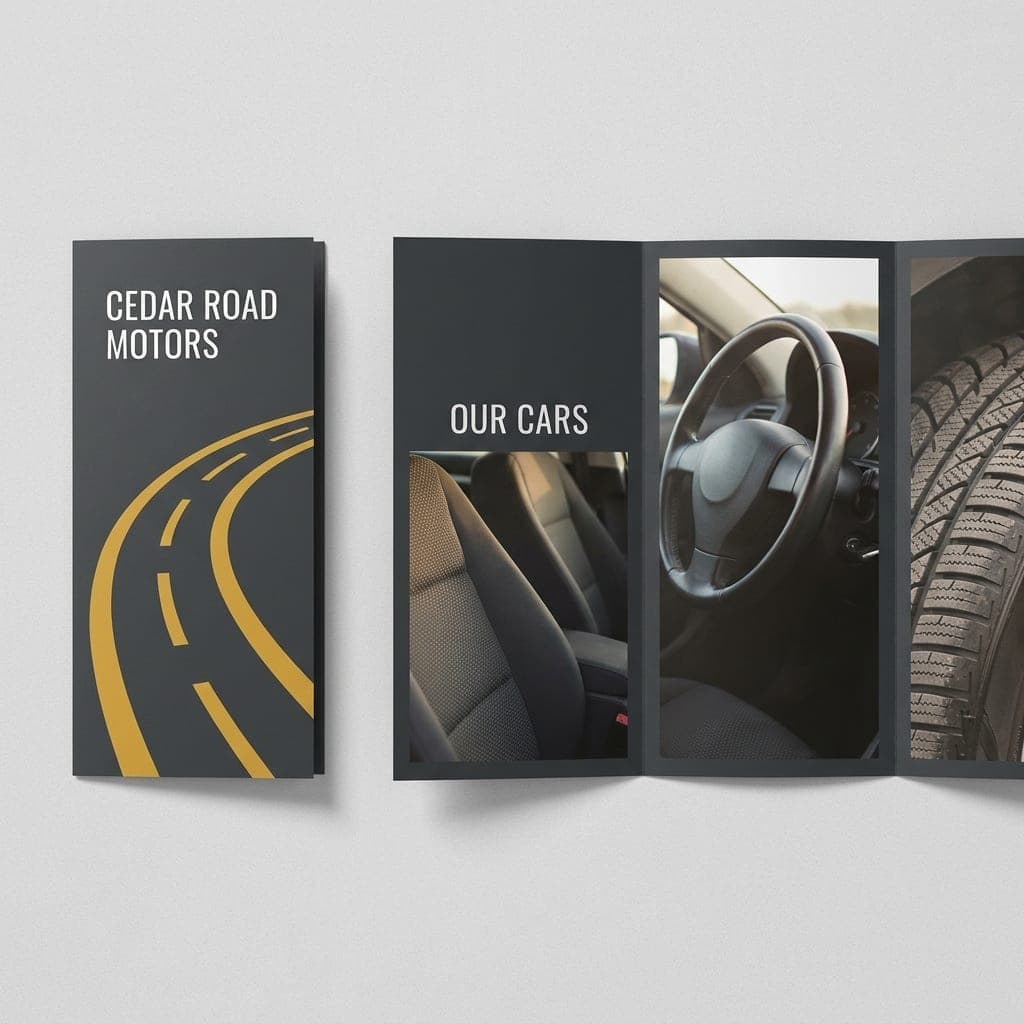
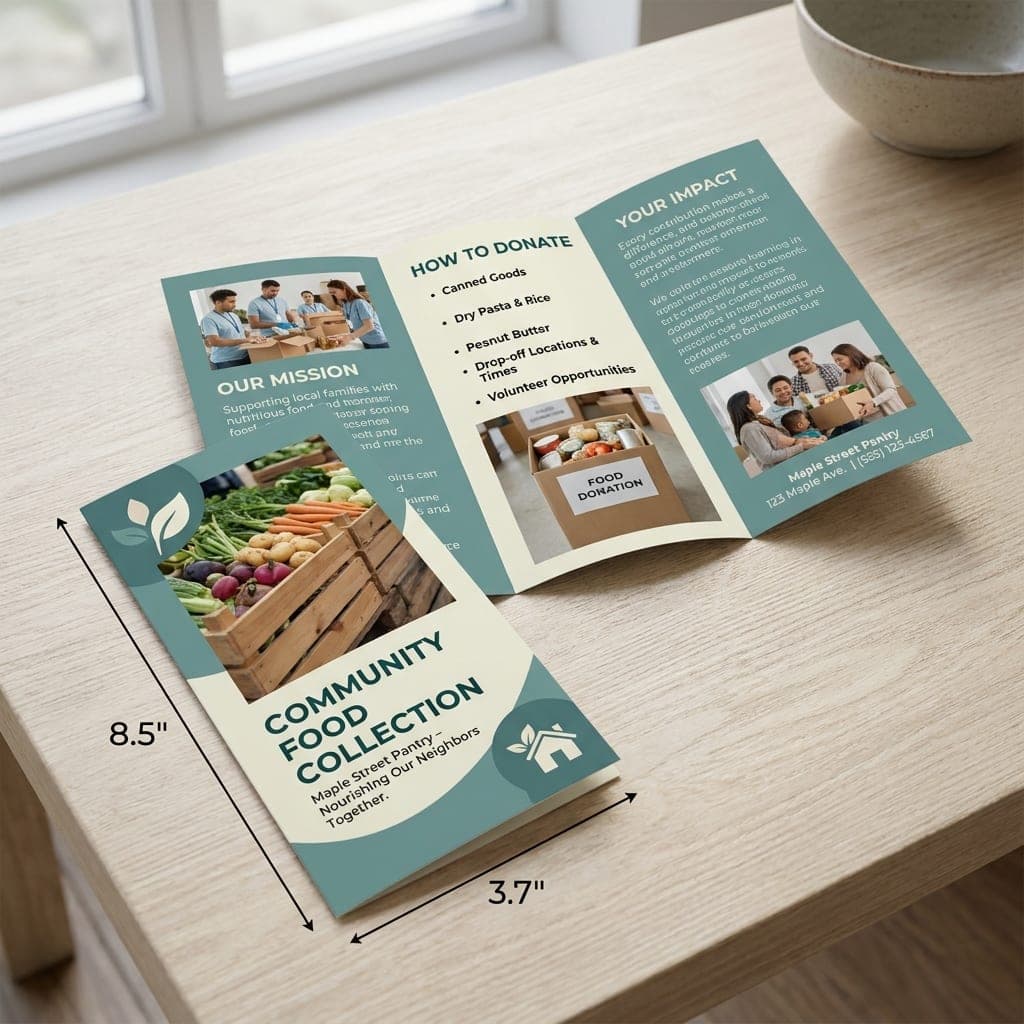
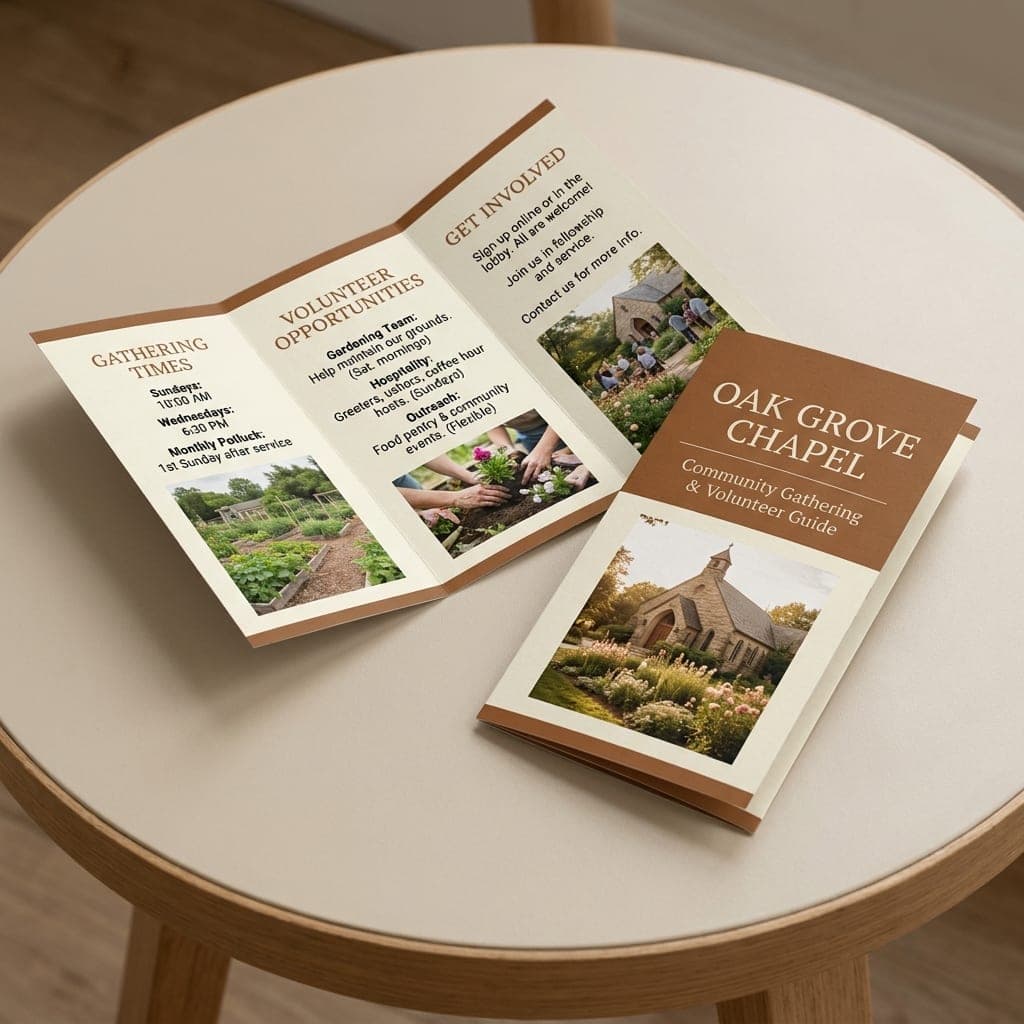
8.5" x 11" Brochure Design Templates
Browse free design inspiration by industry and ask our designers to adapt a look for your business.
Shop by Paper
Compare flexible text papers, firmer coated stocks and an uncoated option.
 80 lb. / 4 pt.Gloss Book
- 80 lb. / 4 pt. paper
- Light and durable
- Gloss surface for vivid color
 100 lb. / 10 pt.Matte Cover
- 100 lb. / 10 pt. cover
- Clean white base
- Smooth matte finish
 80 lb. / 4 pt.Matte Text
- 80 lb. / 4 pt. paper
- Crisp white base
- Flat matte finish
- 100 lb100 lb. Gloss CoverMedium weight, high-shine gloss.Shop This Paper
- 100 lb100 lb. Gloss BookMedium weight, high-shine gloss.Shop This Paper
- 70 lb70 lb. Opaque Smooth WhiteMedium weight.Shop This Paper
- Gloss Book80 lb. / 4 pt.
- Matte Text80 lb. / 4 pt.
- Matte Cover100 lb. / 10 pt.
High-Quality Offset Printing
Colorful printing at budget-friendly prices.
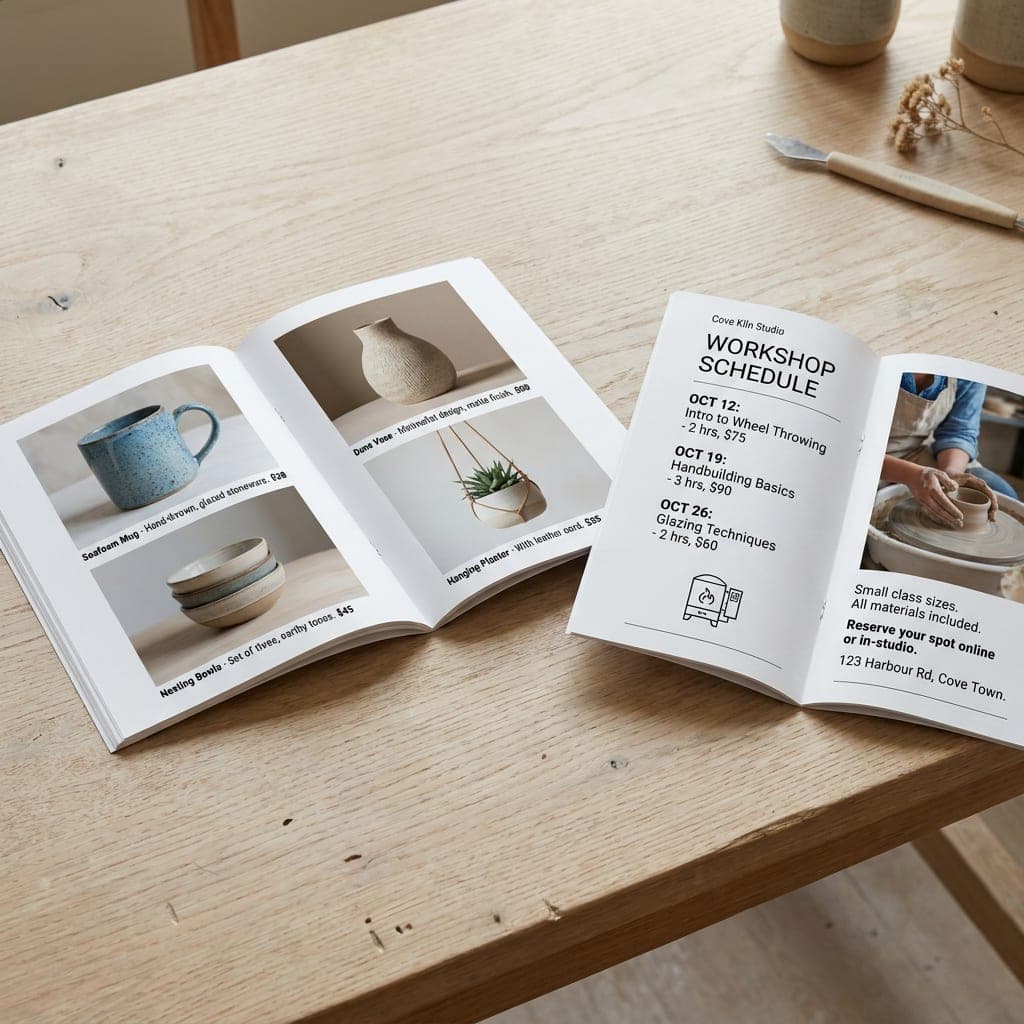
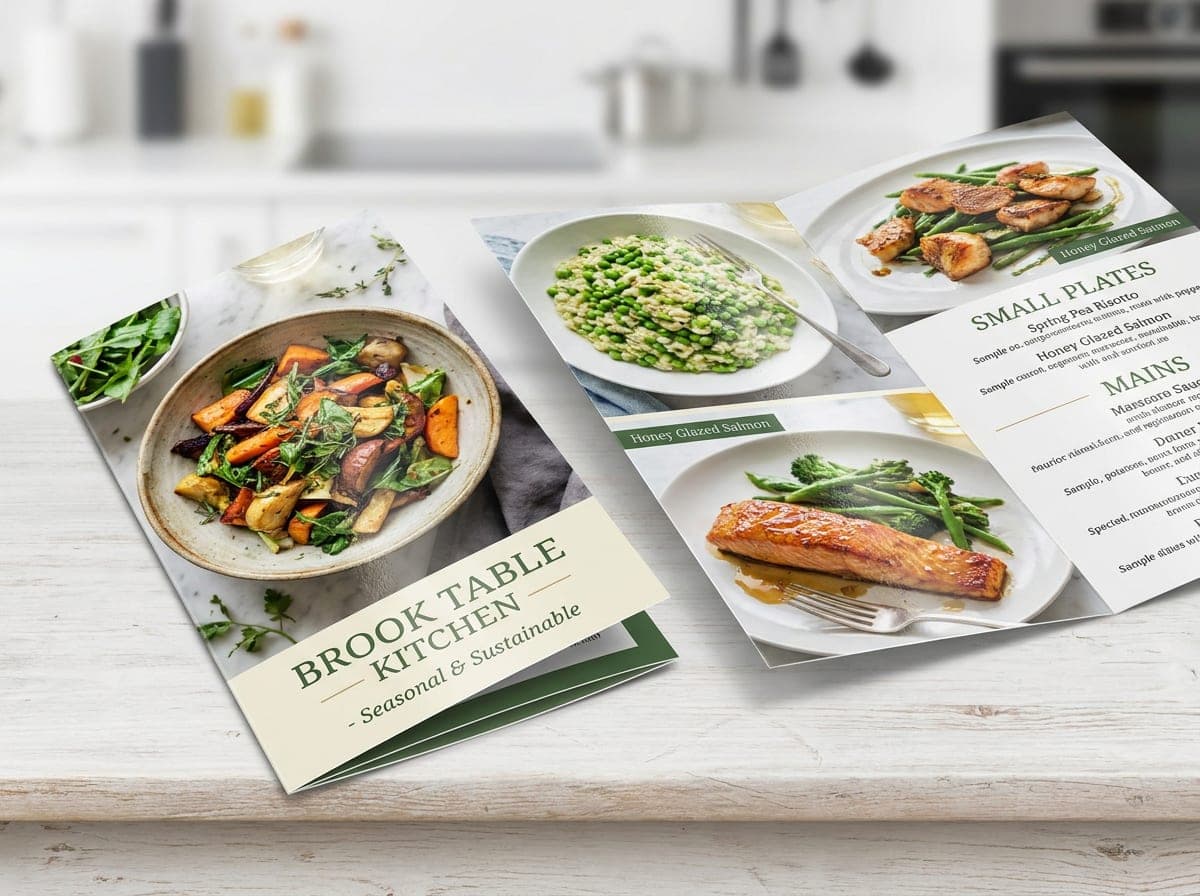
Both sides of your brochure print in full color. Use one panel to introduce your business, then give readers a clear route through your services, product photos and contact details. Choose gloss, silk, coated card or uncoated paper to suit the design.
Shop Custom Brochures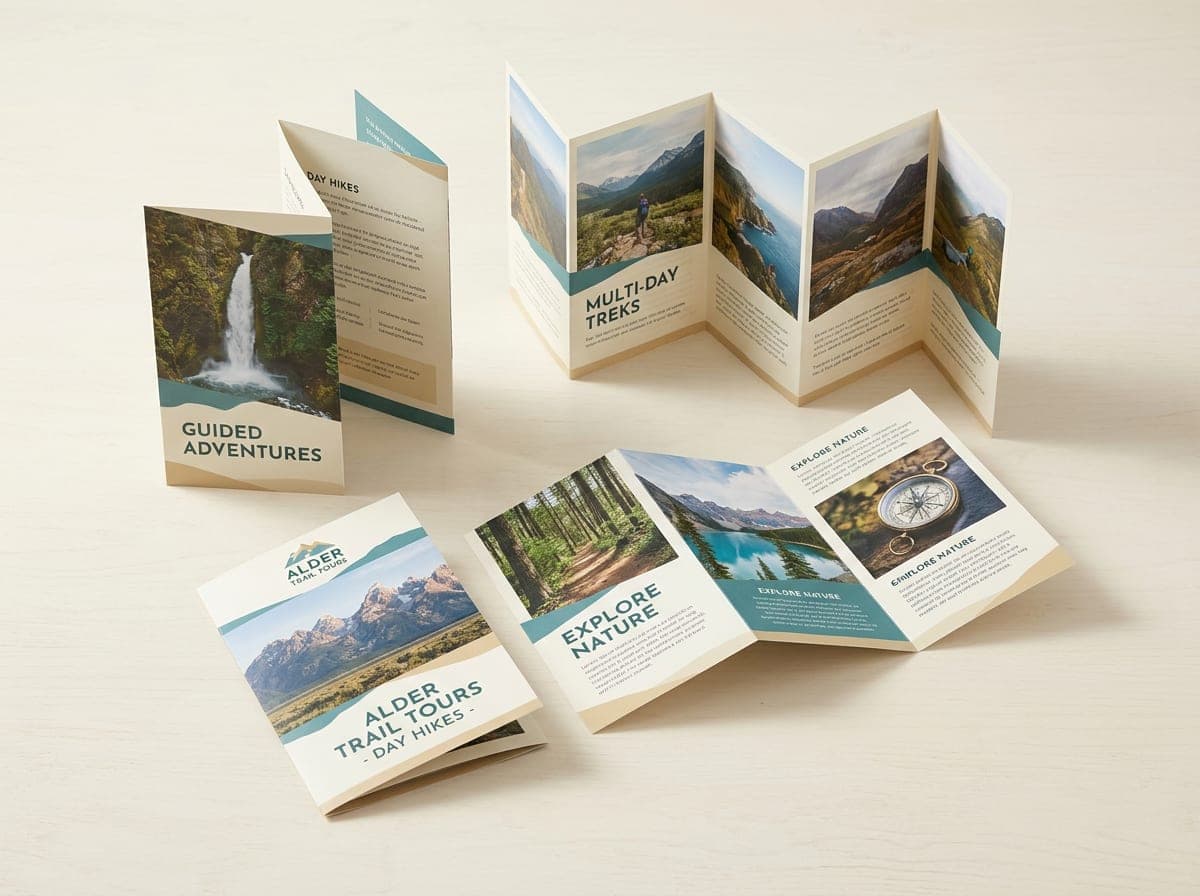
Multiple Folding & Size Options
Explore more than 50 size and fold combinations.
Choose among eleven fold styles, from a simple half fold to tri-fold, Z-fold, gate, parallel, reverse parallel, roll, French, half-fold-then-tri-fold and accordion layouts. Upload print-ready artwork or browse free design inspiration and ask our team to create your brochure. Plan the panel order before preparing your file.
Explore brochure options FreeFree Sample KitCompare paper textures and finishes before choosing your stock.Request a sample kit
- Satisfaction GuaranteeLearn more
- Free Sample KitRequest now
- Honest Pricing GuaranteeLearn more
Frequently Asked Questions
What can I use a brochure for?
Use a brochure to explain services, share a menu, introduce a property or give visitors a guide to an event. The panels let you group information into sections that readers can carry home and refer to later.
Why print my brochures with Minute Marketing?
Choose from nine flat sizes and eleven fold styles, with gloss, matte and uncoated papers and full-color printing on both sides. Our Satisfaction Guarantee, Honest Pricing Guarantee and free sample kit help you order with confidence. Our team can help with design and file setup, including checking that your content follows the intended panel order.
How do I create a brochure?
Choose the flat sheet size, paper and fold first. Plan the outside and inside panels, then build your design to the fold layout. Upload your artwork through the order flow, or request design help if you need someone to arrange your text, logo and photos.
Which brochure folds can I choose?
The order form includes tri-fold, Z-fold, accordion, size-specific half folds, open gate, closed gate, double parallel, reverse parallel, roll, French and half-fold-then-tri-fold styles. Sizes refer to the flat sheet; the final panel size depends on the fold. Confirm that your selected fold and sheet size match your design before ordering.
How much does brochure printing cost?
The total depends on size, paper, fold and quantity.Choose your options on the order page to compare them, and contact us to confirm pricing for your job.
What makes a brochure easy to read?
Decide what readers should do next and make that action clear. Give each panel one job, use short headings, bullet points and images, and leave room around text and photos. Limit the design to a small set of fonts and colors. Ask someone unfamiliar with your business to review the flow. Make the cover useful at a glance and place contact details where readers can find them. Print and fold a paper mockup to check reading order before uploading the final artwork.
Which file formats can I upload?
Upload a PDF, PNG, JPG or TIFF. A print-ready PDF is a good choice for a layout with text and photos. Use images at 350 dpi at their printed size in CMYK, and prepare the outside and inside as flat layouts using the correct panel guides.
Which paper should I choose for a brochure?
100 lb. Gloss Book suits photo-heavy layouts, while 80 lb. Gloss Book keeps handouts light. Gloss Cover and Matte Cover feel firmer. Matte Text has a softer appearance, and 70 lb. Opaque Smooth White offers an uncoated surface for notes. Silk Text and 14 pt. coated card are also available. Ask for guidance when pairing a heavier stock with a complex fold.
What are the safe zone, trim line and bleed?
The trim line marks the final sheet edge. Extend background artwork 0.125" beyond it for bleed, and keep important text and logos at least 0.125" inside the trim. Fold lines need their own clearance; use panel guides for your chosen fold and keep text away from each crease.
Can I use a ready-made brochure template?
The examples on this page are design inspiration. Select a design idea to request help from our team, or upload your own finished layout. Before adapting a template from another source, check its flat size, fold positions and bleed against the brochure you plan to order.
How long does brochure production take?
We offer fast turnaround. Production timing depends on your paper, fold, quantity and artwork approval. Ask our team for a current estimate before ordering, and allow additional time for shipping. Share any event deadline so we can review the schedule with you.
Give your message room to unfold
A brochure brings photos, services and contact details together in a format customers can take with them. Use the cover to introduce your business, the inside panels to answer common questions and the closing panel to make the next step clear. Choose a flat sheet size and fold that leave enough room for the information your readers need.
Choose a sheet size before designing
Our nine brochure sizes range from a 6" x 9" flat sheet to an expansive 11" x 25.5" sheet. The folded size depends on the fold you choose. A larger sheet gives you room for more photos or longer service descriptions, while a letter-size sheet works well for a compact introduction.
Use folds to organize information
A half fold creates four broad panels, while a tri-fold creates six smaller panels. Z-folds open in alternating directions, and gate folds bring outer panels toward the center. Make a folded mockup before finalizing the artwork so that each section appears in the right place.
Match the paper to the purpose
Gloss and silk text papers keep a brochure flexible. Coated 10 pt. and 14 pt. stocks add a firmer feel, while 70 lb. Offset offers an uncoated surface. Compare samples and discuss your fold with our team if you are unsure which stock suits the layout.
Prepare your brochure for print
Design the outside and inside at the flat sheet size, with bleed and clear space around trim and fold lines. Use 350 dpi images in CMYK with 0.125 in bleed, and upload PDF, PNG, JPG or TIFF. Check spelling, contact details and panel order before uploading. Review and approve your digital proof before production; ask our team for timing and keep shipping time in mind. If you need a layout, send our designers your logo, text and photos through the design request form.
Questions and answers
No questions about Brochures yet. For a fast answer, use the chat button on this page or request a quote and tell us about your job.
Prepare your print file
Match your ordered size and use the bleed, trim and safe guides before exporting your artwork.