
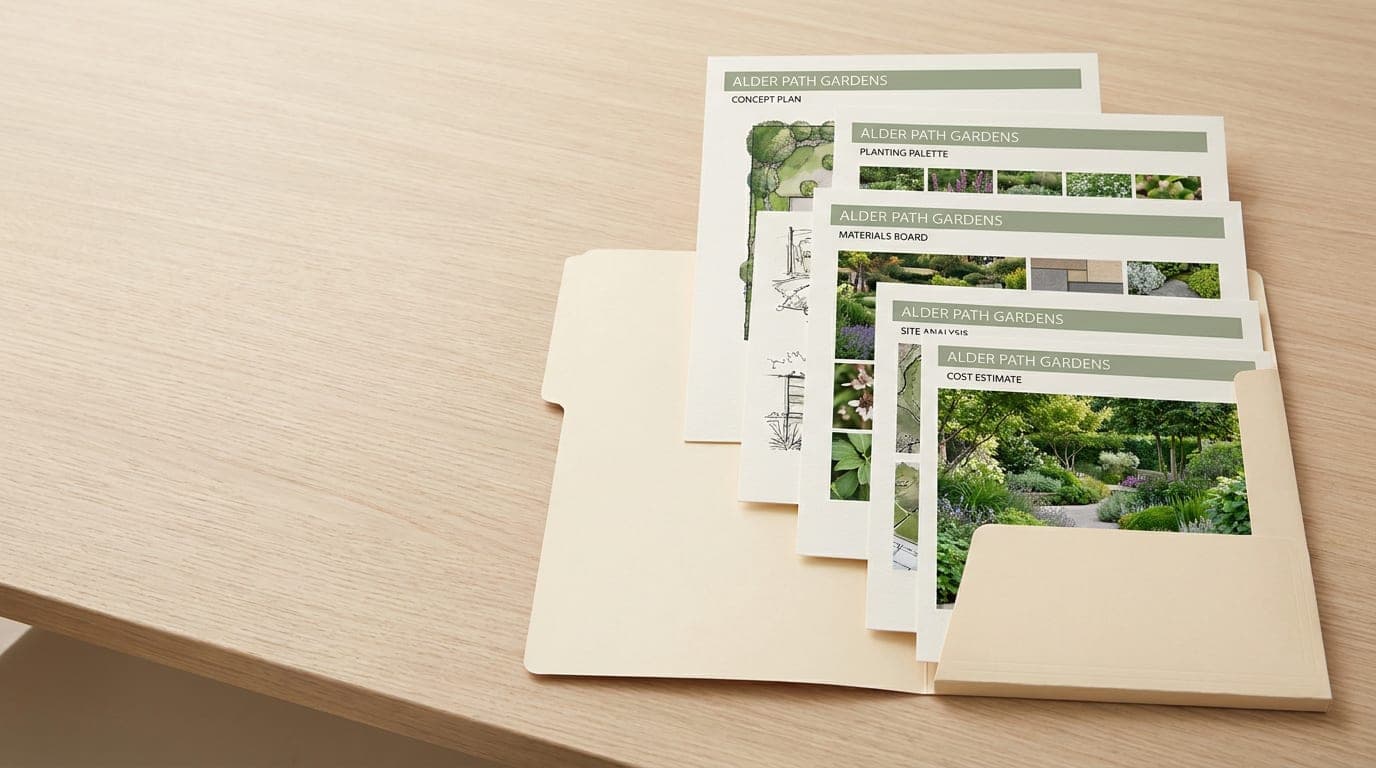
Staggered Flyers
Give each topic its own page, with stepped edges that make sections easy to find.
Shop NowShop by Staggered Flyer Size
Pick a compact handout or a letter-size set, with stepped sheets for each subject.Sample pricing
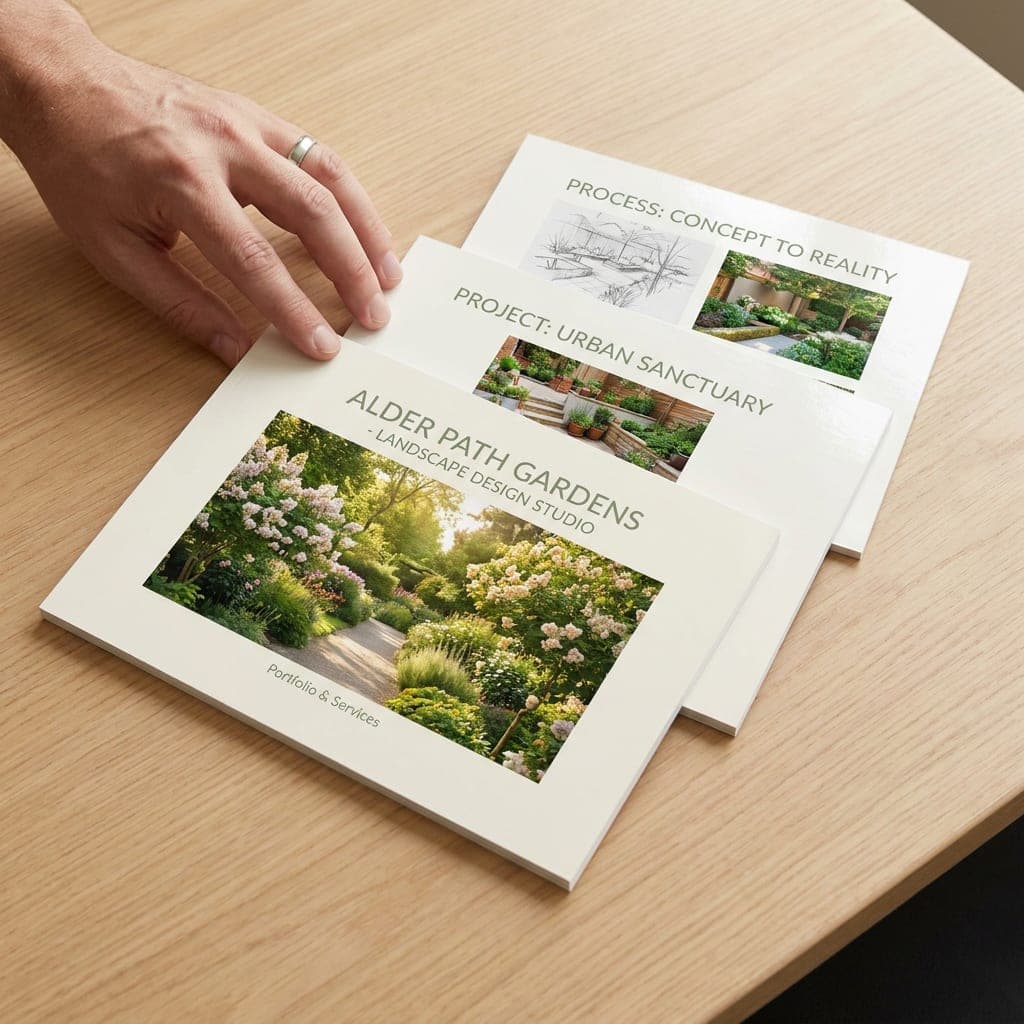
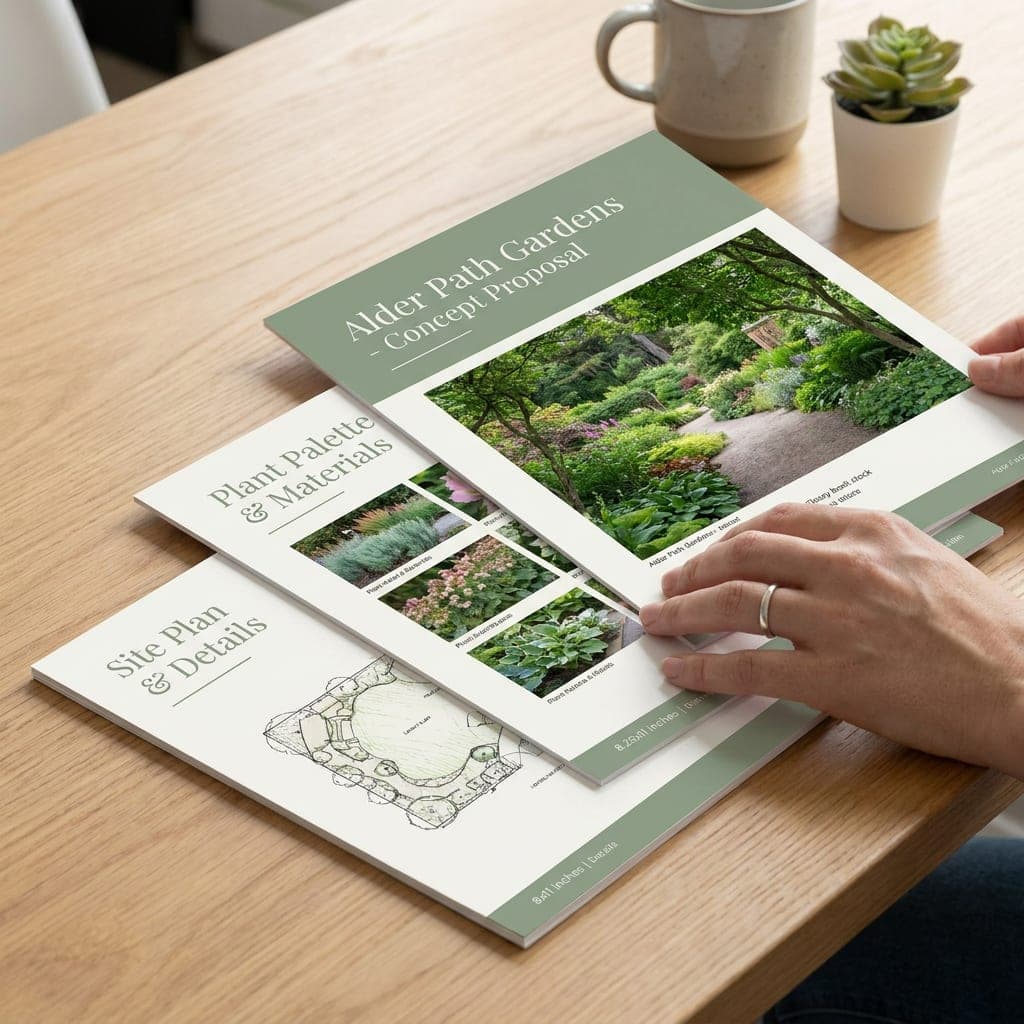
Shop by Paper
 100 lb100 lb. Gloss Book
- 100 lb. book weight
- Gloss finish
- Flexible sheets
 100 lb100 lb. Gloss Cover
- 100 lb. cover weight
- Gloss finish
- Heavier than gloss book
 70 lb70 lb. Opaque Smooth White
- 70 lb. paper
- Uncoated surface
- Suitable for writing
 80 lb80 lb. Matte Text
- 80 lb. text weight
- Matte finish
- Low sheen
 100 lb100 lb. Matte Cover
- 100 lb. cover weight
- Matte finish
- Heavier than matte text
- 70 lb. Opaque Smooth White70 lb
- 100 lb. Gloss Book100 lb
- 80 lb. Matte Text80 lb
- 100 lb. Gloss Cover100 lb
- 100 lb. Matte Cover100 lb
Presentation Ready
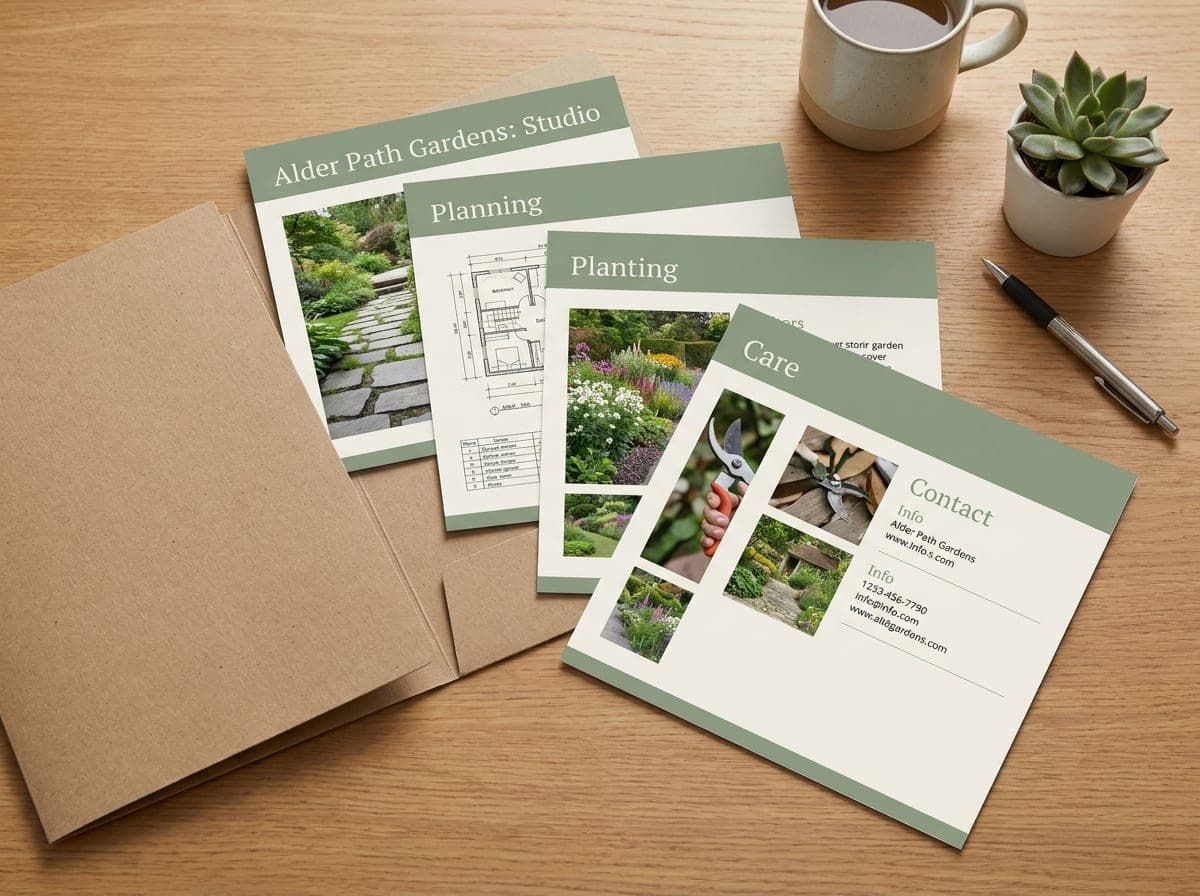
One subject per sheet, organized as a set
Build a set of three to eight sheets with a 0.25" or 0.5" step between them. Put a heading on each exposed edge so customers can find your services, project examples or contact details without searching the whole set. Combine the individual designs into one PDF in sheet order for upload after checkout.
Choose your page set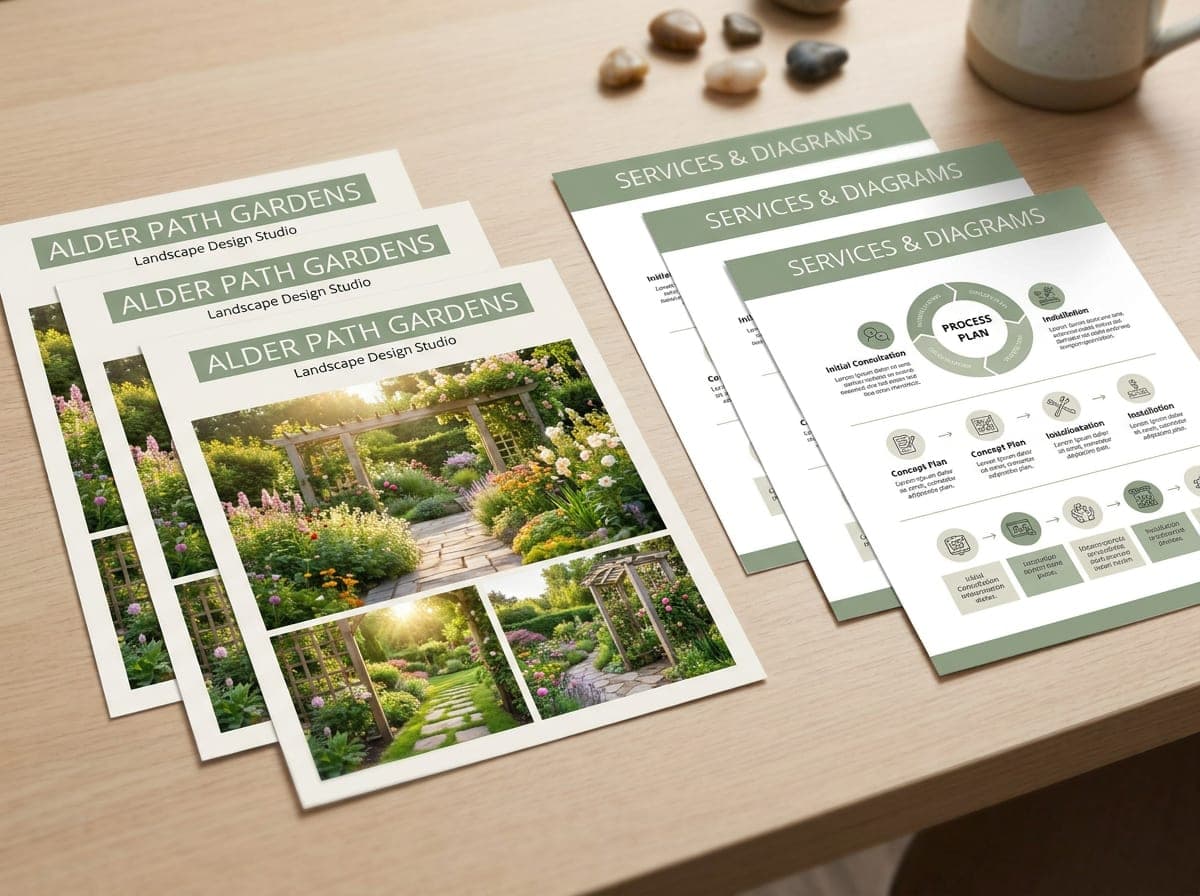
Front & Back Full Color Printing
Choose the printed space your presentation needs
Use the front for your main message and leave the back blank, or print both sides for extra photos and service information. Keep headings clear of the trim and plan each sheet at its own finished height.
Choose printed sides FlyersShare an offer or event on a single printed sheet. Explore sizes and papers for your next handout.Shop Flyers
 Frequently Asked Questions
What is a staggered flyer set used for?
It is a set of loose sheets cut to different heights. When the sheets are stacked, a strip of each page stays visible. Use those strips as section headings for service guides, sales presentations or inserts in a presentation folder.
How do I prepare a staggered flyer design?
Choose the largest sheet size, sheet count and stagger spacing first. Design each sheet at its own finished height, extend backgrounds 0.125 inch past trim and keep important text at least 0.125 inch inside trim. Use 300 dpi CMYK artwork and combine the individual designs in one ordered PDF. Leave a clear heading on each exposed strip. Ask our team for help checking the page sizes before you submit the artwork.
How many sheets can I include?
Choose three, four, five, six, seven or eight sheets per set. The largest sheet is either 6" x 9" or 8.5" x 11". Each following sheet is 0.25" or 0.5" shorter, depending on the size option you select. Two-sided printing adds a printed back to each sheet.
How should I supply artwork for all the sheets?
One combined PDF keeps every sheet together and makes the sequence clear. Supply individual pages rather than spreads, from largest sheet to smallest. For two-sided printing, put each back immediately after its front. Identify sheet sizes and sides in your notes, upload after checkout and confirm the full sequence in your digital proof.
When will my staggered flyers be printed?
Production timing depends on your order and approved artwork. Confirm the current production estimate and any deadline with our team before placing the order. Allow separate time for delivery.
Staggered flyers for organized presentations
Walk customers through your services one page at a time. Staggered flyers use sheets of different heights, leaving a visible strip for each section heading. Arrange them in a presentation folder or hand them out as a set at your next pitch meeting, conference or trade show. Give each sheet a different product, service or portfolio example. Folders are separate; check pocket dimensions before pairing them with your sheets.
Two starting sizes
Choose a largest sheet of 6" x 9" or 8.5" x 11". Both formats offer three to eight sheets with a 0.25" or 0.5" stagger. The size menu lists the largest and smallest sheet dimensions for each combination.
Paper for your presentation
Gloss Book and Matte Text offer flexible sheets. Gloss Cover and Matte Cover give the set a firmer feel. Opaque Smooth White has an uncoated surface for presentations that need handwritten notes.
Make the exposed edges useful
Place a short section heading on each visible strip. Keep the same type style across the set, and give each page one clear subject. Full-color printing is available on the front only or on both sides.
Prepare each sheet at its own size
The shorter sheets need their own layouts. Check every finished height before exporting your artwork, extend backgrounds into the bleed and keep essential details away from the cut edges. Contact our team if you need help preparing the set.