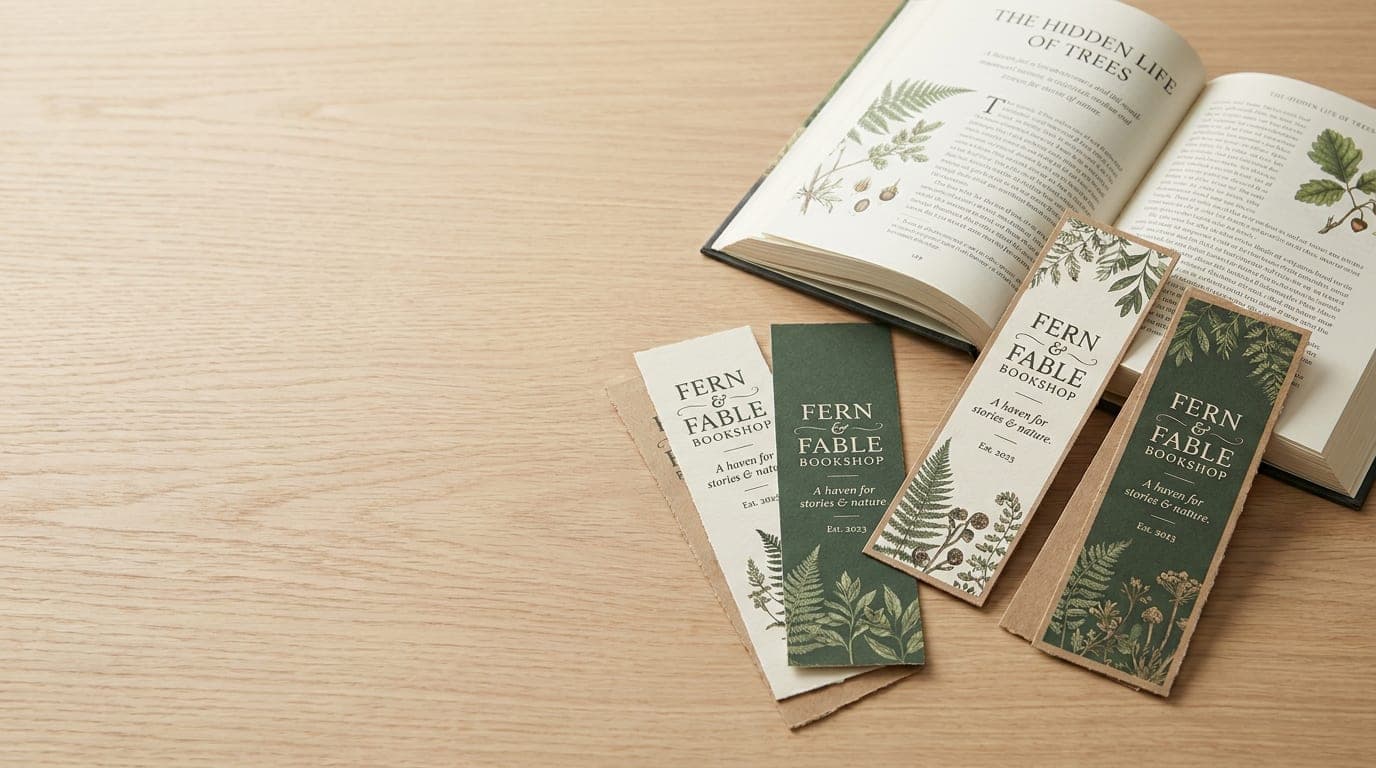
Most Popular Bookmark Sizes
Choose a familiar format for bookshop handouts, reading rewards or event keepsakes.Sample pricing
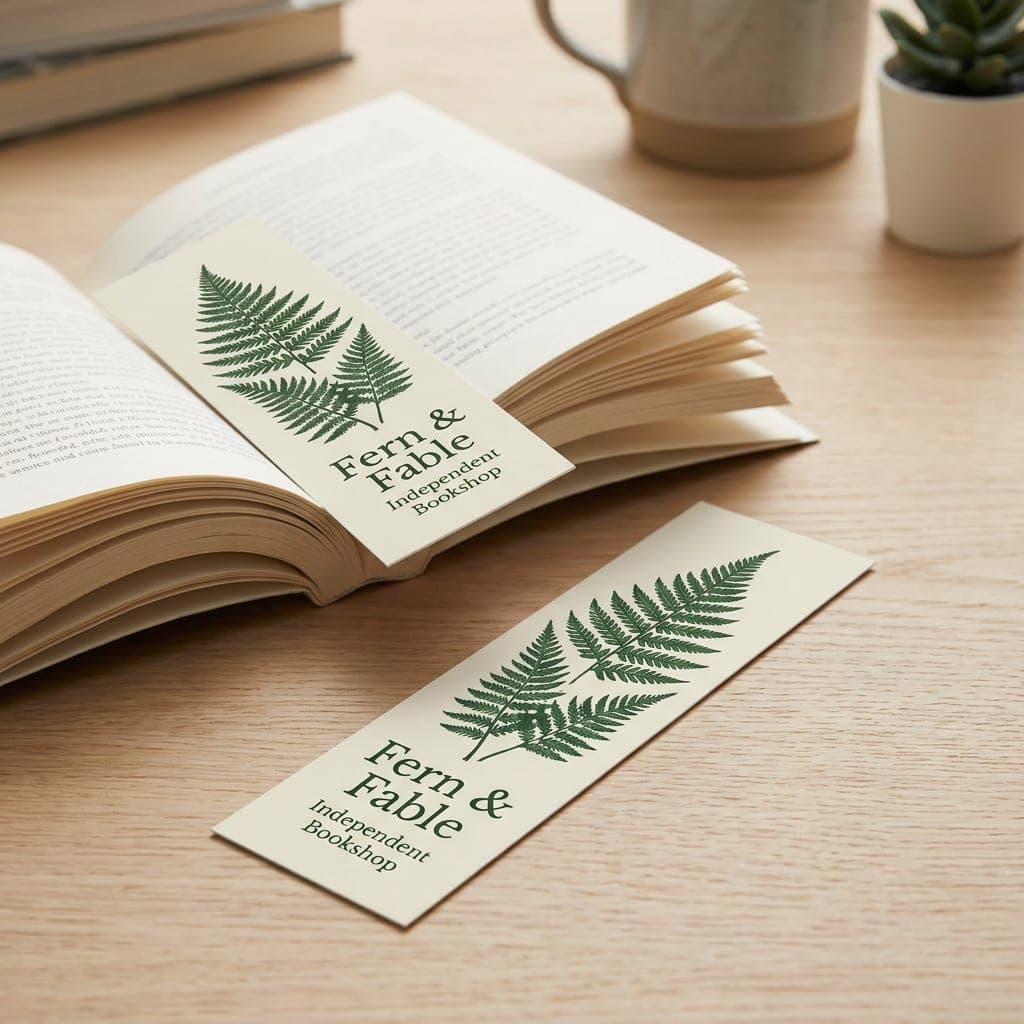
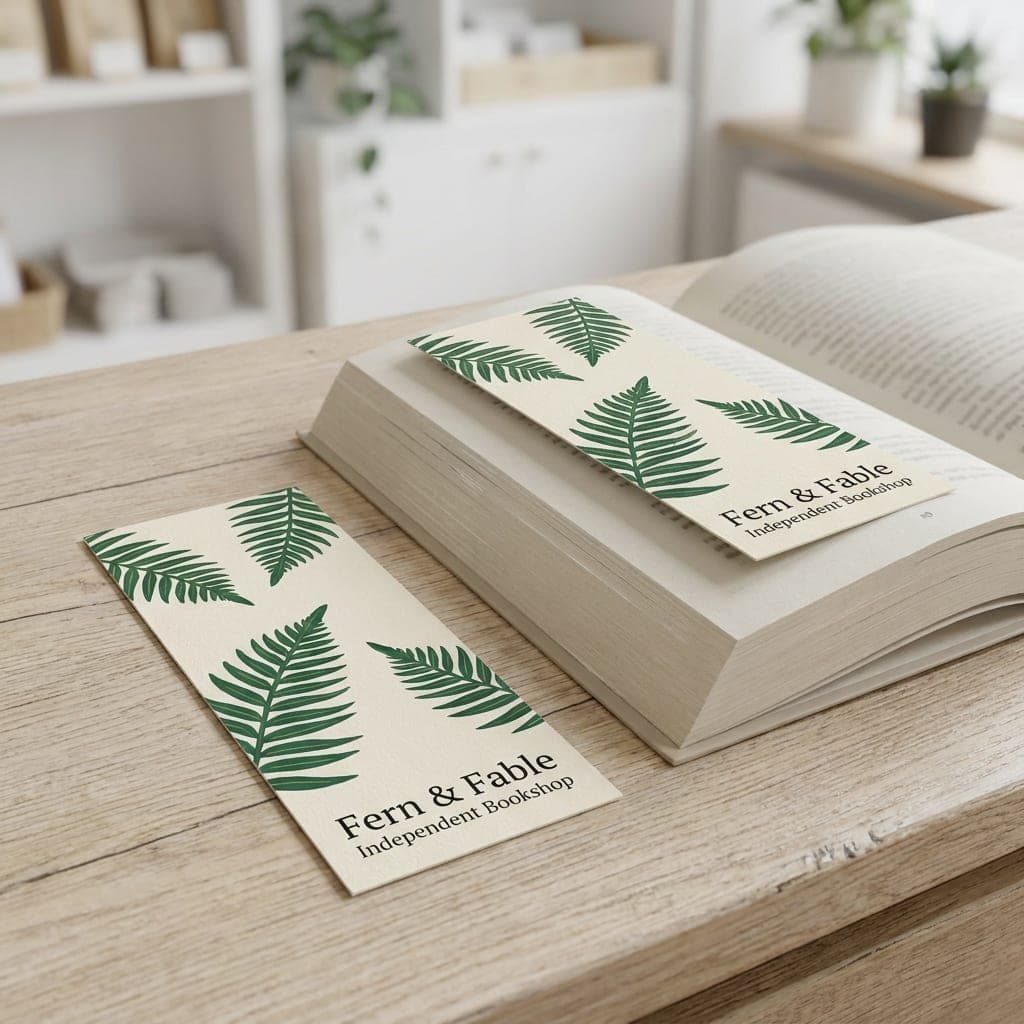
 Design ServicesOur in-house designers create it for youGet Design Help
 Upload My DesignSubmit print-ready files after checkoutUpload Print Files
Sophisticated Bookmark Designs
Discuss rounded edges, metallic details and glossy accents with our design team. These specialty concepts are not selectable in the standard bookmark order form; contact us to confirm availability and pricing.
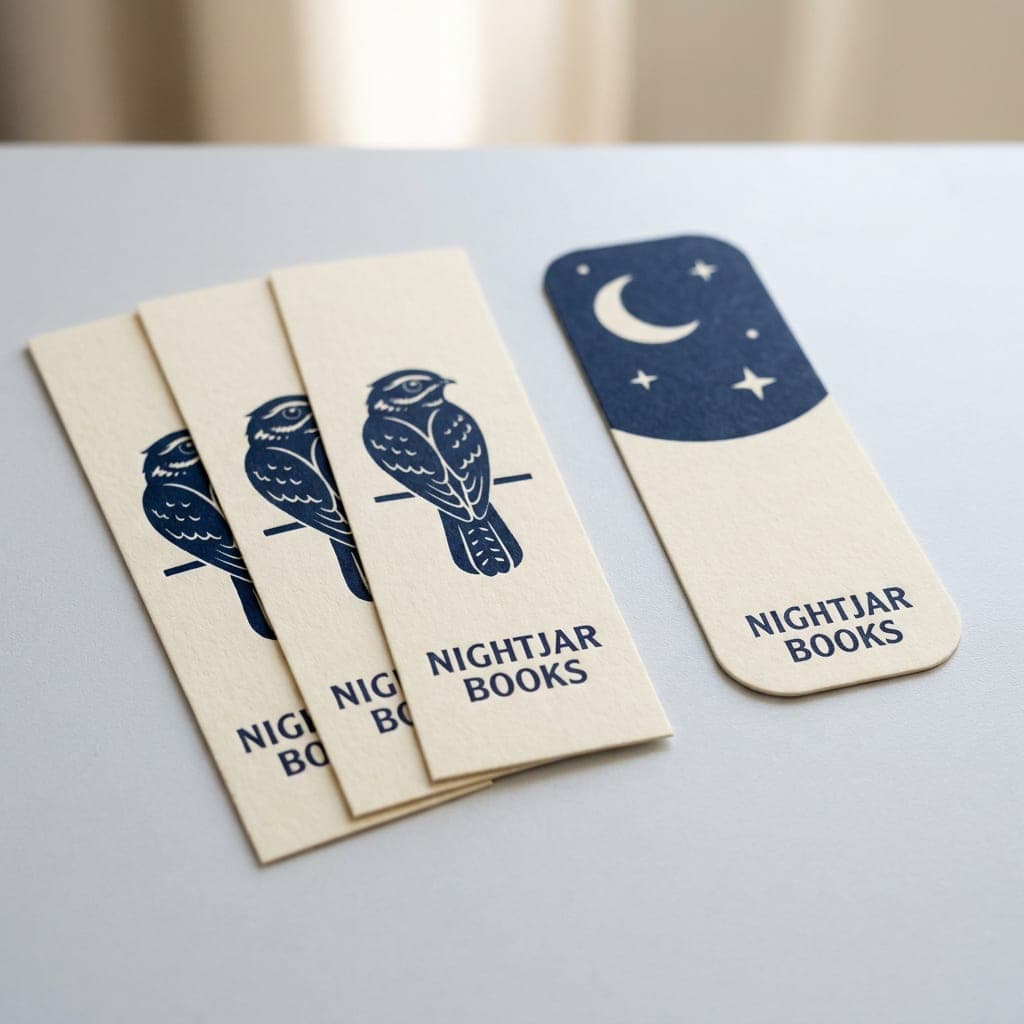
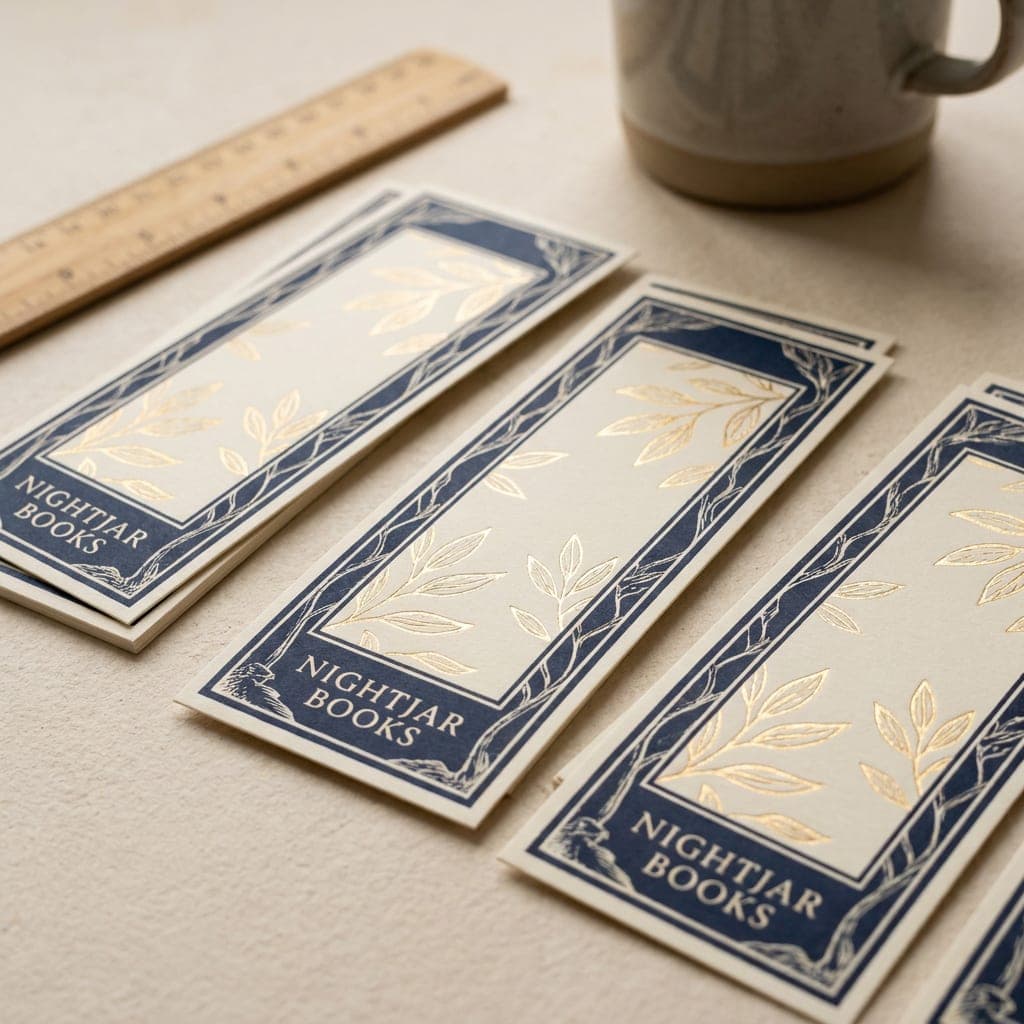
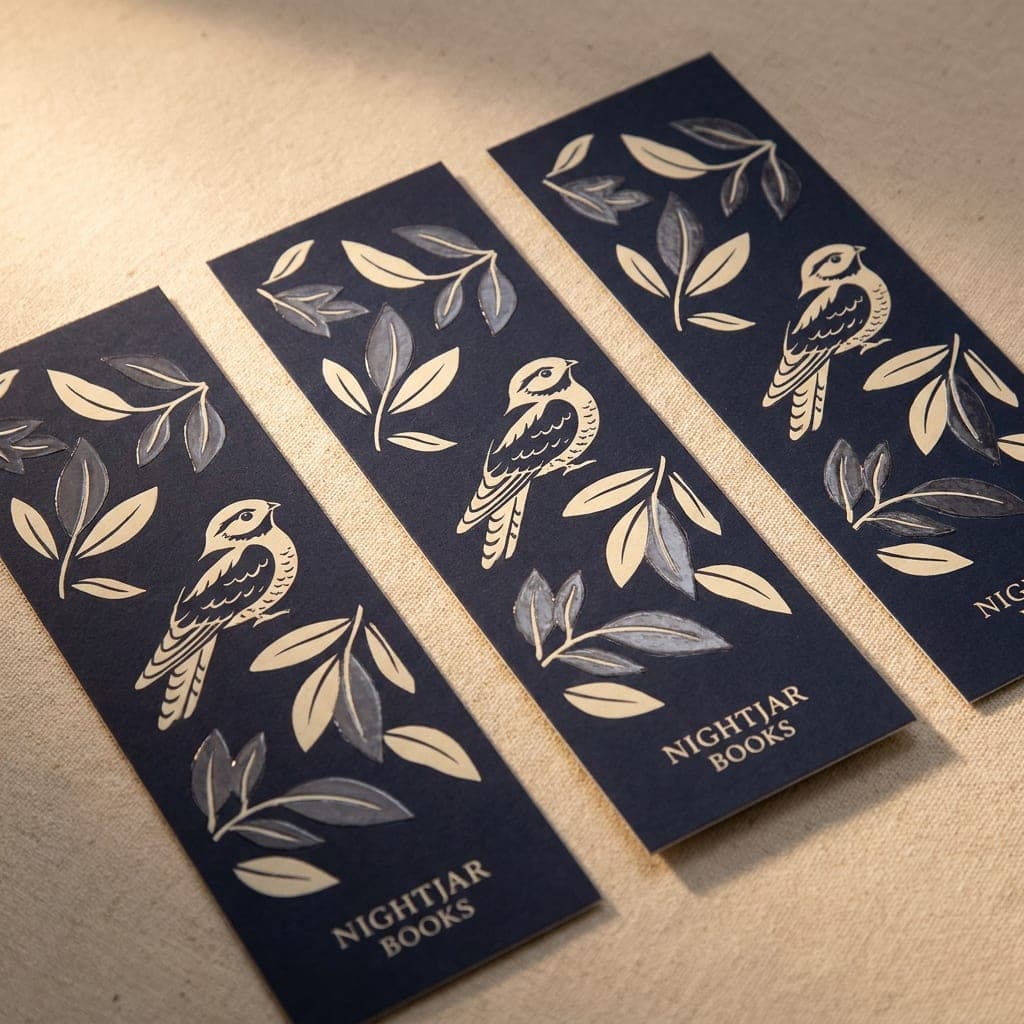
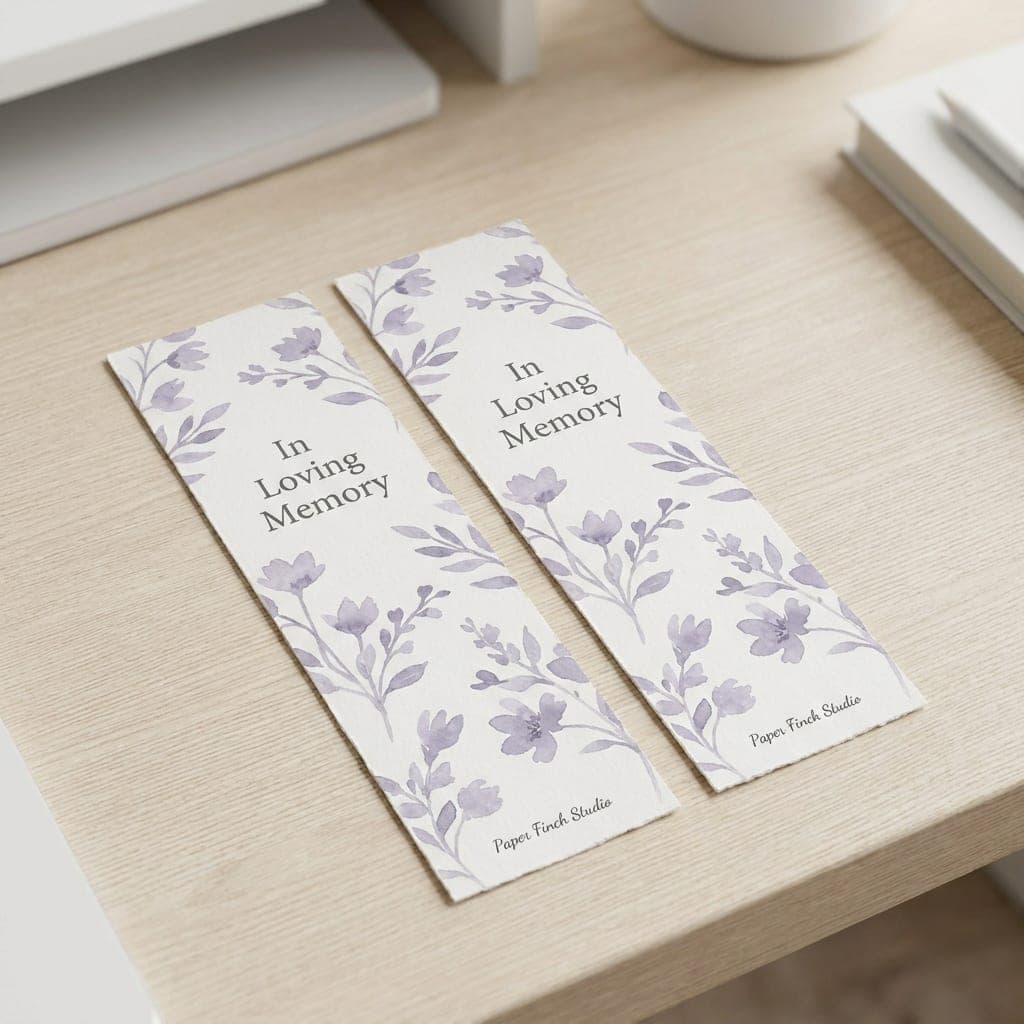
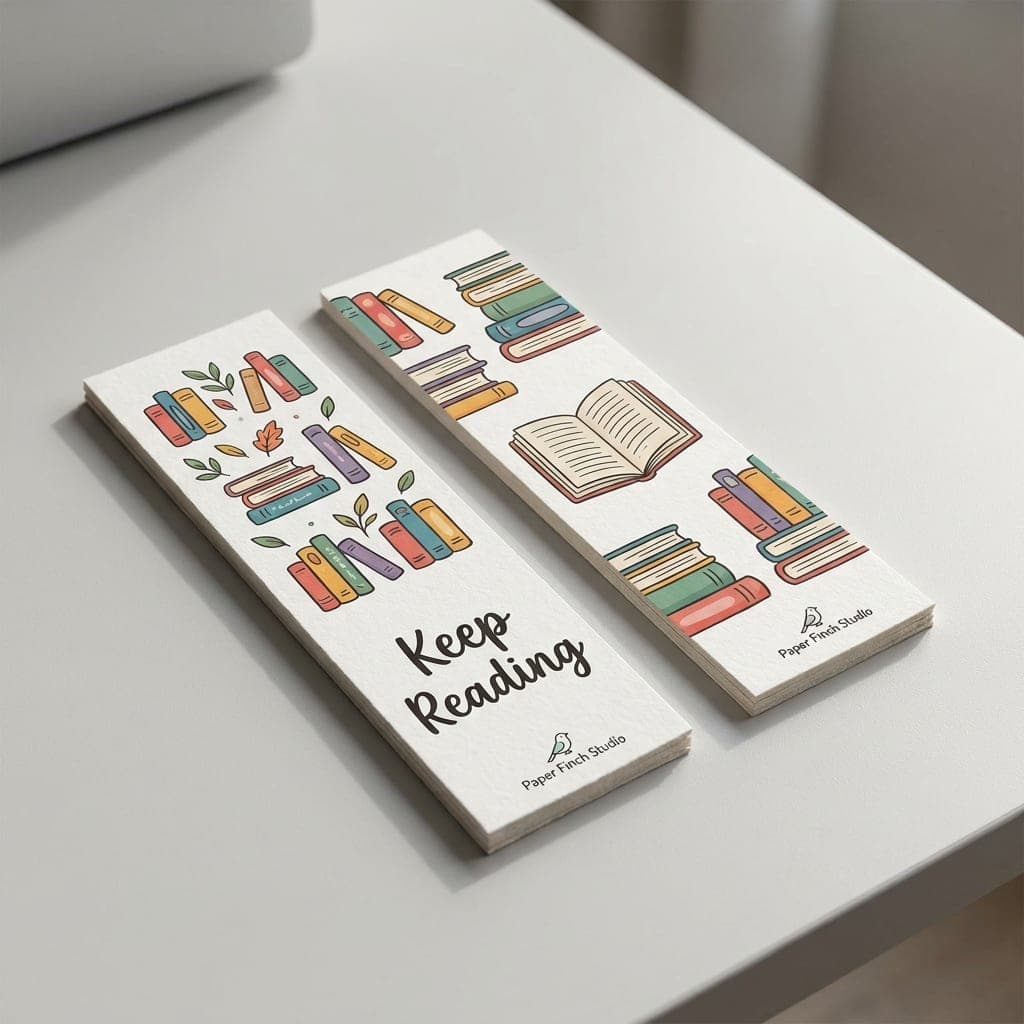
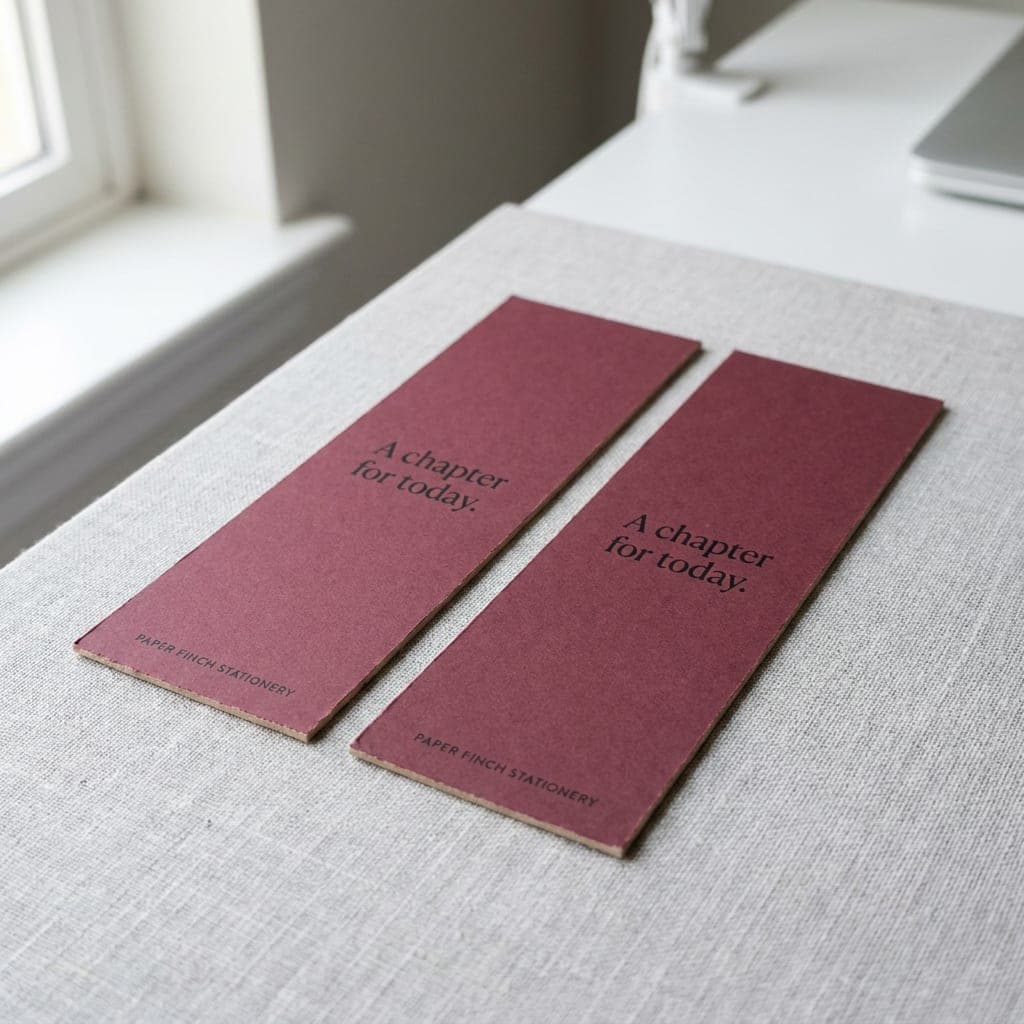
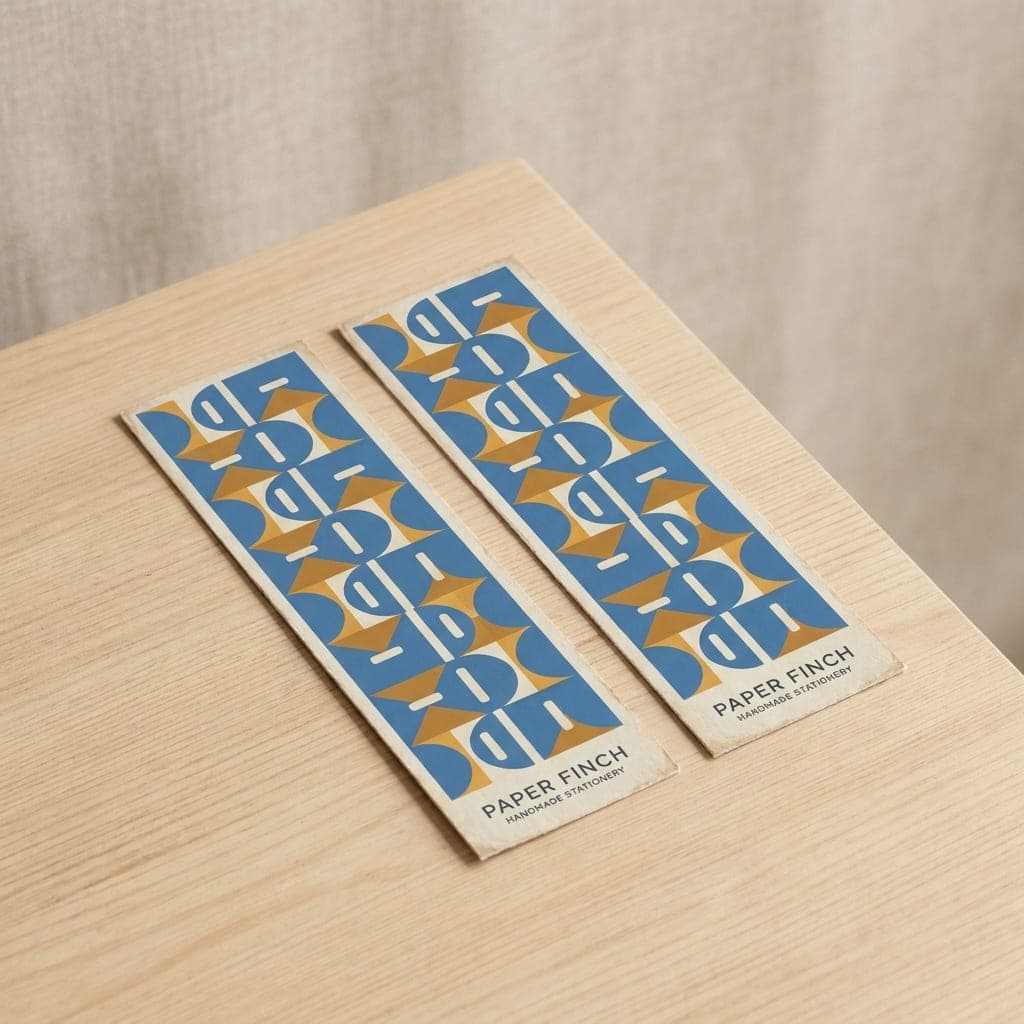
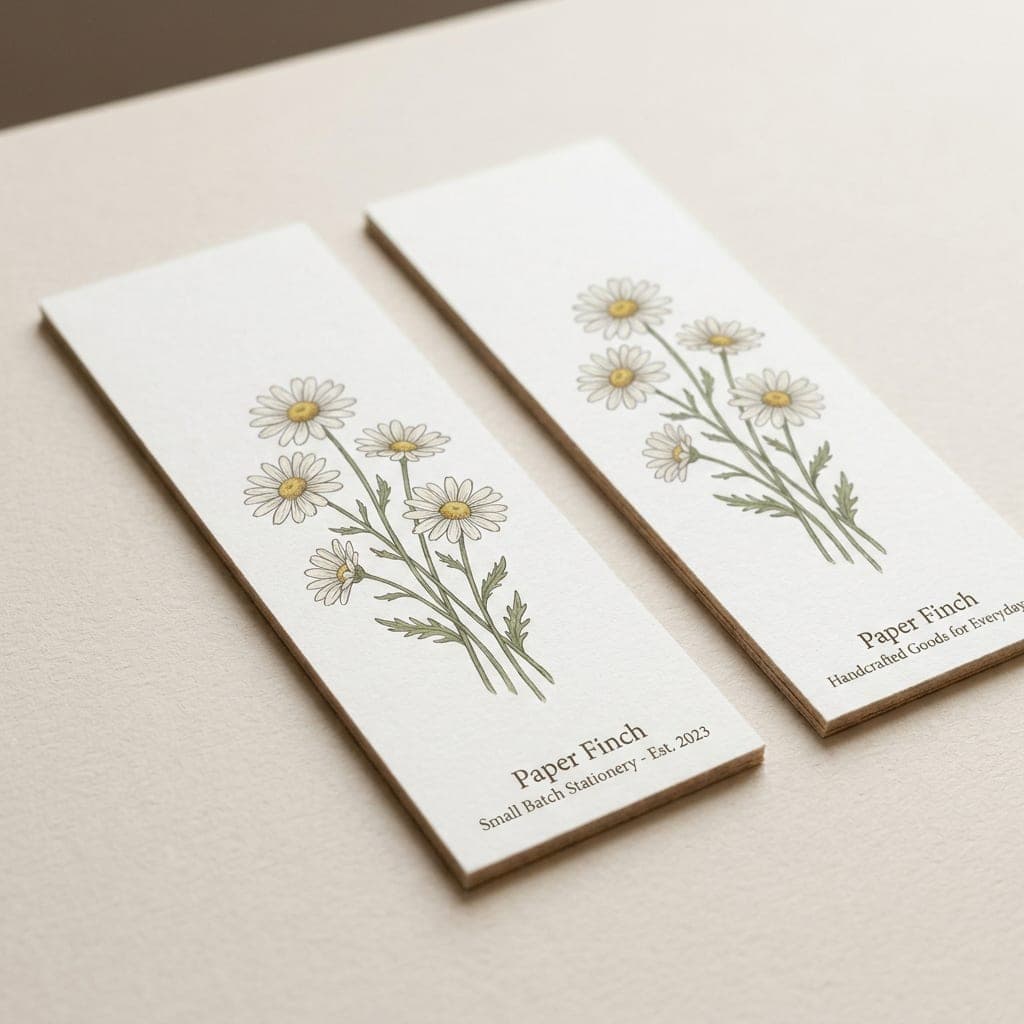
1.5" x 7" Bookmark Design Templates
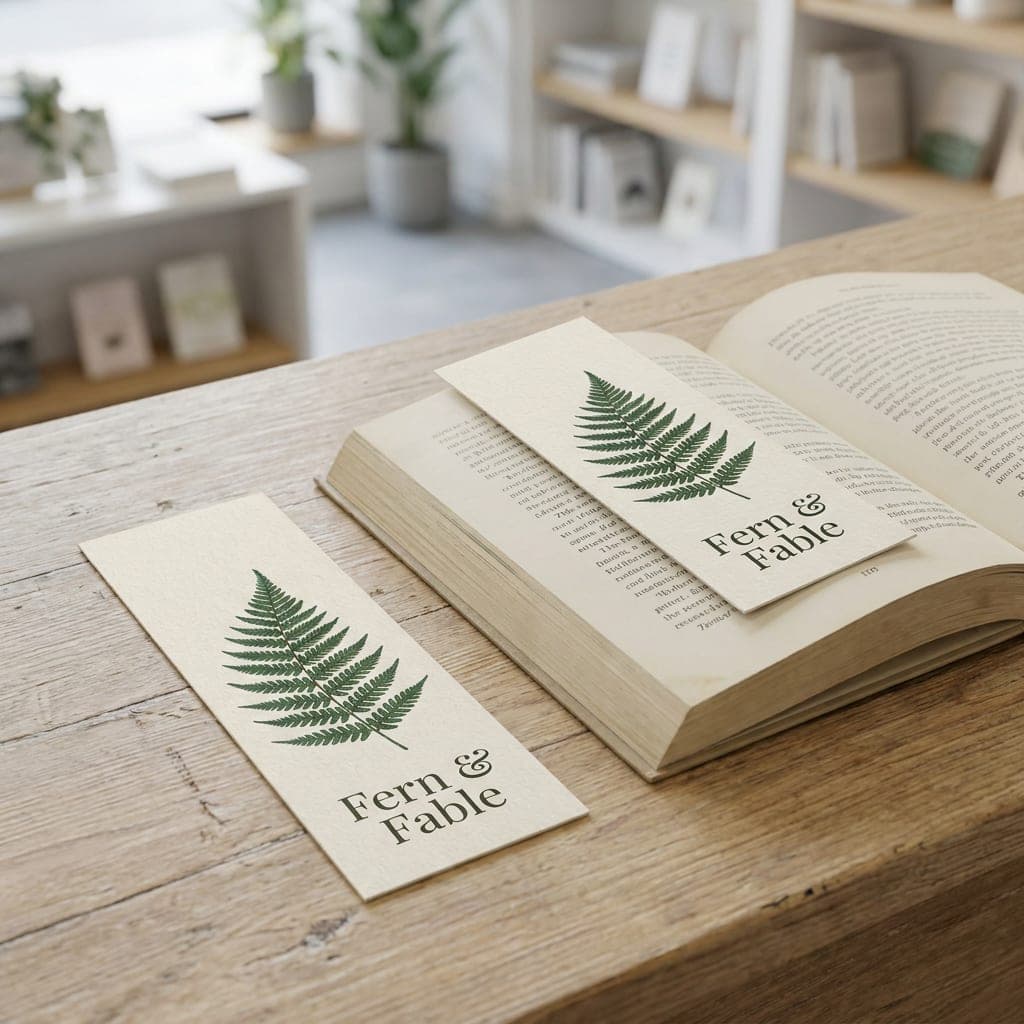
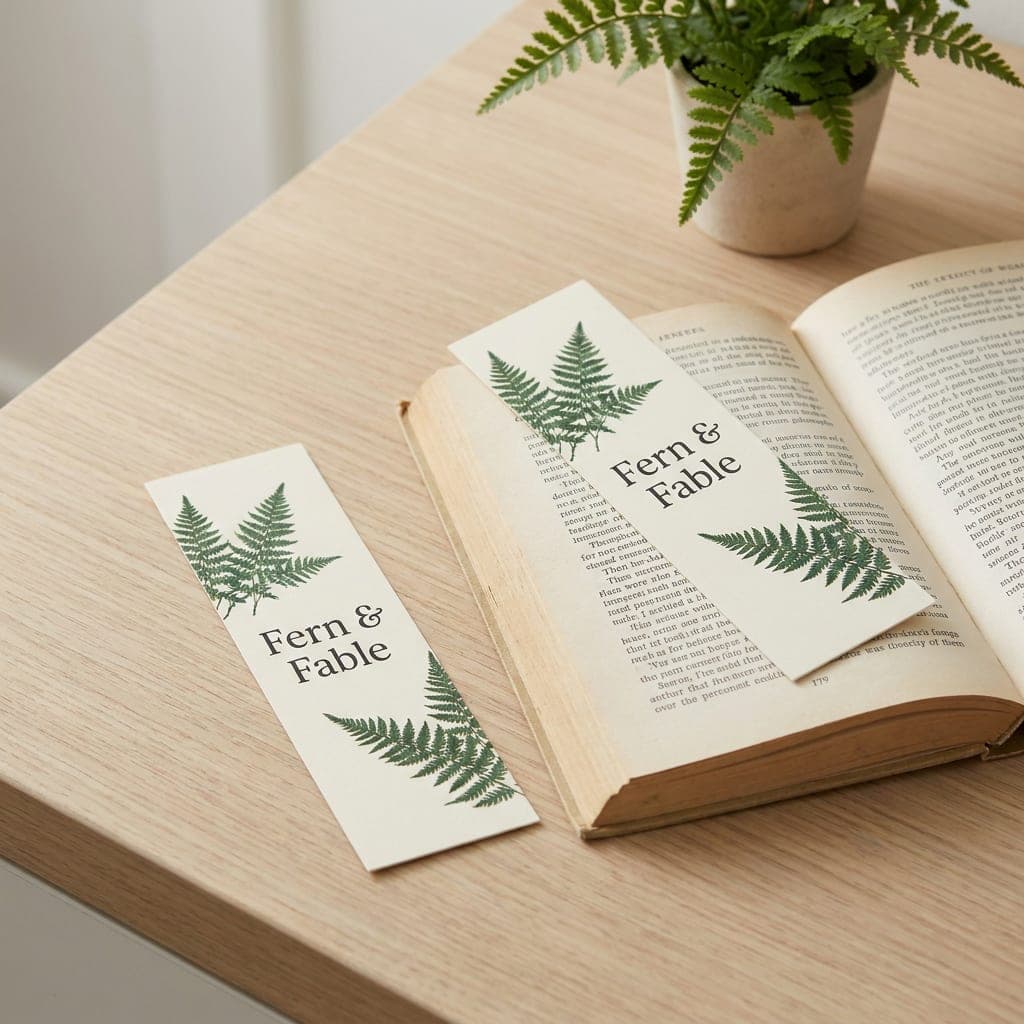
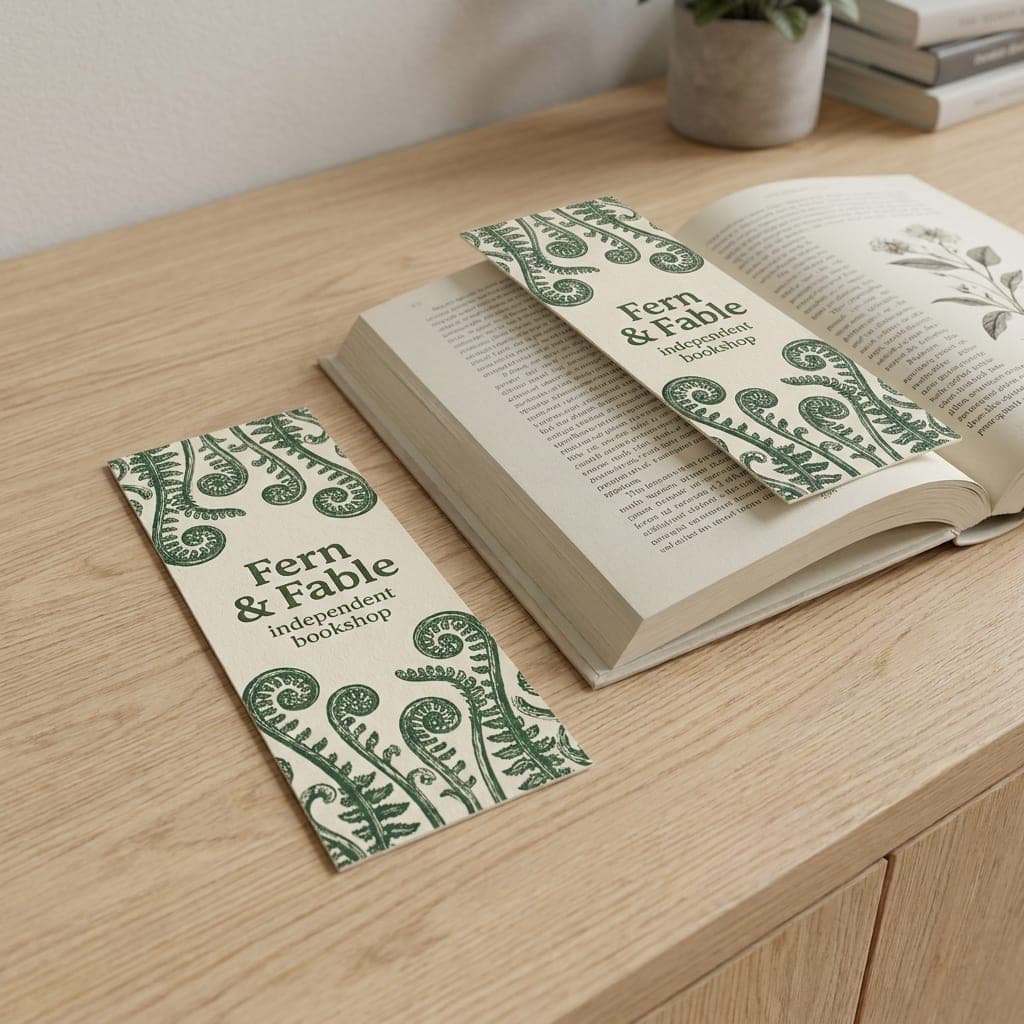
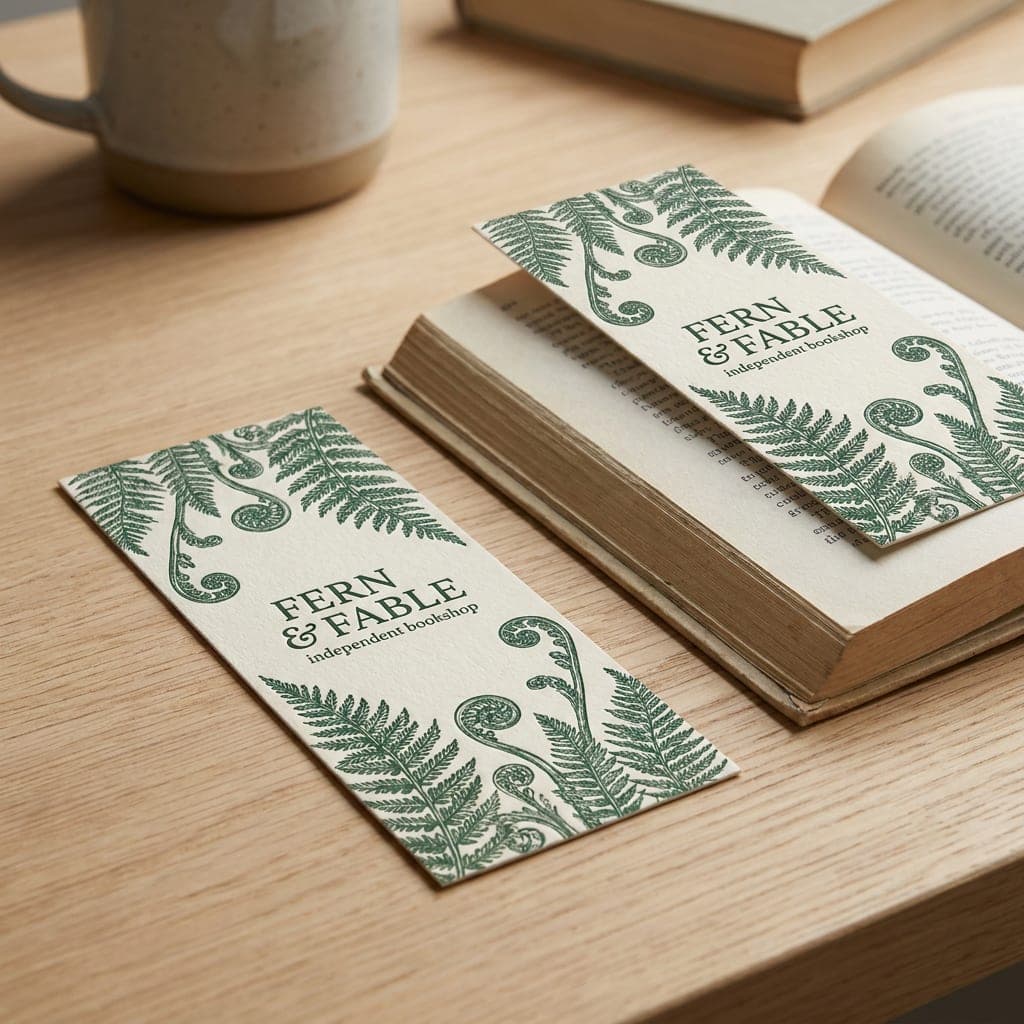
Start with a theme and ask our designers to adapt it to your message.
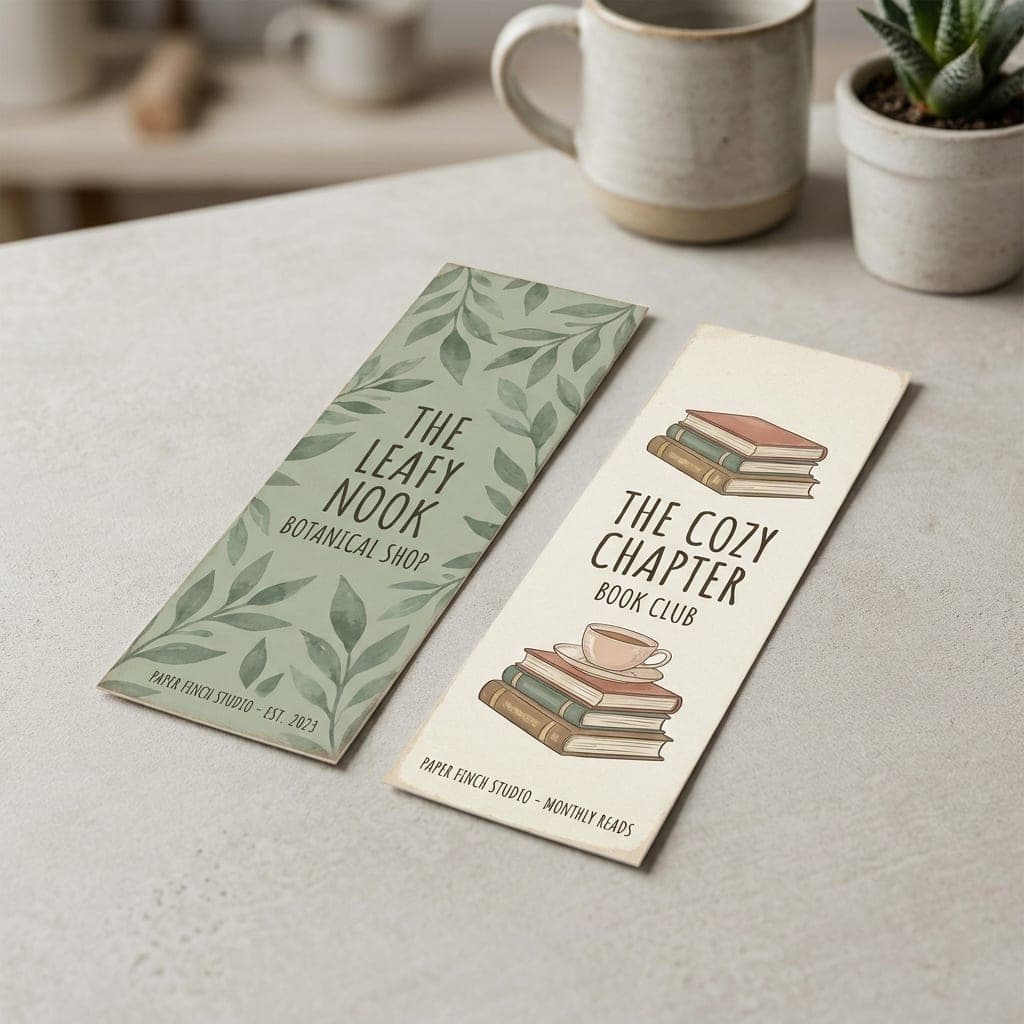
Additional Bookmark Sizes
Find a shorter or longer format to suit your artwork.
 2" x 4"Starting at $43.14Shop Now
  2" x 5.5"Starting at $47.77Shop Now
  2" x 6.25"Starting at $50.09Shop Now
  2" x 6.5"Starting at $50.86Shop Now
  2" x 6.75"Starting at $51.63Shop Now
  2" x 7.25"Starting at $53.17Shop Now
  2" x 7.75"Starting at $54.71Shop Now
  2" x 9"Starting at $58.57Shop Now
  2" x 10.5"Starting at $63.20Shop Now
Shop by Paper
 14 pt14 pt. Gloss
- 14 pt thickness
- Gloss finish
 14 pt14 pt. Uncoated
- 14 pt thickness
- Uncoated surface
 13 pt13 pt. Premium Linen
- 13 pt thickness
- Linen texture
 16 pt16 pt. Premium Matte
- 16 pt thickness
- Matte finish
 18 pt18 pt. Ultra Premium Pearl
- 18 pt thickness
- Pearlescent finish
 18 pt18 pt. Premium Kraft
- 18 pt thickness
- Brown kraft paper
 18 pt18 pt. Ultra Premium Smooth White
- 18 pt thickness
- Smooth white surface
 100 lb100 lb. Matte Cover
- 100 lb cover weight
- Matte finish
 24 pt24 pt. Trifecta Green
- 24 pt thickness
- Green center layer
 38 pt38 pt. Trifecta Black
- 38 pt thickness
- Black center layer
 38 pt38 pt. Trifecta Red
- 38 pt thickness
- Red center layer
 38 pt38 pt. Trifecta Blue
- 38 pt thickness
- Blue center layer
- 100 lb. Matte Cover100 lb
- 14 pt. Gloss14 pt
- 14 pt. Uncoated14 pt
- 13 pt. Premium Linen13 pt
- 16 pt. Premium Matte16 pt
- 18 pt. Ultra Premium Pearl18 pt
- 18 pt. Premium Kraft18 pt
- 18 pt. Ultra Premium Smooth White18 pt
- 24 pt. Trifecta Green24 pt
- 38 pt. Trifecta Black38 pt
- 38 pt. Trifecta Red38 pt
- 38 pt. Trifecta Blue38 pt
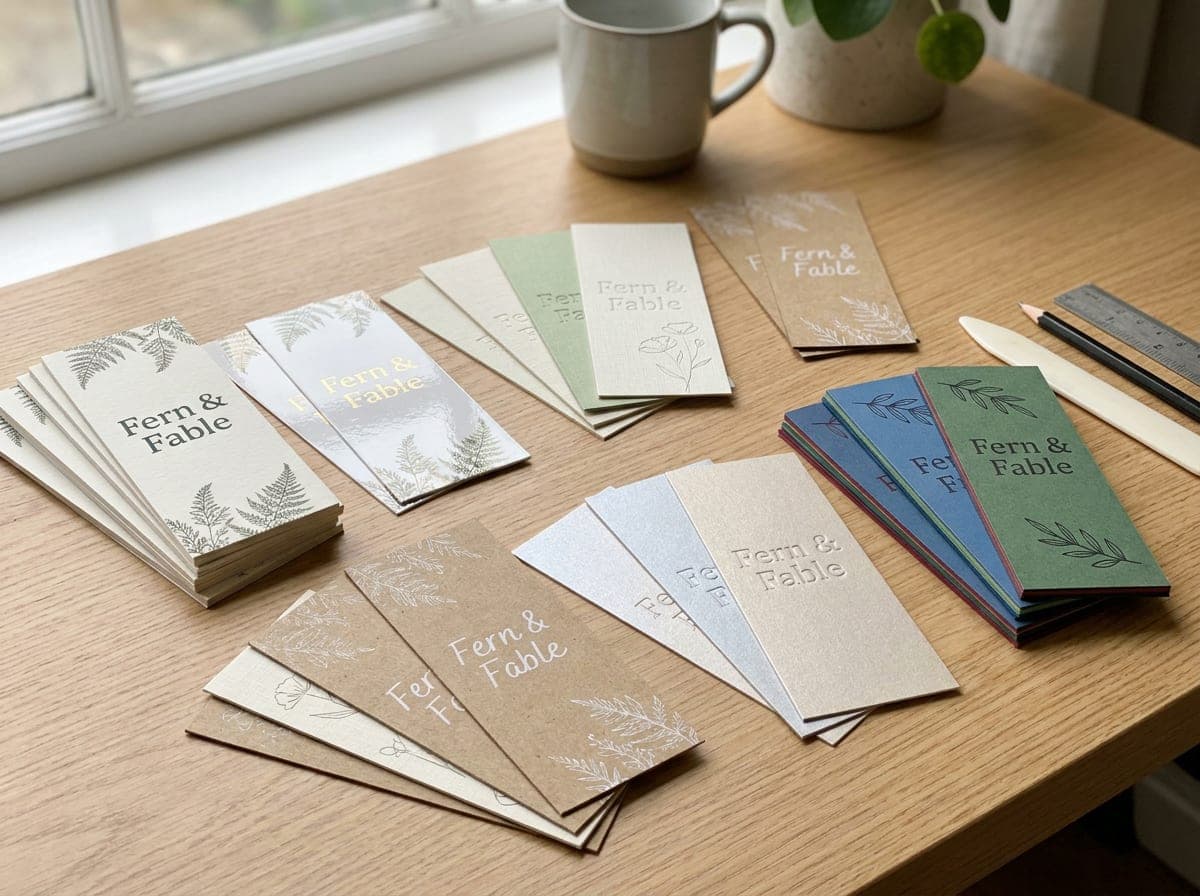
Variety of Premium Paper Stocks
Twelve stocks, from light matte cover to thick layered cards.
Choose a gloss surface for shine, linen for texture, or kraft for a brown paper background. Pearl adds a subtle shimmer, while the Trifecta stocks show a colored center layer along the edge.
Compare papers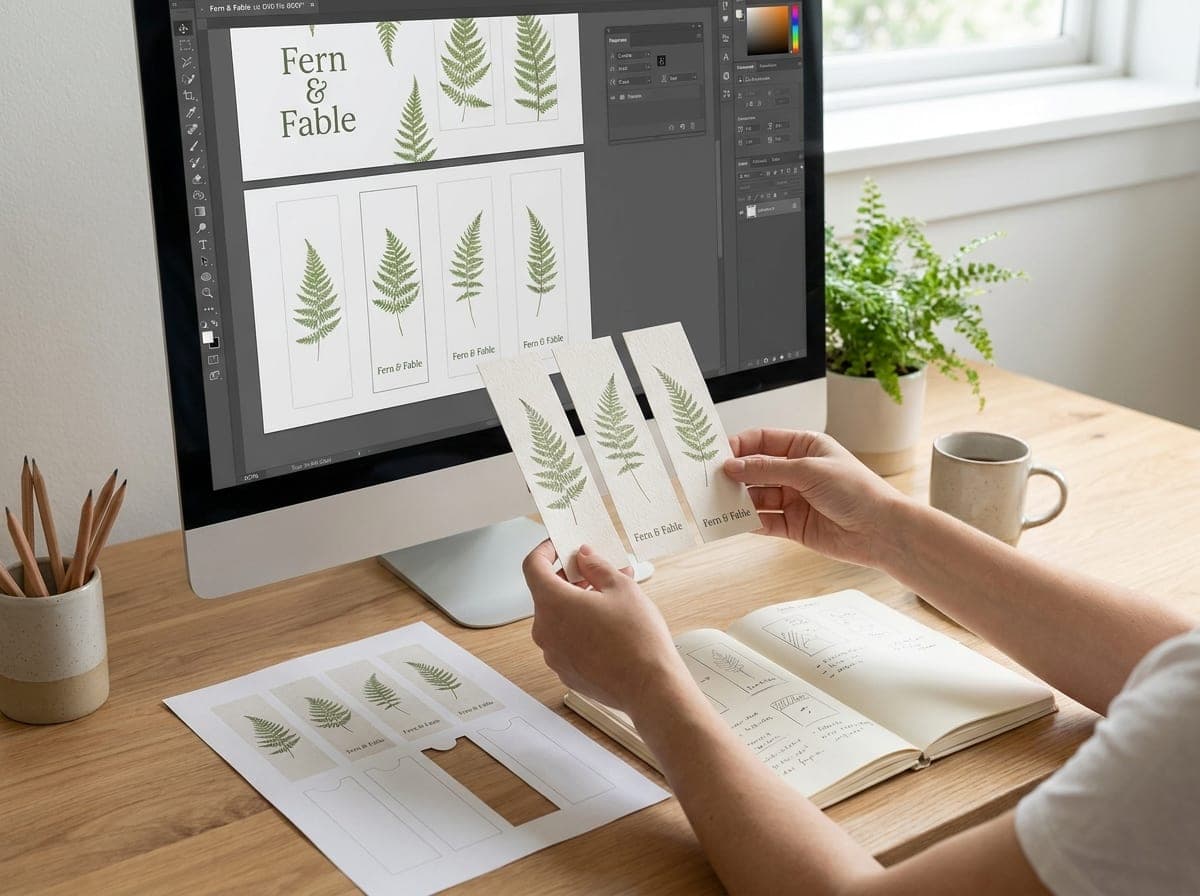
Make Room for Your Own Design
A bookmark can carry a story in a small space.
Use a clear headline, a simple illustration and an easy way to find your business. Upload your artwork on the order page, or share your ideas with our design team for help creating a layout.
Ask for design help FreeFree Sample KitSee paper textures and finishes before choosing your stock.Request a sample kit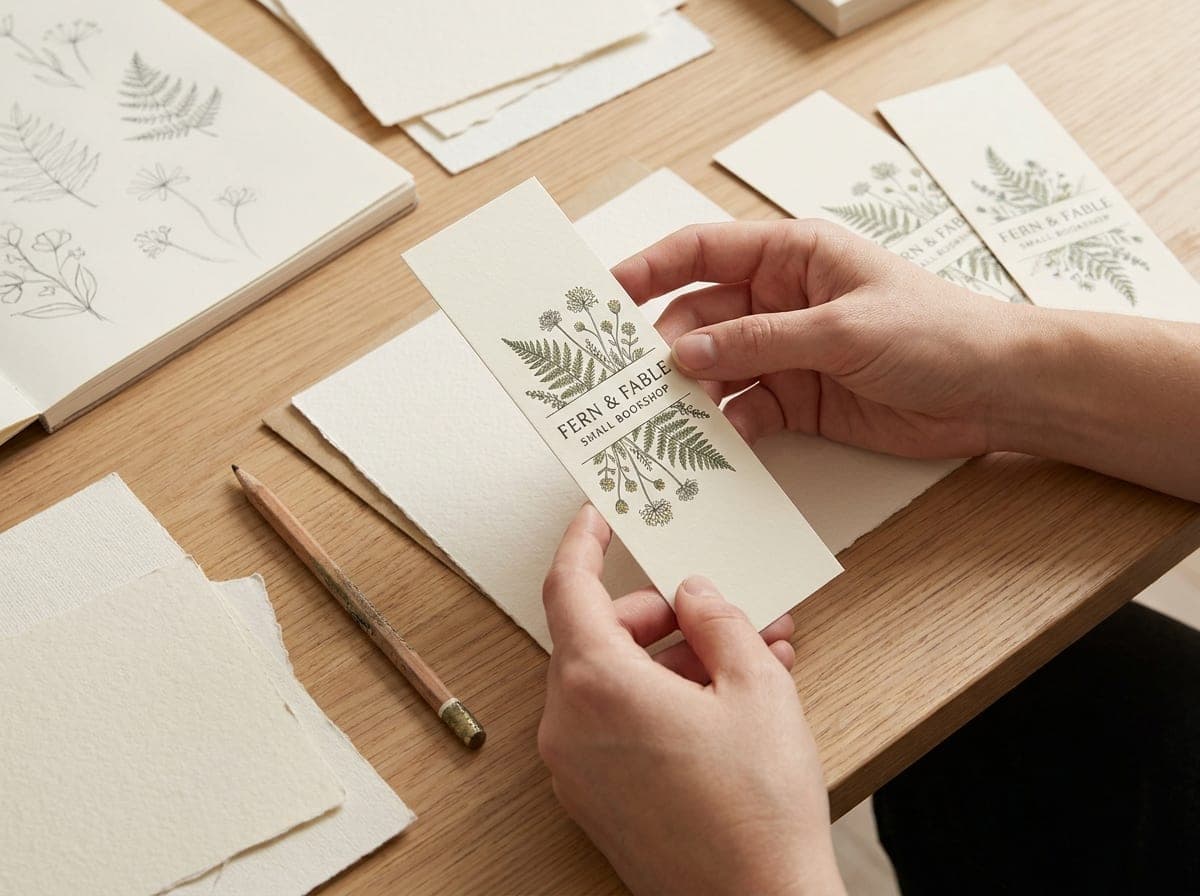
Custom Design Services
A design made just for you. Our in-house design team is ready to help.
- Step 1 Choose a product and package
- Step 2 Share design inspiration, a logo and text
- Step 3 Review designs and approve for print
- Satisfaction GuaranteeLearn more
- Free Sample KitRequest now
- Proof Before PrintLearn more
Frequently Asked Questions
What can I use printed bookmarks for?
Give them out with book purchases, include them in event bags or use them for reading programs. A useful bookmark gives readers a place to keep your shop name, website or event details.
What size should a bookmark be?
The smallest width offered is 1.5 inches, paired with a 7-inch length. Other popular choices include 2 x 6, 2 x 7 and 2 x 8 inches. There are sixteen sizes in the order form; choose one that fits your design and the books your readers use.
Why choose Minute Marketing for bookmarks?
You can compare sizes and stocks, choose one-sided or two-sided full-color printing, and upload your own design. Our team is available if you need help with your file or layout.
How do I make a custom bookmark?
Choose a size, paper, color option, orientation and quantity on the order page. Prepare artwork for the finished size, add bleed and keep important details inside the safe area. Use the upload controls to submit your file, or contact us for design help.
Can I request bookmark samples?
You can request a free sample kit to compare paper surfaces and thicknesses. Contact us if you need to check whether a specific bookmark stock or printed example is included.
How is the price of custom bookmarks calculated?
Size, paper, printed sides and quantity help determine the total. Prices displayed here are sample prices for exploring the options; they are not a production quote. Shipping and any design services are separate.
Which bookmark paper should I choose?
Matte cover is the lightest choice. Gloss adds shine, uncoated has a natural surface, and linen adds texture. Choose kraft for a brown background, pearl for shimmer, or a Trifecta stock for a thick card with a colored core. Consider how your artwork will look against the paper color.
Can I print my own bookmark artwork?
Yes. Use the order page to upload your design. A print-ready PDF is a good choice; PNG, JPG and TIFF files are also accepted. Use images at 300 dpi at the final print size and check the proof before approving your artwork.
How much bleed does my bookmark design need?
Extend backgrounds 0.125 inch beyond every trim edge, and keep text and important graphics at least 0.125 inch inside the trim. For a 1.5 x 7 inch bookmark, the file with bleed measures 1.75 x 7.25 inches.
How long will printing my bookmarks take?
Review the production choices shown with your order and confirm timing before planning an event or mailing. Shipping time is separate from printing. Contact us if you have a deadline so we can discuss the available options.
Custom Bookmarks for Your Business
A bookmark is a useful place for a shop name, reading recommendation or event reminder. Hand one out at the counter, tuck one into a package or share a stack at a local reading event. Keep the artwork simple enough to recognize each time a reader opens a book.
Sixteen Sizes to Fit Your Layout
Choose a slender 1.5 x 7 inch bookmark or one of the wider formats. A short design can hold a logo and website; a longer bookmark leaves room for a reading list or a longer message. Build the artwork at the size you plan to order.
Compare Twelve Paper Stocks
The range includes matte cover, gloss, uncoated, linen, kraft, pearl and smooth white papers. Trifecta stocks add a colored center layer visible at the cut edge. Use the paper guide to compare finishes and relative thickness before making your choice.
Use Both Sides with Purpose
Full-color front-only printing leaves the reverse unprinted. Two-sided printing gives you another surface for contact information, a book club schedule or a short list of services. Leave enough room around text so it stays readable on the narrow format.
Prepare Your Bookmark Artwork
Extend backgrounds into the bleed area and keep essential details away from the trim. Check spelling, image resolution and the front and back layouts before approval. If you need a layout made from your logo and text, ask our design team for help.