
Brochures
When you need more space to explain your services, promotions, or brand story, brochures offer a polished, professional solution.
- Popular Sizes:
- 6" x 9"
- 7" x 14"
- 8.5" x 11"
- 8.5" x 14"
- 9" x 12"
- 9" x 16"
- 11" x 17"
- 11" x 25.5" (6 Page Brochure)
- 12" x 18"
- Paper Stocks:
- 100 lb. Gloss Book
- 100 lb. Gloss Cover
- 100 lb. Matte Cover
- 70 lb. Opaque Smooth White
- 80 lb. Gloss Book
- 80 lb. Matte Text
- Fold Options:
- Half Fold to 4.25 x 11 inches
- Half Fold to 5.5 x 8.5 inches
- Half Fold to 8.5 x 11 inches
- Tri-Fold
- Z-Fold
- Open Gate Fold
- Closed Gate Fold
- Double Parallel Fold
- Double Parallel Reverse Fold
- Roll Fold (4 Panel)
- Half Fold then Half Fold (French Fold)
- Half Fold then Tri-Fold
- Accordion Fold (4 Panel)
- Print Options:
- Full Color Both Sides
- Proofs:
- A digital proof for every order. Nothing prints until you approve it.
- Delivery:
- Local pickup or shipping. Rates and any sales tax are calculated at checkout.
- More Info:
- Choose a fold that suits the reading order. Give each panel a clear topic and keep headings easy to follow.
- Keep text and critical images off the meeting edges of a closed gate fold; small gaps or alignment shifts can interrupt a continuous design.
- Half folds create four panels, tri-folds and Z-folds create six, and four-panel accordion, roll and double parallel folds create eight printed panels across both sides.
- Gloss Book and Gloss Cover add shine to photo-heavy layouts. Matte Cover and Matte Text soften the appearance, while Opaque Smooth White is uncoated for notes. Silk Text and 14 pt. coated card remain available.
- Text refers to flexible paper; point weights such as 10 pt. and 14 pt. describe card thickness. C2S means the stock is coated on both sides.
- Test your writing tool on a sample before choosing a coated stock for a form. For uncoated paper, avoid large areas of heavy ink where readers need to write.
- Gloss surfaces emphasize color, while silk and uncoated surfaces give a more subdued appearance. Check a sample when surface sheen matters to your design.
- Half Fold then Half Fold creates eight printed panels. Half Fold then Tri-Fold creates twelve printed panels. Available folds depend on the flat sheet size.
- Quantity choices vary with the paper and specifications. The brochure range runs from 50 to 100,000 pieces.
- Gloss Book and Gloss Cover orders of 250 or more receive a glossy aqueous coating. Orders of 100 or fewer on these stocks are digitally printed without that coating.
- Cover means thicker card stock; Book and Text describe lighter paper. UV is a high-shine coating, aqueous adds gloss, and matte has a flat appearance. UV-coated surfaces cannot be written or printed on; test writing tools on aqueous coatings rather than assuming they will work.
All of our paper stocks are premium quality and printed in full color.
 100 lb
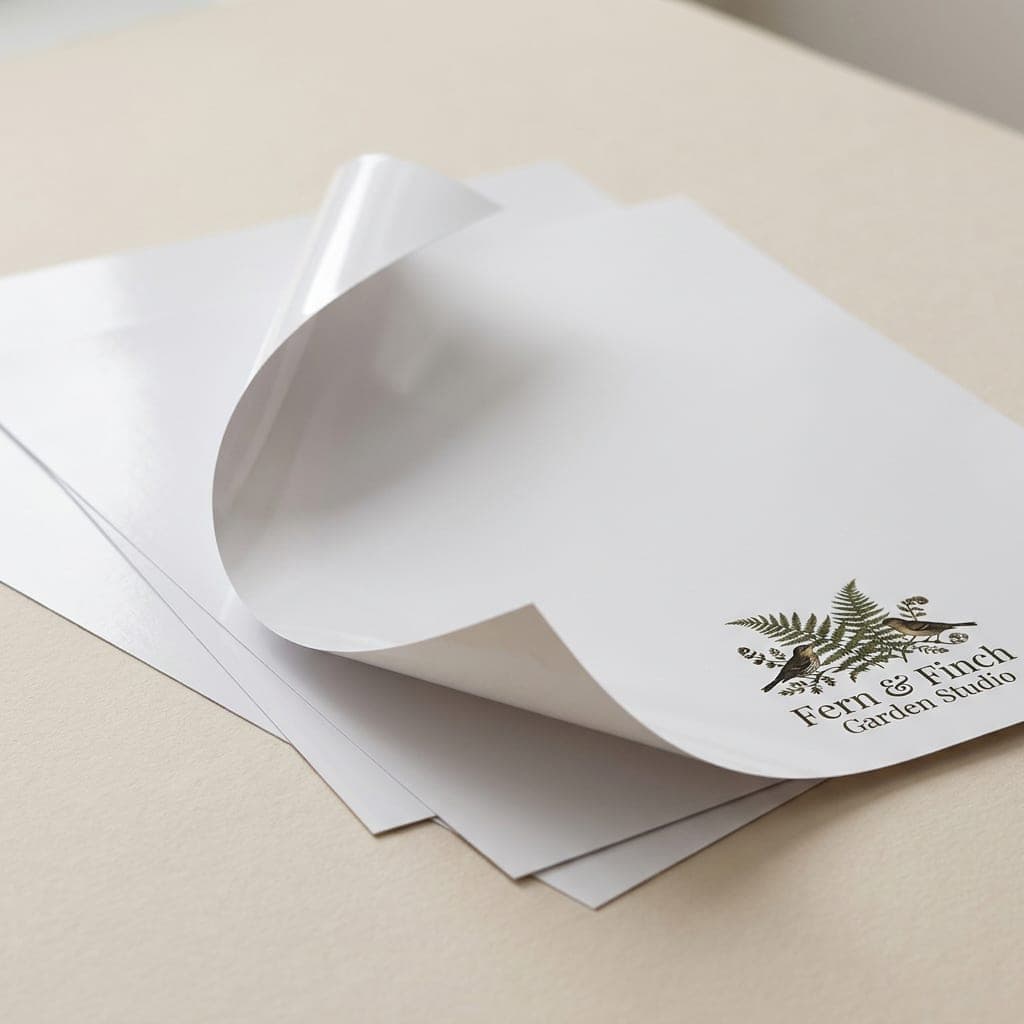
100 lb. Gloss Book
About this paperSmooth, glossy paper that keeps photo-rich brochures flexible and helps resist everyday wear.
- 100 lb. / 5 pt. paper
- Shiny surface for bright images
- Flexible feel like a catalog cover
 100 lb
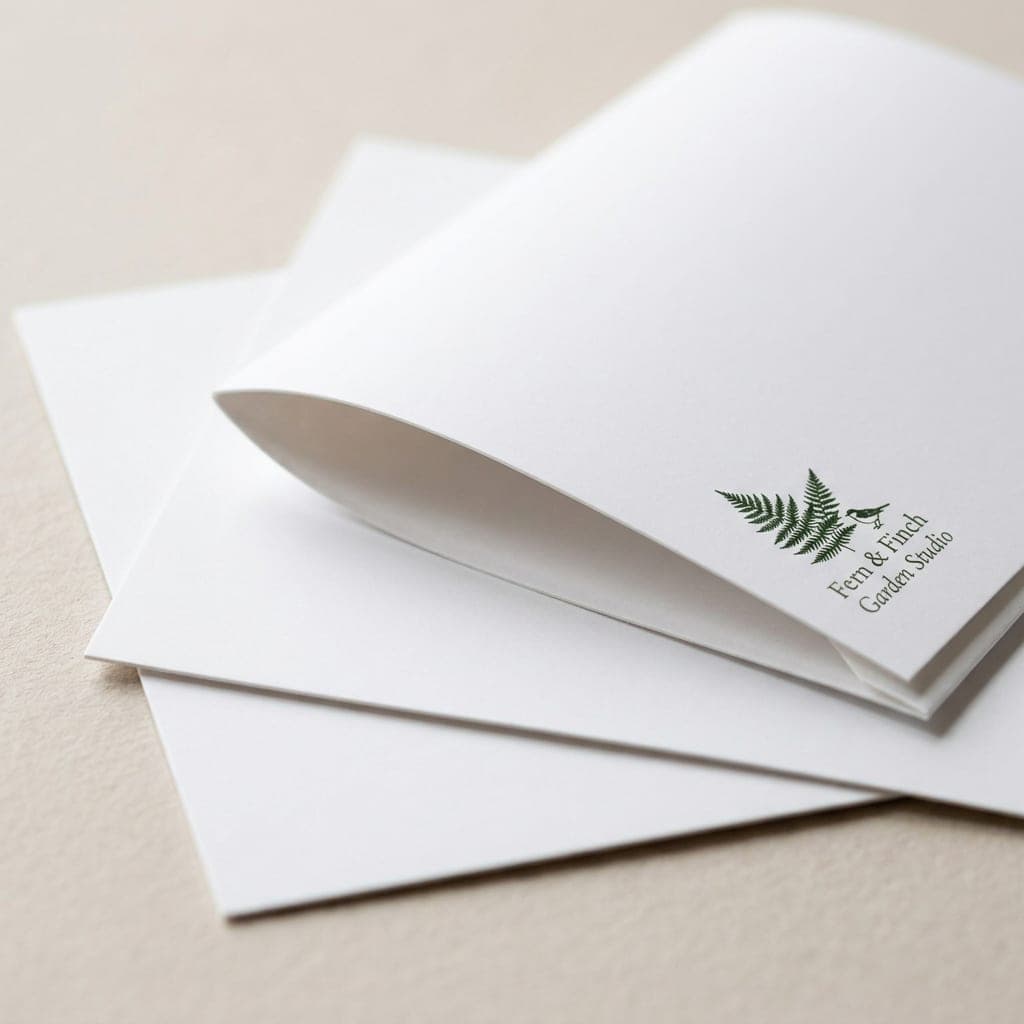
100 lb. Gloss Cover
About this paperGloss cover gives a brochure a sturdier feel while remaining flexible.
- 100 lb. / 10 pt. cover
- Gloss coating on both sides
- Rich color reproduction
- 100 lb
100 lb. Matte Cover
About this paperCrisp white cover stock with a flat finish for a softer printed appearance.
- 100 lb. / 10 pt. cover
- Clean white base
- Smooth matte finish
 70 lb
70 lb70 lb. Opaque Smooth White
About this paperBright, smooth white paper with an uncoated surface for notes and forms.
- 70 lb. / 5 pt. paper
- Smooth uncoated white surface
- Suitable for laser and inkjet printing
- 80 lb
80 lb. Gloss Book
About this paperLightweight gloss paper balances easy handling with colorful photographs.
- 80 lb. / 4 pt. paper
- Light and durable
- Gloss surface for vivid color
- 80 lb
80 lb. Matte Text
About this paperLight white text paper with a matte surface for a subdued brochure design.
- 80 lb. / 4 pt. paper
- Crisp white base
- Flat matte finish
 100 lb
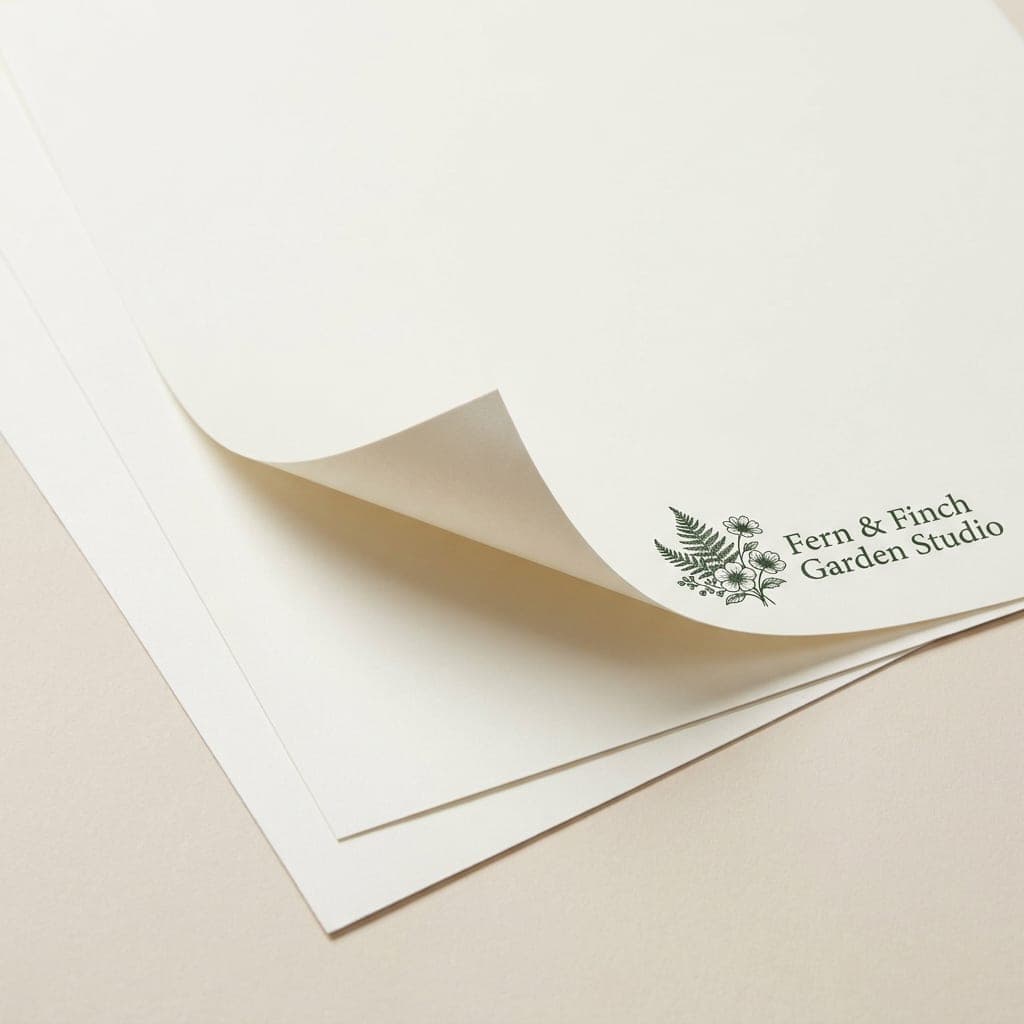
100 lb. Silk Text
About this paperSmooth text paper with a softer sheen than gloss.
- 100 lb. text weight
- Silk finish
- Flexible paper stock
 14 pt
14 pt14 pt. Coated Both Sides
About this paperOur thickest brochure stock, coated on both sides.
- 14 pt. card stock
- Coated on both sides
- More substantial than 10 pt.
- Half Fold to 4.25" x 11":
- A crease parallel to the 11" edge divides an 8.5" x 11" sheet into four tall, narrow panels.
- Half Fold to 5.5" x 8.5":
- An 8.5" x 11" sheet folded in half creates four panels for a compact service guide or menu.
- Half Fold to 8.5" x 11":
- An 11" x 17" sheet folded in half creates four broad panels with room for larger photos.
- Tri-Fold:
- Two creases divide the sheet into three panels per side, with one outside panel tucked under the cover.
- Z-Fold:
- Two creases run in opposite directions, creating three panels per side that open in a zigzag.
- Open Gate Fold:
- The outer panels fold inward toward the center, revealing a wide interior when opened.
- Closed Gate Fold:
- A gate-folded sheet folds once more down the middle for a compact cover and a gradual reveal.
- Double Parallel Fold:
- The sheet folds in half twice in the same direction, creating four panels per side.
- Double Parallel Reverse Fold:
- Two parallel folds run in opposing directions so the outer panels open away from each other.
- Roll Fold:
- Successive panels wrap inward; the tucked panels need narrower widths so the brochure closes neatly.
- French Fold (Half Fold then Half Fold):
- Fold the sheet in half, then in half across the first crease to create eight printed panels.
- Half Fold Vertical then Tri-Fold:
- Fold in half first, then fold the doubled sheet into thirds for twelve printed panels.
- Accordion Fold:
- Three alternating creases create four panels per side that open out like a concertina.
Size options describe the flat sheet before folding. Check the final panel dimensions and confirm your paper and fold pairing with our team before preparing artwork.
Prepare separate outside and inside layouts. Keep text clear of every crease, and make a folded paper mockup to check the cover, back panel and reading order. Request panel guides for folds with unequal panel widths.
- Bleed:
- Extend backgrounds 0.125 in beyond every trim edge. Build the artwork at the flat sheet size, not the folded size.
- Safe zone:
- Keep text and logos at least 0.125 in inside the trim and clear of each fold. Use fold-specific panel guides for crease positions.
- Resolution:
- Prepare images at 350 dpi at their final printed size.
- Color mode:
- Prepare print artwork in CMYK. Screen colors can differ from printed colors.
- File formats:
- Print-ready PDF is preferred; PNG, JPG and TIFF are also accepted. Embed or outline fonts in PDFs and flatten image layers before export.
- Panel layout:
- Provide one flat layout for the outside and one for the inside. Check which panel is the cover and which is the back. Roll folds and tucked tri-fold panels may need unequal widths; do not divide every sheet into equal panels.
- Closed gate fold:
- Avoid text and important images crossing the meeting edges of the gate panels. Make a folded paper mockup to check alignment and reading order.
- Instant online proof:
- Upload your print-ready file to preview and approve its placement online. Check spelling, images, trim, folds and orientation carefully before approving.
- Manually reviewed PDF proof:
- Request a file review from our team if you need help checking print specifications. We will contact you about file issues and provide a proof for approval before printing. Ask for current proof timing.
- Included file processing:
- Printing includes processing one set of artwork and preparing one proof. Track your order through your account. File corrections and holiday schedules can affect production timing.
- Proof review:
- Review the digital proof for spelling, orientation, panel order, trim and folds before approval. File corrections can affect the production schedule; ask our team for current timing.
Check the exact size and fold before exporting. Hole drilling and die cutting are not listed brochure options. Contact our team if your artwork needs a panel guide or you need help preparing the two sides.
- 6" x 9":
- Half Fold, Trifold. Ask our team for the panel guide for your chosen fold.
- 7" x 14":
- Half Fold Horizontal, Half Fold Vertical, Trifold, Z Fold. Ask our team for the panel guide for your chosen fold.
- 8.5" x 11":
- Half Fold 5.5" x 8.5" Horizontal, Half Fold 4.25" x 11" Vertical, Trifold, Z Fold. Ask our team for the panel guide for your chosen fold.
- 8.5" x 14":
- Half Fold Horizontal, Trifold, Z Fold, Open Gate Fold, Closed Gate Fold, Double Parallel Fold, Double Parallel Reverse Fold, Roll Fold (4 Panel), Accordion Fold (4 Panel). Ask our team for the panel guide for your chosen fold.
- 9" x 12":
- Half Fold Horizontal, Half Fold Vertical, Trifold, Z Fold, Roll Fold (4 Panel), Accordion Fold (4 Panel). Ask our team for the panel guide for your chosen fold.
- 9" x 16":
- Half Fold, Trifold, Z Fold, Open Gate Fold, Closed Gate Fold, Double Parallel Fold, Double Parallel Reverse Fold, Roll Fold (4 Panel), Accordion Fold (4 Panel). Ask our team for the panel guide for your chosen fold.
- 11" x 17":
- Half Fold, Trifold, Z Fold, Open Gate Fold, Closed Gate Fold, Double Parallel Fold, Double Parallel Reverse Fold, Roll Fold (4 Panel), Half Fold then Half Fold, Half Fold then Trifold, Accordion Fold (4 Panel). Ask our team for the panel guide for your chosen fold.
- 11" x 25.5":
- Trifold. Ask our team for the panel guide for your chosen fold.
- 12" x 18":
- Half Fold, Trifold, Z Fold, Open Gate Fold, Closed Gate Fold, Double Parallel Fold, Double Parallel Reverse Fold, Roll Fold (4 Panel), Half Fold then Half Fold, Half Fold then Trifold, Accordion Fold (4 Panel). Ask our team for the panel guide for your chosen fold.
Use these size and fold choices to plan your layout. Our free design examples provide inspiration; select a gallery tile to request design services for your business.
Extend backgrounds 0.125 in beyond trim, keep key content clear of folds, use 350 dpi images in CMYK, flatten layers, and embed or outline fonts. Upload PDF, PNG, JPG or TIFF. Contact our team for a panel guide before finalizing a complex fold.
Print a folded mockup to check the cover, inside and back. Tucked panels may need different widths. Our team can help arrange your logo, text and photos for the selected size and fold.
Honest Pricing Guarantee
Choose your size, stock, fold and quantity to see the printing subtotal before checkout. Shipping is shown separately so you can review the complete cost.
Our Low Price Promise
We aim to keep brochure printing affordable with clear, competitive pricing. Ask our team to review your specifications and help you compare options for your budget.