Photo Books
Custom photo books made to order by Minute Marketing: softcover or hardcover, perfect or layflat binding, in four sizes, printed on satin photo paper.
- Photo Book Options:
- Five formats with cover, binding, inside paper and page limits listed below. Page counts increase in two-page steps.
- 7" x 7" Photo Book:
- Softcover (Soft Touch)
- Perfect Binding
- Satin Photo Paper
- 20–140 pages
- 8" x 8" Layflat Photo Book:
- Hardcover (Soft Touch)
- Layflat binding
- Satin Photo Paper (Thick)
- 20–72 pages
- 8" x 8" Perfect-Bound Photo Book:
- Hardcover (Soft Touch)
- Perfect Binding
- Glossy Photo Paper
- 20–80 pages
- 9" x 9" Photo Book:
- Hardcover (Soft Touch)
- Perfect Binding
- Glossy Photo Paper
- 20–80 pages
- 8.25" x 10.75" Photo Book:
- Softcover (Glossy)
- Perfect Binding
- Glossy Photo Paper
- 20–160 pages
- Sizes:
- 7" x 7"
- 8" x 8"
- 9" x 9"
- 8.25" x 10.75"
- Cover Types:
- Softcover (Soft Touch): 7 x 7
- Softcover (Glossy): 8.25 x 10.75
- Hardcover (Soft Touch): 8 x 8 and 9 x 9
- Layflat Hardcover (Soft Touch): 8 x 8
- Inside Paper Types:
- Satin Photo Paper
- Satin Photo Paper (Thick)
- Glossy Photo Paper
- Tell Your Story in Print:
- Gather wedding, engagement, baby or travel photos into an album to share or give as a birthday, anniversary or holiday gift. Choose a format first, then plan the pictures and captions for each page.
- Proofs:
- A digital proof for every order. Nothing prints until you approve it.
- Delivery:
- Local pickup or shipping. Rates and any sales tax are shown before you pay.
- More Info:
- Start with 20 pages and add pairs of pages up to the limit for your format: 140 for 7 x 7, 72 for layflat, 80 for perfect-bound hardcovers or 160 for portrait softcovers. Select the page count before preparing your complete artwork.
- Perfect binding joins the pages at the spine. Keep faces and captions clear of the binding edge; the 8 x 8 hardcover also offers layflat binding for photographs across facing pages.
- Use one large image, a panoramic composition or a collage to suit each part of your story. Add dates, captions and backgrounds in your page-layout software, or ask our designers for help.
- Upload your complete book after you order as one PDF in reading order. Keep your source files so you can make changes, and review every page of the proof before approving printing.
- Choose satin, thick satin or glossy photo paper according to your book format. Choose the softcover or hardcover and binding combination shown in the format chart.
Every inside paper option is printed in full color.
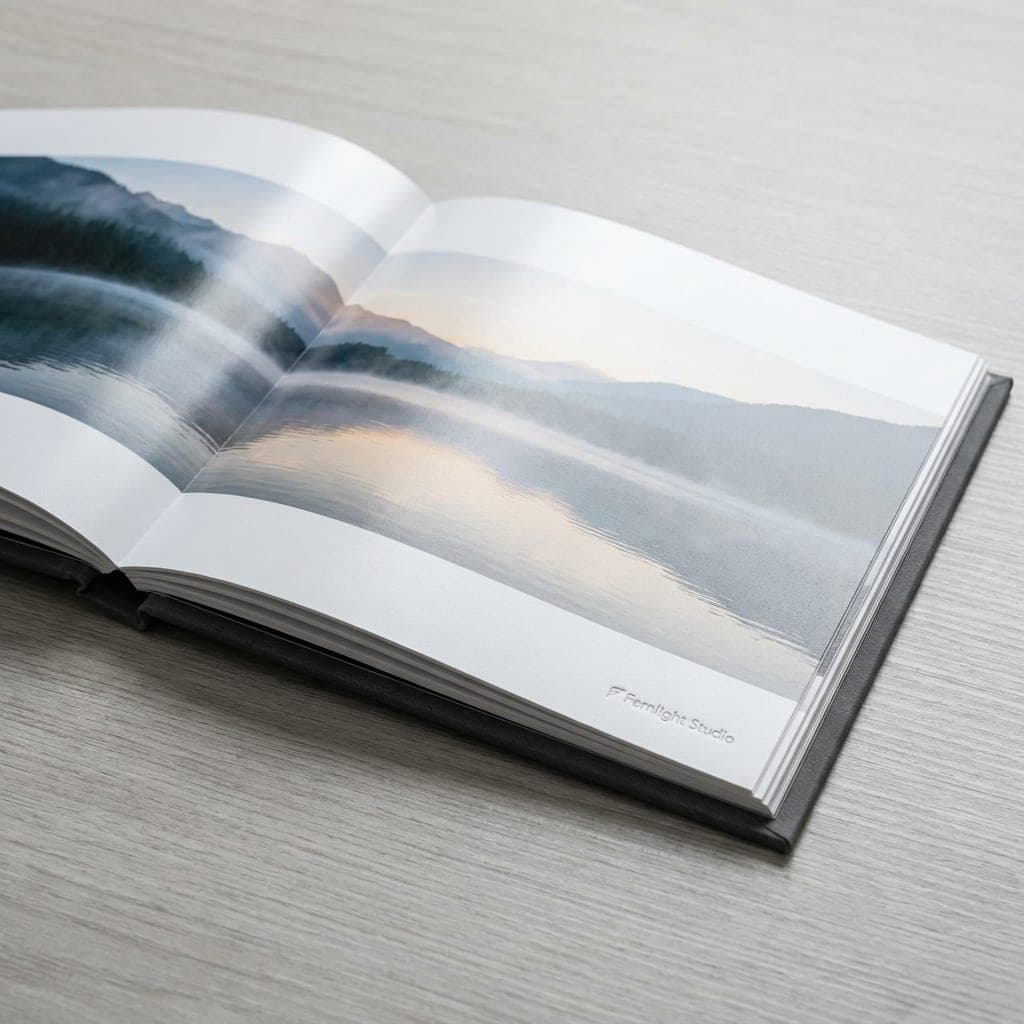
Satin Photo Paper
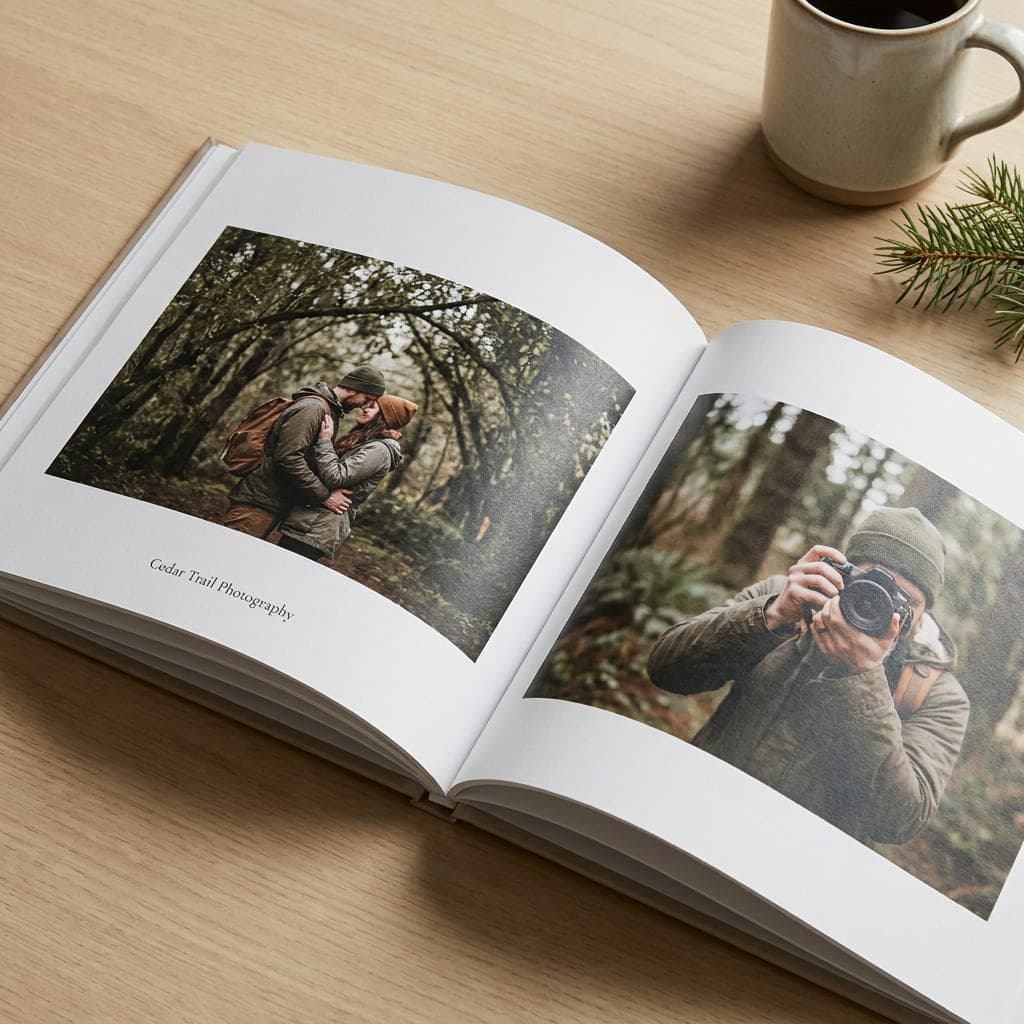
Satin photo paper gives the inside pages a soft sheen for photographs and captions.
- Satin surface
- Photo paper for inside pages
- For 7 x 7 soft-touch softcover books
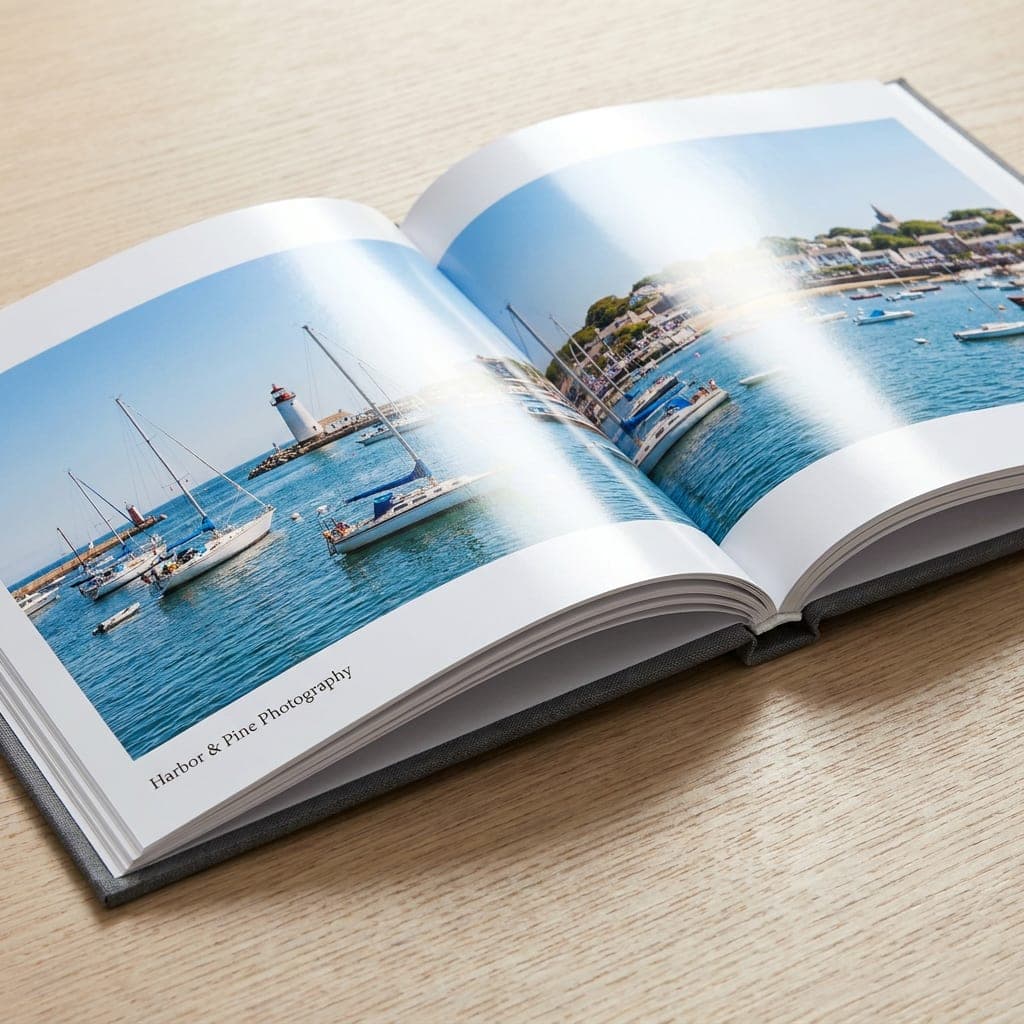
Satin Photo Paper (Thick)
Thicker satin photo pages support seamless facing-page photographs in the 8 x 8 layflat book.
- Satin surface
- Thicker photo paper
- For 8 x 8 hardcover layflat books
Glossy Photo Paper
Glossy photo paper gives photographs a bright, reflective surface in perfect-bound hardcovers and portrait softcovers.
- Glossy surface
- For 8 x 8 and 9 x 9 perfect-bound hardcovers
- For 8.25 x 10.75 glossy softcovers
Cover Type

Softcover (Soft Touch)
- Velvety soft-touch feel
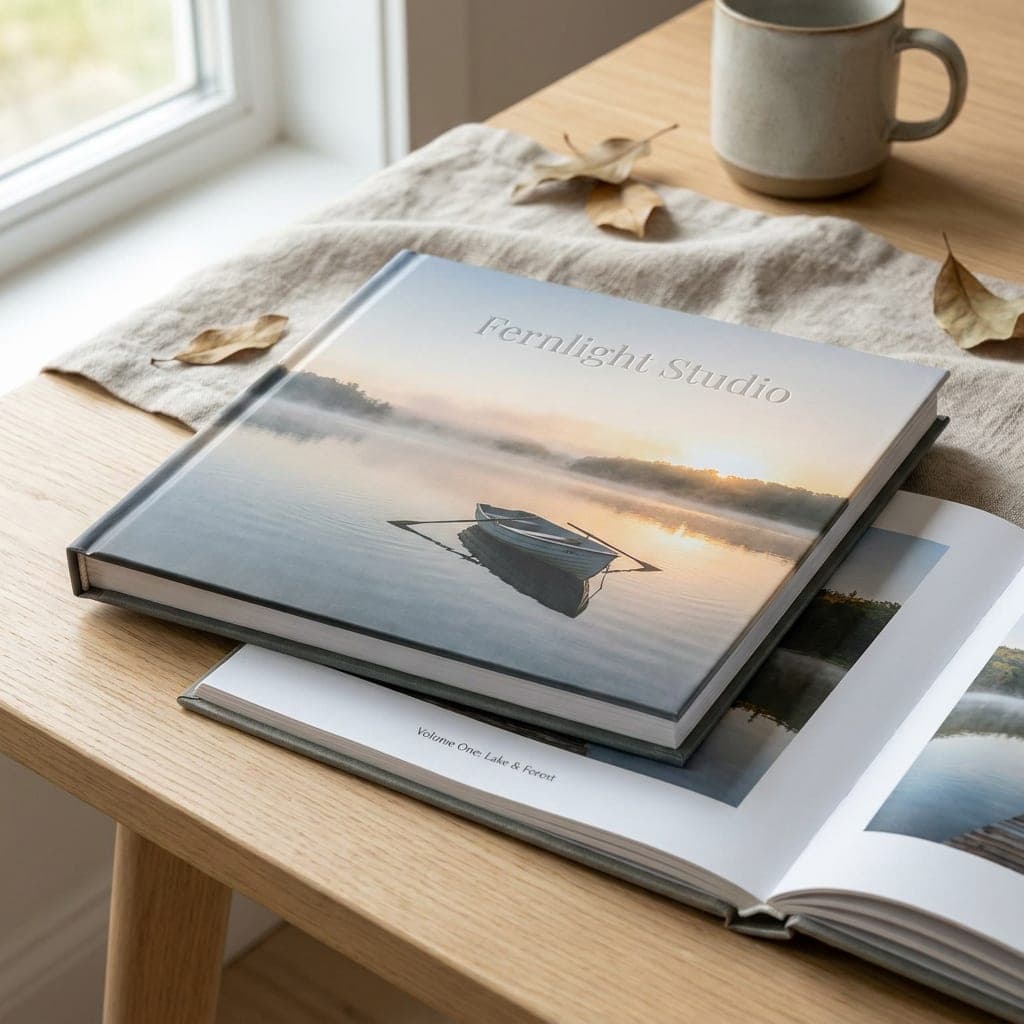
Hardcover (Soft Touch)
- Velvety soft-touch feel
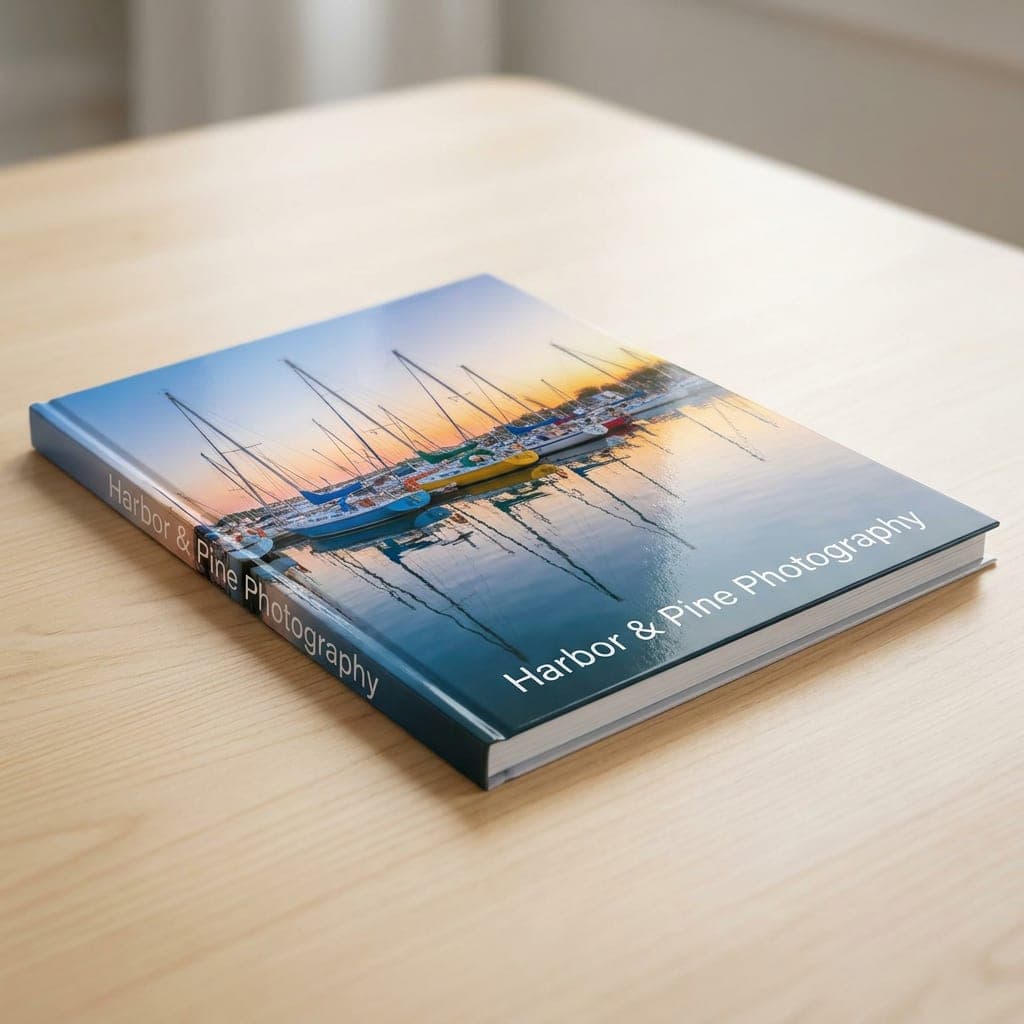
Softcover (Glossy)
- High-shine gloss
- Bleed:
- Extend backgrounds 0.125" beyond every trim edge. With bleed, a 7 x 7 page is 7.25 x 7.25 inches; 8 x 8 is 8.25 x 8.25; 9 x 9 is 9.25 x 9.25; 8.25 x 10.75 is 8.5 x 11.
- Safe Zone:
- Keep text, page numbers and faces at least 0.125" inside the trim. Allow extra clearance at the binding edge; confirm the gutter with our team.
- Resolution:
- Use 300 dpi images at their final printed size. Enlarging a small image does not restore missing detail.
- Color Mode:
- Prepare artwork in CMYK. Review photographs with the difference between screen and printed color in mind.
- File Formats:
- PDF, PNG, JPG and TIFF are accepted artwork formats. For this multi-page product, combine the complete book into one print-ready PDF for upload after you order.
- Page Order:
- Export individual pages in reading order and include intentional blanks. Confirm cover surfaces and inside-page counting with our team before export. Do not impose printer spreads.
- Cover and Spine:
- Confirm the cover dimensions, spine width and any wrap or hinge allowances for your selected cover, binding and page count. Do not use the inside-page dimensions for a complete cover layout.
- Facing Pages:
- Check alignment across facing pages. Keep important details away from the center of perfect-bound books. For layflat artwork, confirm how to supply a continuous image across pages.
- Fonts and Proof:
- Embed or outline fonts. Check page order, captions, image quality, crop, cover position and blank pages in your digital proof before approving it.
Ask us for the production template for your exact size and configuration before designing. Request a matching template.
Frequently Asked Questions
What sizes are available for Photo Books?
Size: 7" x 7", 8.25" x 10.75", 8" x 8", 9" x 9". Some options depend on the other choices in your order; the order form shows compatible combinations.
What papers or materials can I choose for Photo Books?
Inside Paper: Satin Photo Paper, Satin Photo Paper (Thick), Glossy Photo Paper. Choose from the materials shown for your selected configuration. Ask our team if you need help comparing them.
Which finishes are offered for Photo Books?
A separate coating or finish is not listed for Photo Books. If you need a particular surface or decoration, include it in a quote request so our team can confirm whether it is available.
How should I prepare artwork for Photo Books?
Prepare artwork for the selected Photo Books size and print area. Ask our team for the correct template and bleed requirements before exporting; these depend on the product and decoration method. Keep important text clear of trim, seams and finishing areas, and include your artwork with your inquiry if you need a file check.
Will I see a proof of my Photo Books before printing?
Yes. Review the digital proof for your Photo Books order and check spelling, layout, size and placement. Request corrections if needed. Printing starts after you approve the proof.
How do I order or reorder Photo Books?
Open the Photo Books order page, choose your options and quantity, and add your artwork or request design help. Review the price for your choices before checkout. To reorder, use the reorder option in your account or share your previous order number with our team; confirm the current specifications and price before approving.
Can I have Photo Books shipped or pick it up locally?
Local pickup or shipping is available for Photo Books. Choose from the delivery options offered at checkout, where shipping charges are shown for your destination. Contact our team if your project needs special delivery arrangements.
How is bulk pricing handled for Photo Books?
Listed quantities for Photo Books include 1, 2, 3, 4, 5, 6, 7, 8, 9, 10, 11, 12, 13, 14, 15, 16, 17, 18, 19, 20, 21, 22, 23, 24, 25, 26, 27, 28, 29, 30, 31, 32, 33, 34, 35, 36, 37, 38, 39, 40, 41, 42, 43, 44, 45, 46, 47, 48, 49, 50, 51, 52, 53, 54, 55, 56, 57, 58, 59, 60, 61, 62, 63, 64, 65, 66, 67, 68, 69, 70, 71, 72, 73, 74, 75, 76, 77, 78, 79, 80, 81, 82, 83, 84, 85, 86, 87, 88, 89, 90, 91, 92, 93, 94, 95, 96, 97, 98, 99, 100. Choose a quantity to see the price for your configuration; available quantities can depend on your other options. For larger runs or quantities not shown, request a quote.
Honest Pricing Guarantee
We keep pricing clear and competitive. Choose your book specifications to see the subtotal before shipping and tax, and contact us with questions before ordering.
Our low-price promise means straightforward quotes and help finding an affordable format for your project. Current preview prices are samples; ask our team for a confirmed quote.