Appointment Cards
Send customers home with a clear reminder of their next visit and an easy way to reach you.
Starting at $31.07Sample pricing
Shop Now
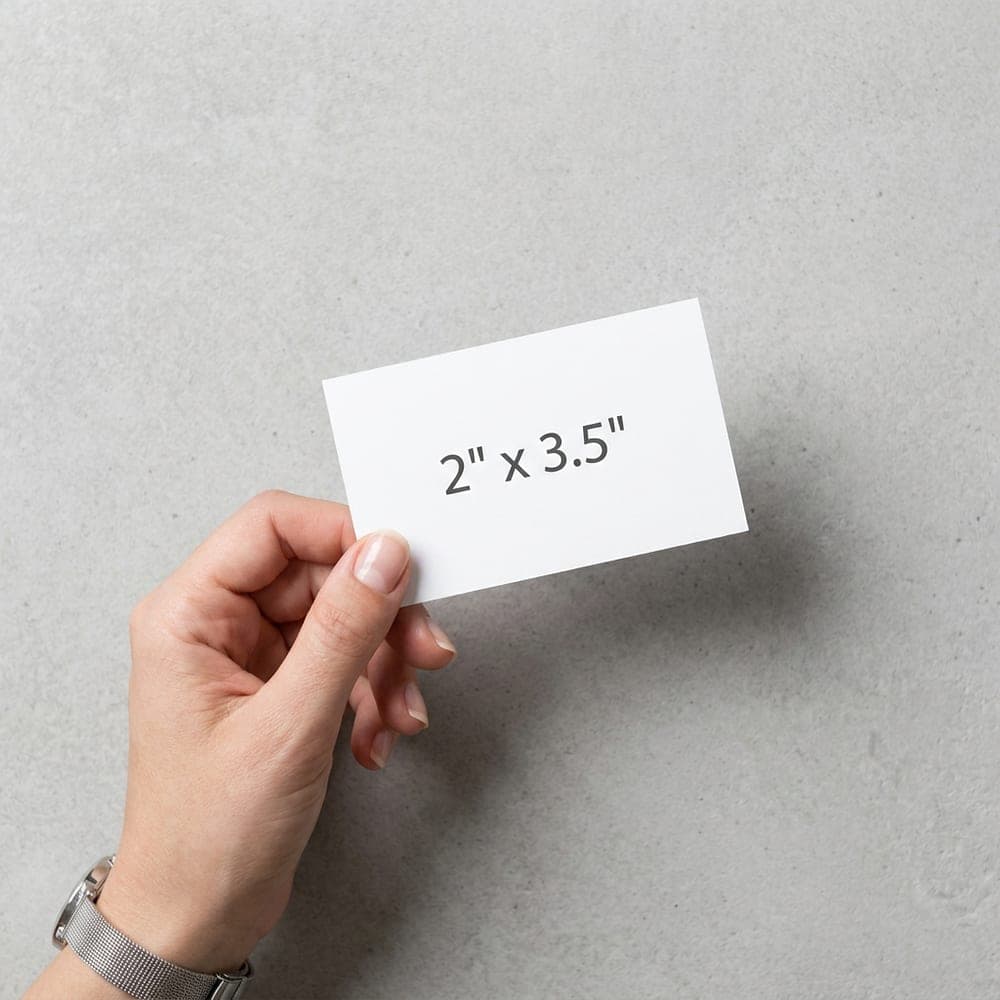
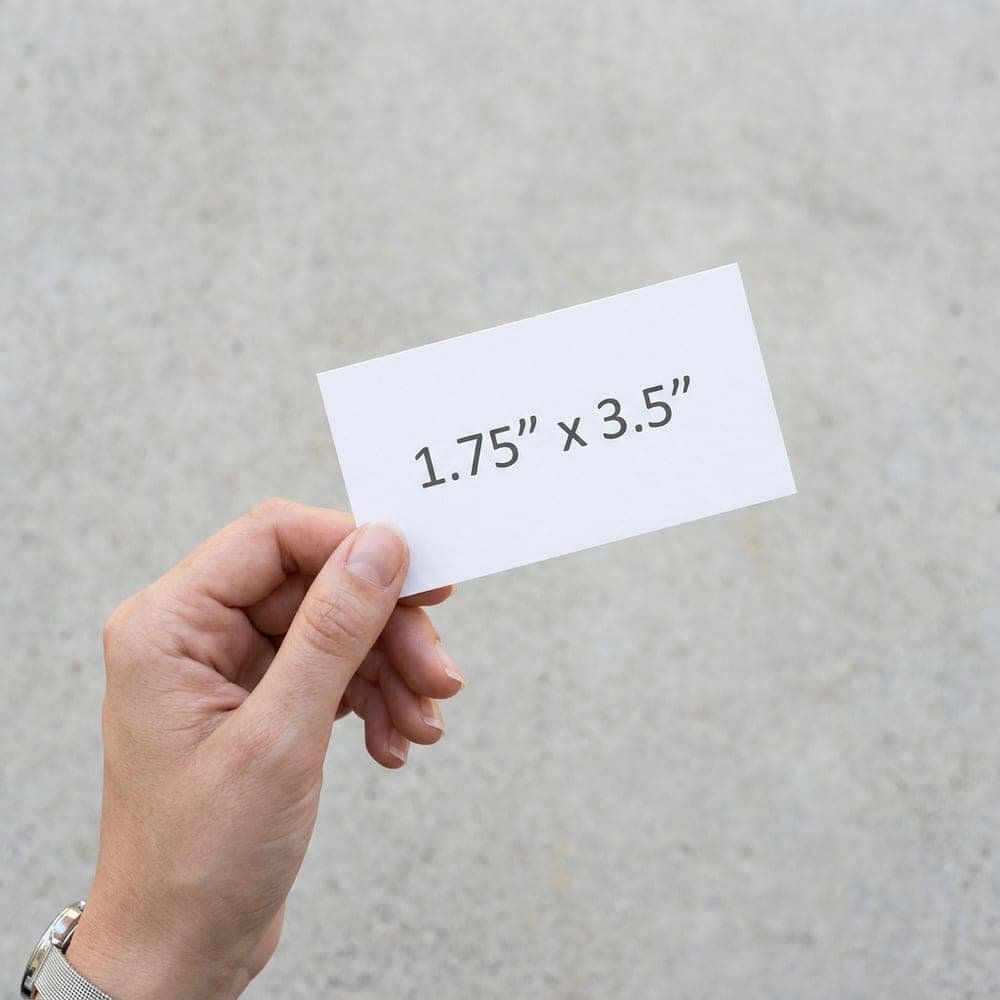
Shop by Size
Shop by Paper
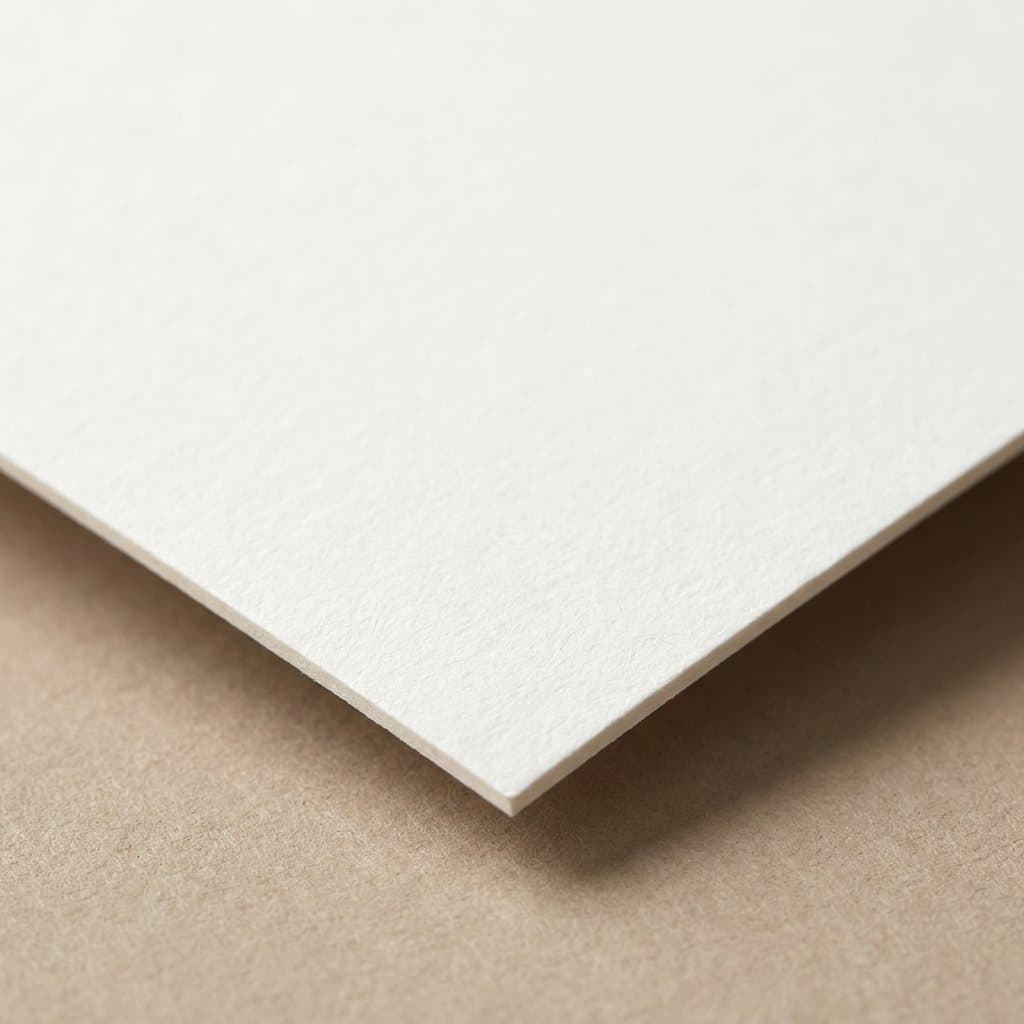
Make the next visit easy to remember
A reminder card works best when the date, time and contact number are easy to find.
- Leave space to write
Add blank lines for the date, time and provider. Choose uncoated paper and leave that area free of coatings or raised finishes.
- Help customers get in touch
Include your business name, phone number and address. A booking link can help customers check details or arrange their next visit.
- Keep the reminder separate
Use one side for your business details and the other for the appointment. Check that the writing area is large enough before approving your proof.
Choose Your Card Quantity
- 100 Business CardsStart with 100 cards for a new business, a fresh design or a few upcoming introductions.View 100 Business Cards
- 250 Business CardsKeep 250 business cards ready for customer visits, local events and everyday introductions.View 250 Business Cards
- 500 Business CardsOrder 500 business cards to stock your counter and stay ready for a busy season of new contacts.View 500 Business Cards
- 1,000 Business CardsPlan ahead with 1,000 business cards for steady customer traffic and larger events.View 1,000 Business Cards
- All Business CardsBrowse every size, finish and paper.See all Business Cards
- Start an orderChoose your options and upload your design.Order Business Cards
- Satisfaction GuaranteeLearn more
- Free Sample KitRequest now
- Honest Pricing GuaranteeLearn more
Need help with your design?
Upload your artwork when you order or after checkout. We send a proof for approval before printing. If you need a layout made for your business, our team can help.
Explore design servicesFrequently Asked Questions
What paper should I choose for handwritten appointments?
Start with an uncoated stock. This page opens with 14 pt uncoated paper and no coating selected. Natural uncoated and linen papers are also shown here. Request a free sample kit if you want to try your usual pen first.
What should go on an appointment reminder card?
Include your business name and phone number, plus clear spaces for the appointment date and time. Add an address or booking link if your customers need it.
Can I print on both sides?
Yes. The order form opens with full color on both sides selected, so you can separate your contact details from the handwritten reminder. You can change the printed sides before ordering.
How do I prepare my appointment card artwork?
Send a PDF, PNG, JPG or TIFF at 300 dpi. Add 0.125" bleed on every edge and keep text at least 0.125" inside the trim. Upload when ordering or after checkout; printing follows proof approval.