





50+ Years In Printing
Professional high-quality custom printing for large and small businesses.
Request a quote
same day Rush Printing
Online Ordering

Every Day Best Prices
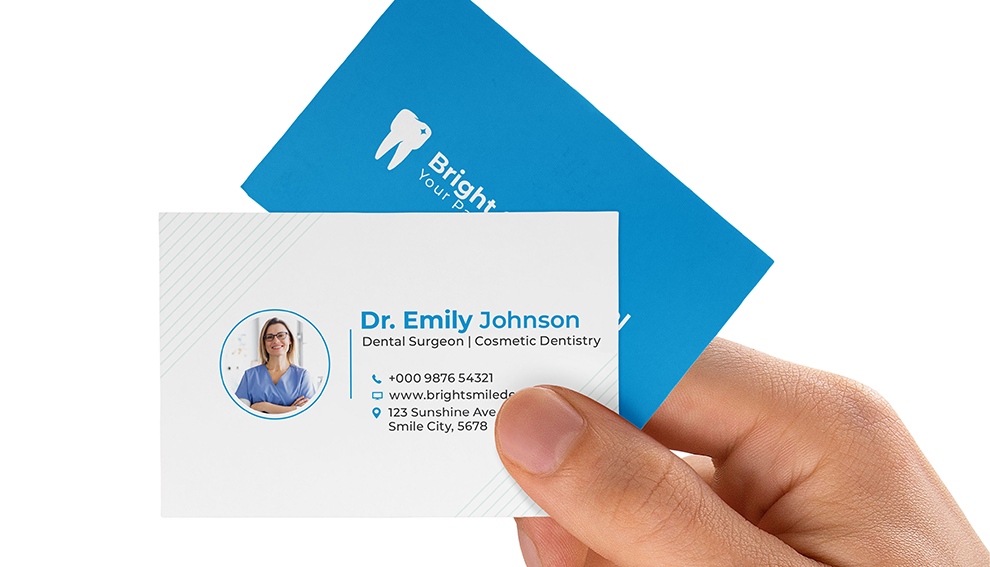

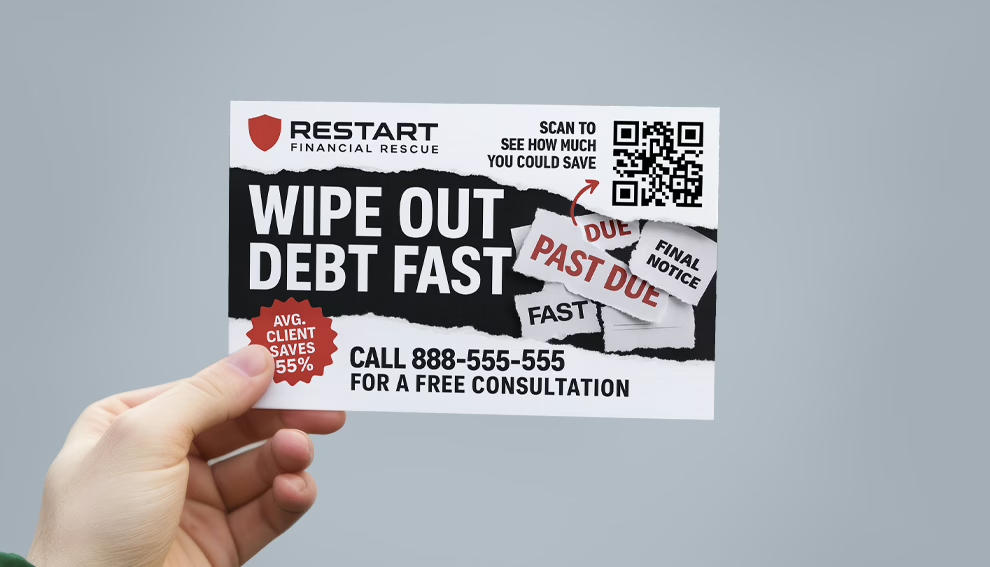
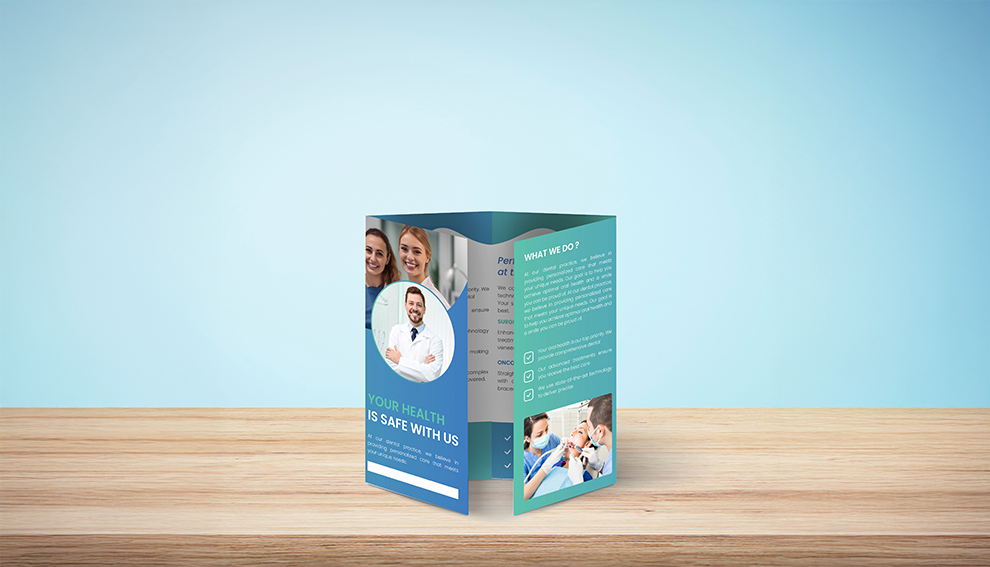
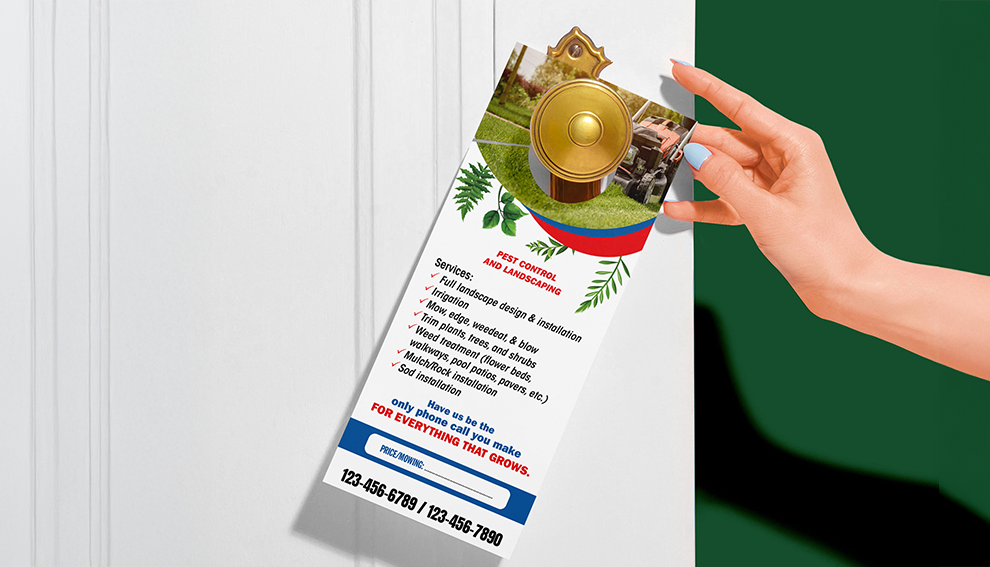
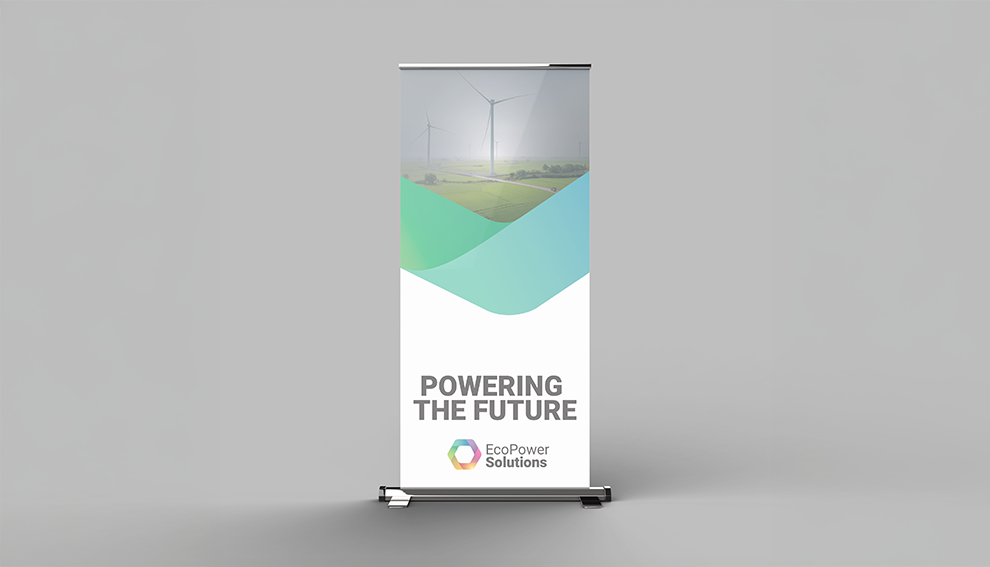
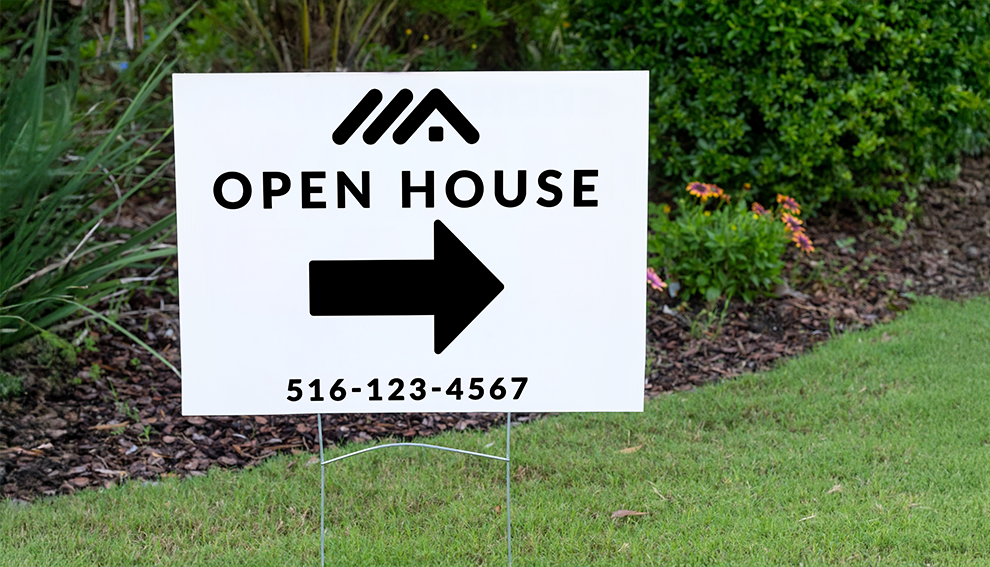
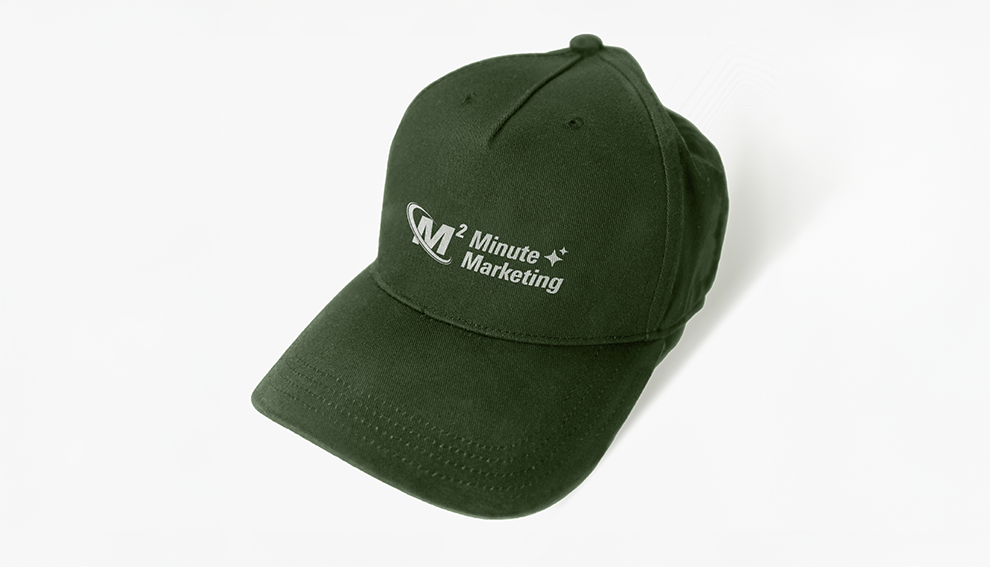
Marketing Prints for Businesses
Professional high-quality custom printing for large and small businesses.

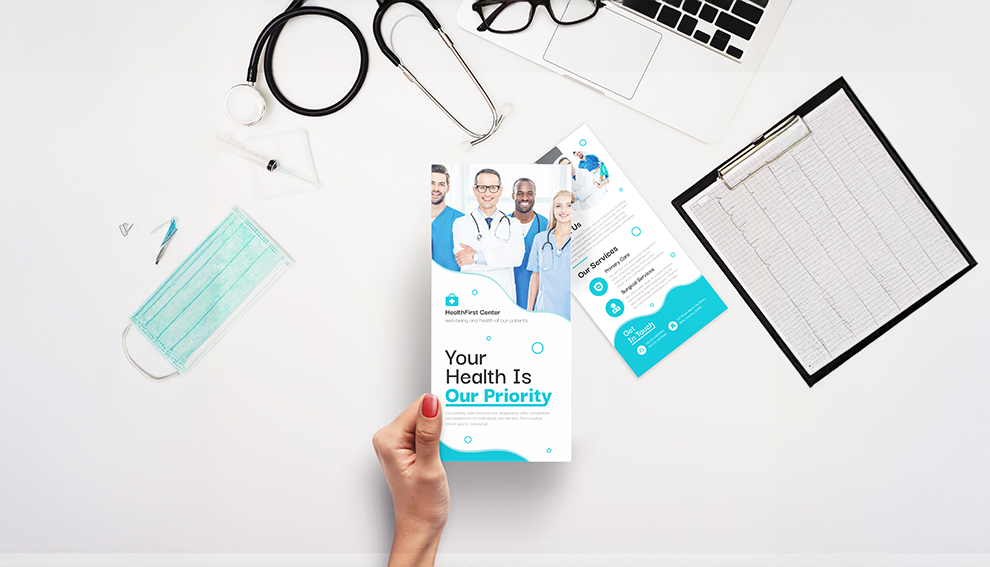
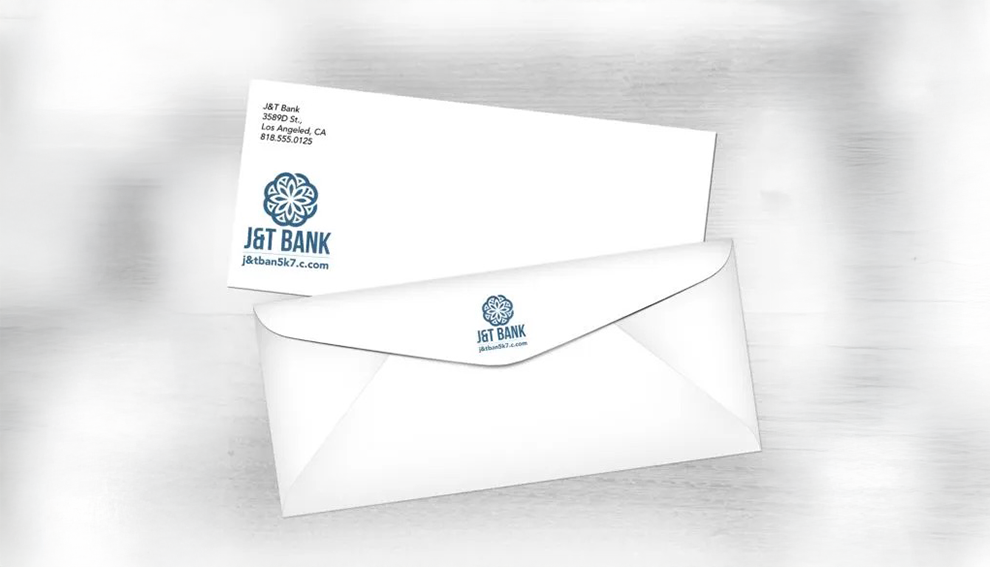
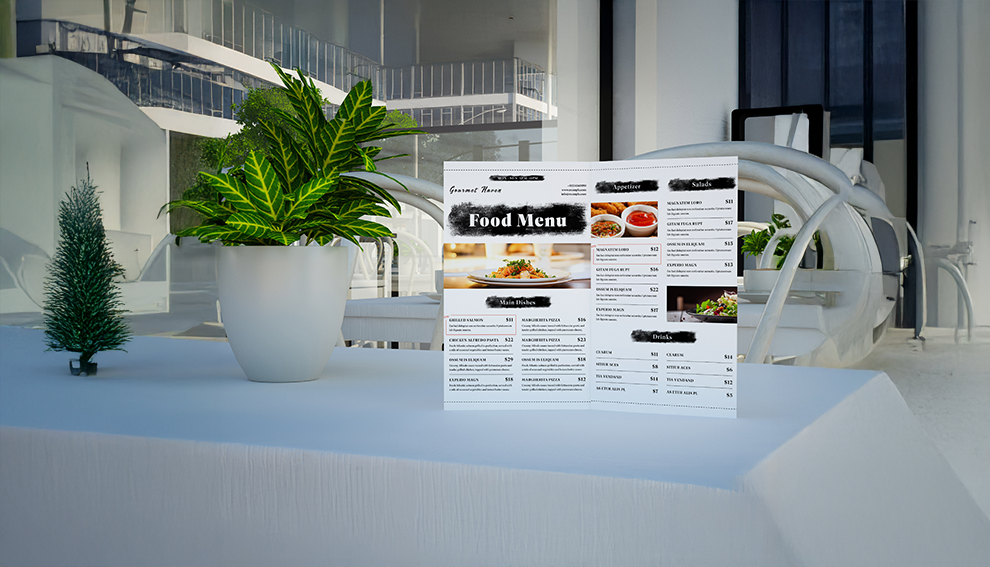
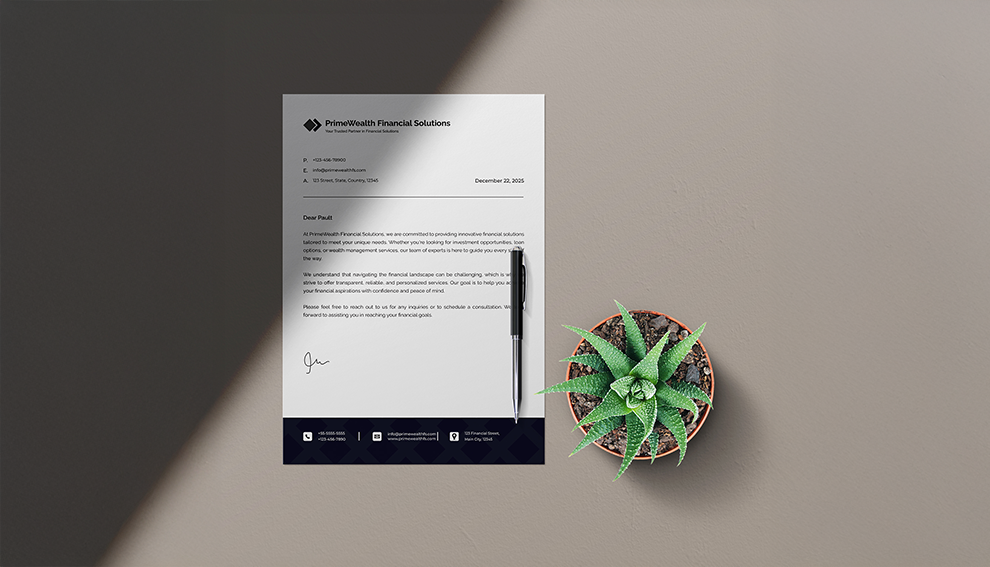
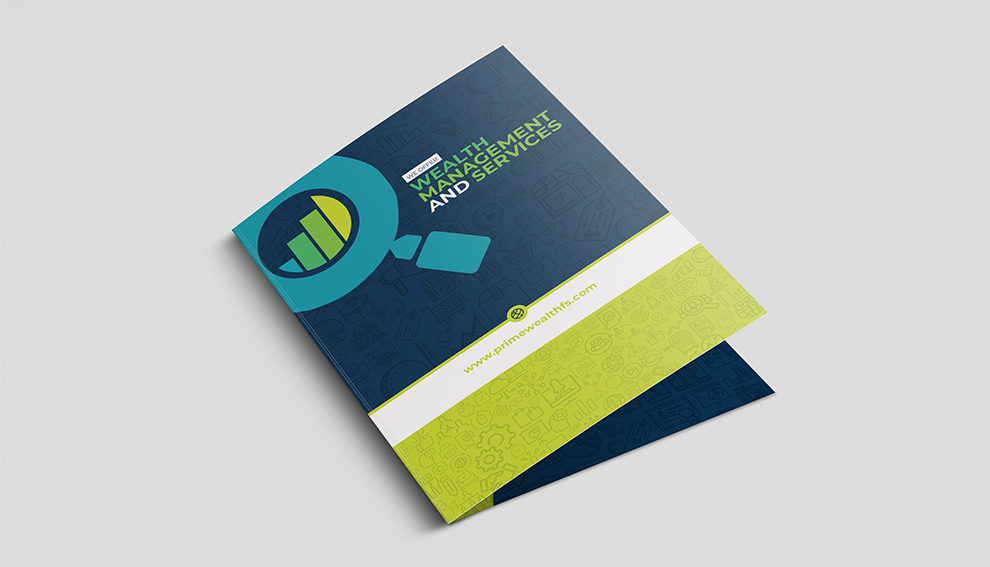
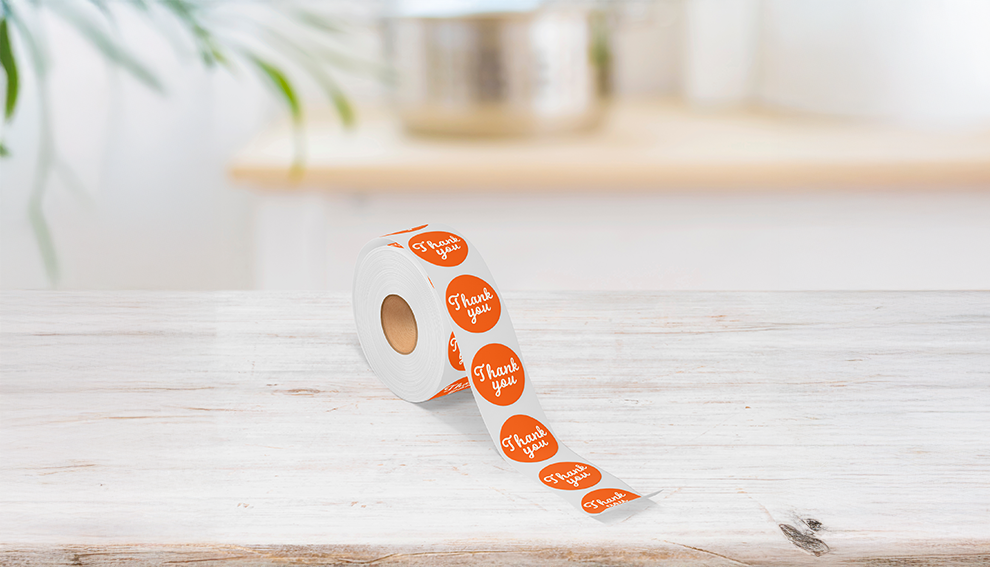

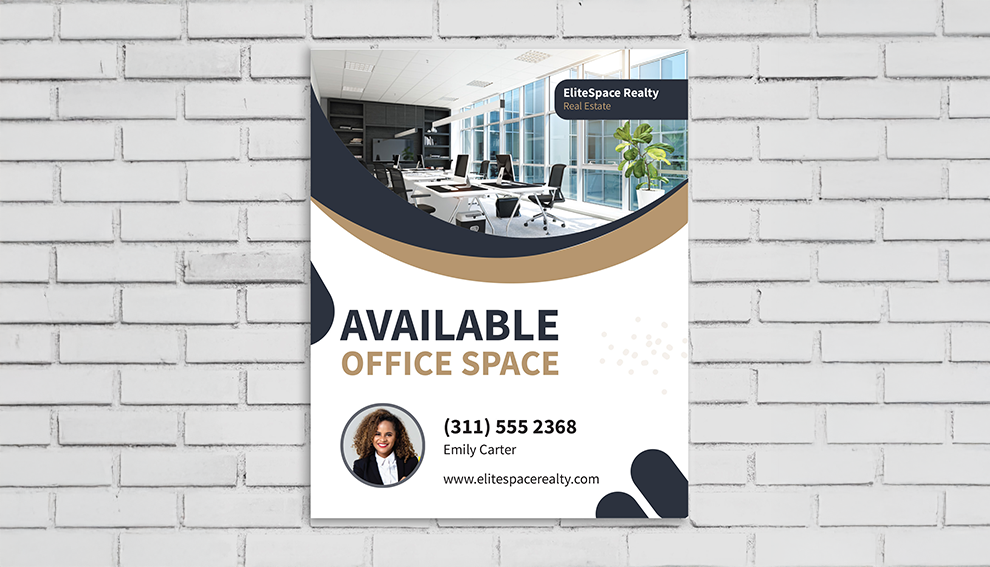
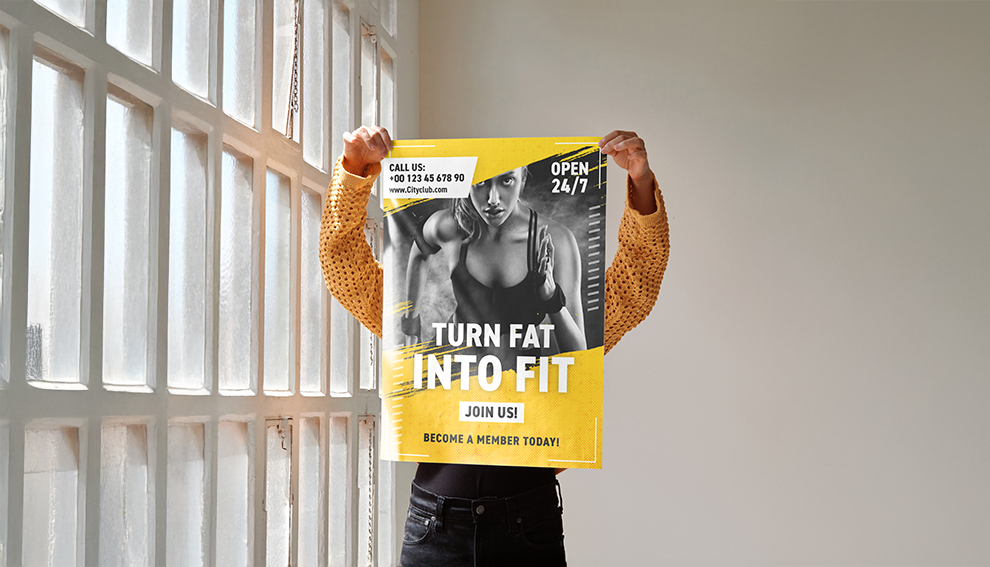

Custom Design Services
A design made just for you! Our in-house design team is ready to assist you in creating the prints you\’ve envisioned.

FAQs
What file format should I use when submitting my electronic document for printing?
PDF (Portable Document Format) is the most common and preferred file format for submitting digital documents. With the installation of a PDF print driver on your computer, virtually any program can generate a PDF file suitable for printing. Both commercial and free PDF print drivers are available online for download from different sources. Although PDF files are recommonded, we do accept .TIFF, high resolution .JPG, .AI, .PSD, .PNG, & .EPS files too.
What is a proof and why is it important that I look at it?
In printing terms, a proof is a one-off copy of your document after all modifications and printing setup processes have been completed. It is your last and best opportunity to make sure that the print job comes out the way you want. By carefully inspecting the proof, you can help us assure an accurate, flawless delivery of your print job on the first run. Please note, that approving the proof is also you agreeing to the terms and conditions of the final product. Any mistakes or changes that you do not point out in the proof, will not be In The Mix’s responsibility.
Why do the printed colors look different from the colors on my screen?
In short, printers and monitors produce colors in different ways. Monitors use the RGB (red, green, blue) color model, which usually supports a wider spectrum of colors. Printers use the CMYK (cyan, magenta, yellow, black) color model, which can reproduce most—but not all—of the colors in the RGB color model. Depending on the equipment used, CMYK generally matches 85–90% of the colors in the RGB model. When a color is selected from the RGB model that is out of the range of the CMYK model, the application chooses what it thinks is the closest color that will match. Programs like Adobe Photoshop will allow you to choose which color will be replaced. Others may not.
What are basic things I should know when preparing my print file?
Make sure it’s set at 300 dpi (do this prior to creating the art), set the file to CMYK mode, use bleeds and margins, outline/embed any and all fonts you use!
What does the term or word “bleed” mean?
In printing, the term “bleed” refers to the area of a printed piece that extends beyond the edge of the finished page. This is done to ensure that any images or colors that run off the edge of the page will still be visible after the piece is cut down to its final size. For example, if a design contains a full-page background image that goes all the way to the edge of the page, it would be set up with a bleed to ensure that no white borders appear after the final trimming. This is a common practice in printing industry to avoid any misalignment or white borders around the image in the final product.
What does RGB and CMYK mean?
CMYK and RGB are two different color models used in printing and digital media.CMYK stands for Cyan, Magenta, Yellow, and Key (black) and is a subtractive color model used in printing. The colors are mixed together to create various shades, and the colors are absorbed by the paper, resulting in the final printed image.RGB stands for Red, Green, and Blue and is an additive color model used in digital media such as computer monitors and televisions. The colors are combined to create various shades and the colors are emitted by the screen, resulting in the final image.In general, CMYK is used for printing and RGB for digital display. This is because the color gamut (the range of colors) of CMYK is smaller than RGB, and some colors that can be displayed on a screen can’t be reproduced in print, because the inks that are used in printing are limited. So, when you design something that will be printed it’s good practice to convert it to CMYK, and if it’s going to be displayed on a screen, it’s good to keep it in RGB.
What color mode should my files be?
If you send us an RGB file, there is a chance that a color shift may occur and you may not be satisfied with your job. You should always start and finish your designs in CMYK color mode.
What resolution should my file be?
Low resolution files may be printed as is or will be placed on hold until we receive new files, slowing your turn-around.
Reviews
Flawless Quality
— Jenna M., Marketing Director
Perfect for Direct Mail
— Natalie R., Dental Practice Manager
Exceeded Expectations
— Malik J., Consultant
Highly Recommend
— Amanda B., Law Firm Administrator
Great Experience from Start to Finish
— Eli S., Event Planner
Outstanding Results
— Brian F., Small Business Owner
Affordable & Professional
— Denise L., Realtor
Fast and Reliable
— Tom C., Gym Owner
Discuss your next campaign
Confirm the current options, scope and availability for your project.